Tutorials and guides for building better forms in Framer.
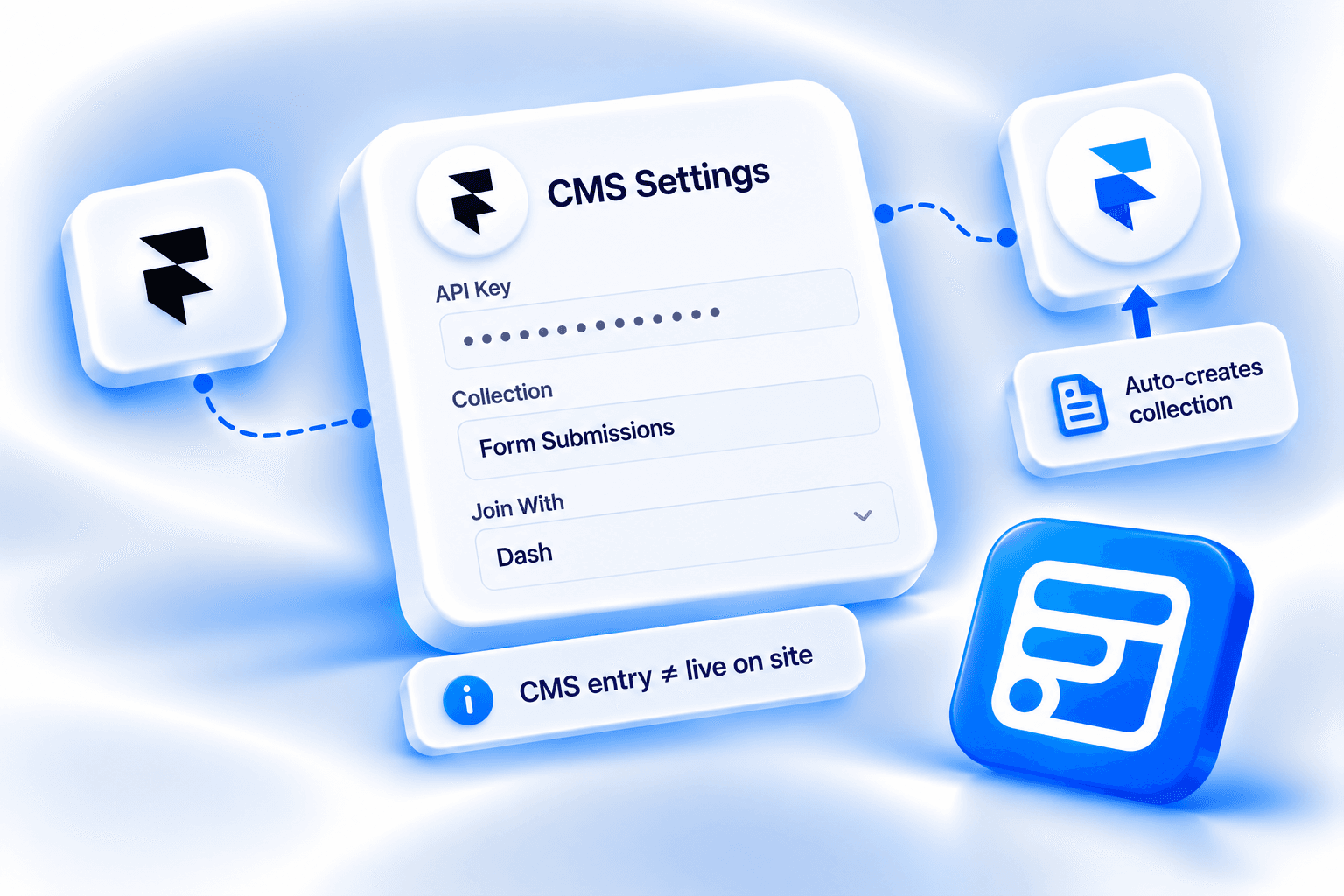
How to send Framer form submissions into a Framer CMS collection with Forms Plugin: API key, project URL, slugs, field mappings, and the difference between an entry in the CMS and an entry on the live site.
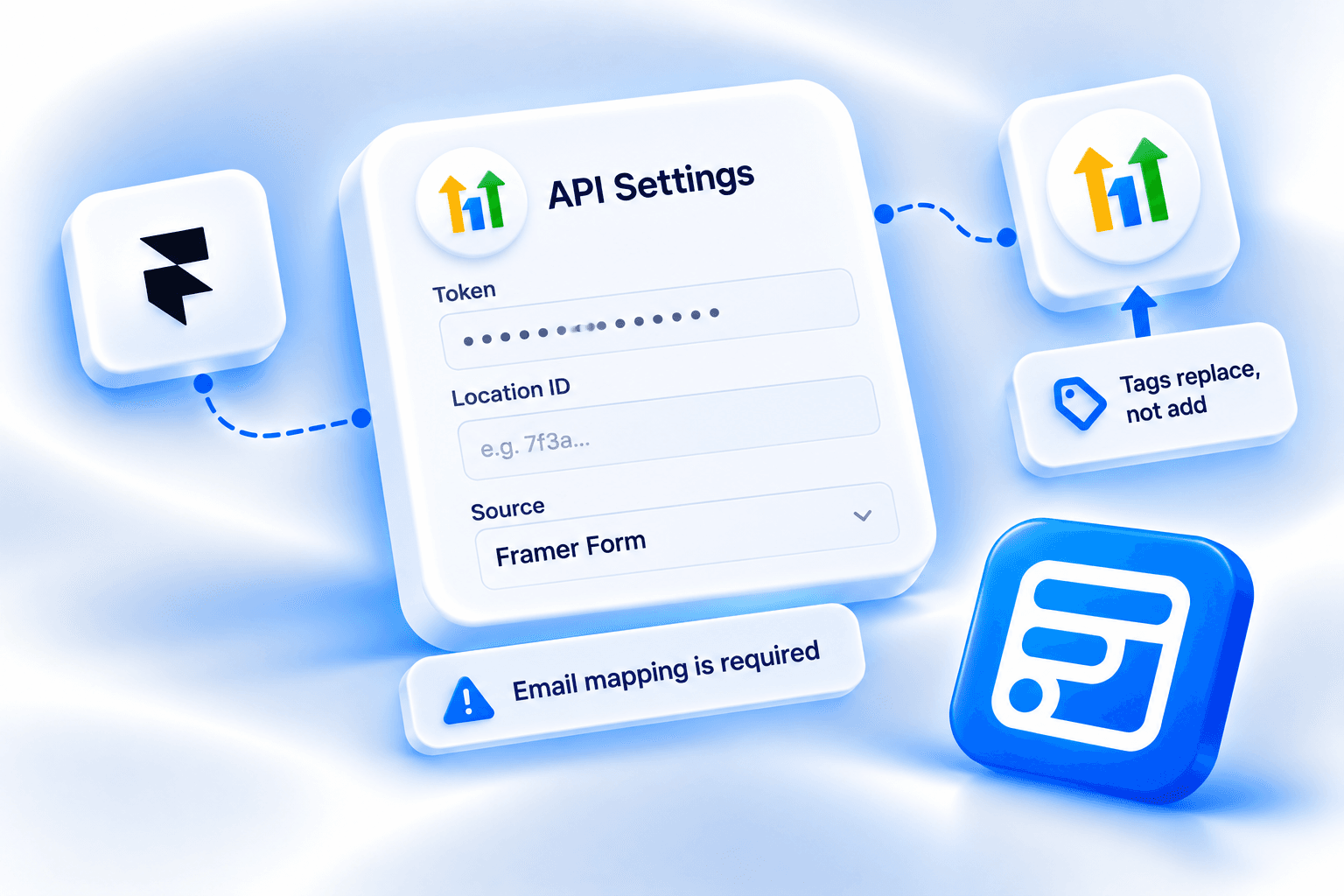
How to connect a Framer form to HighLevel (GoHighLevel) with Forms Plugin: Private Integration Token, Location ID, field mappings, and how tags replace existing ones.
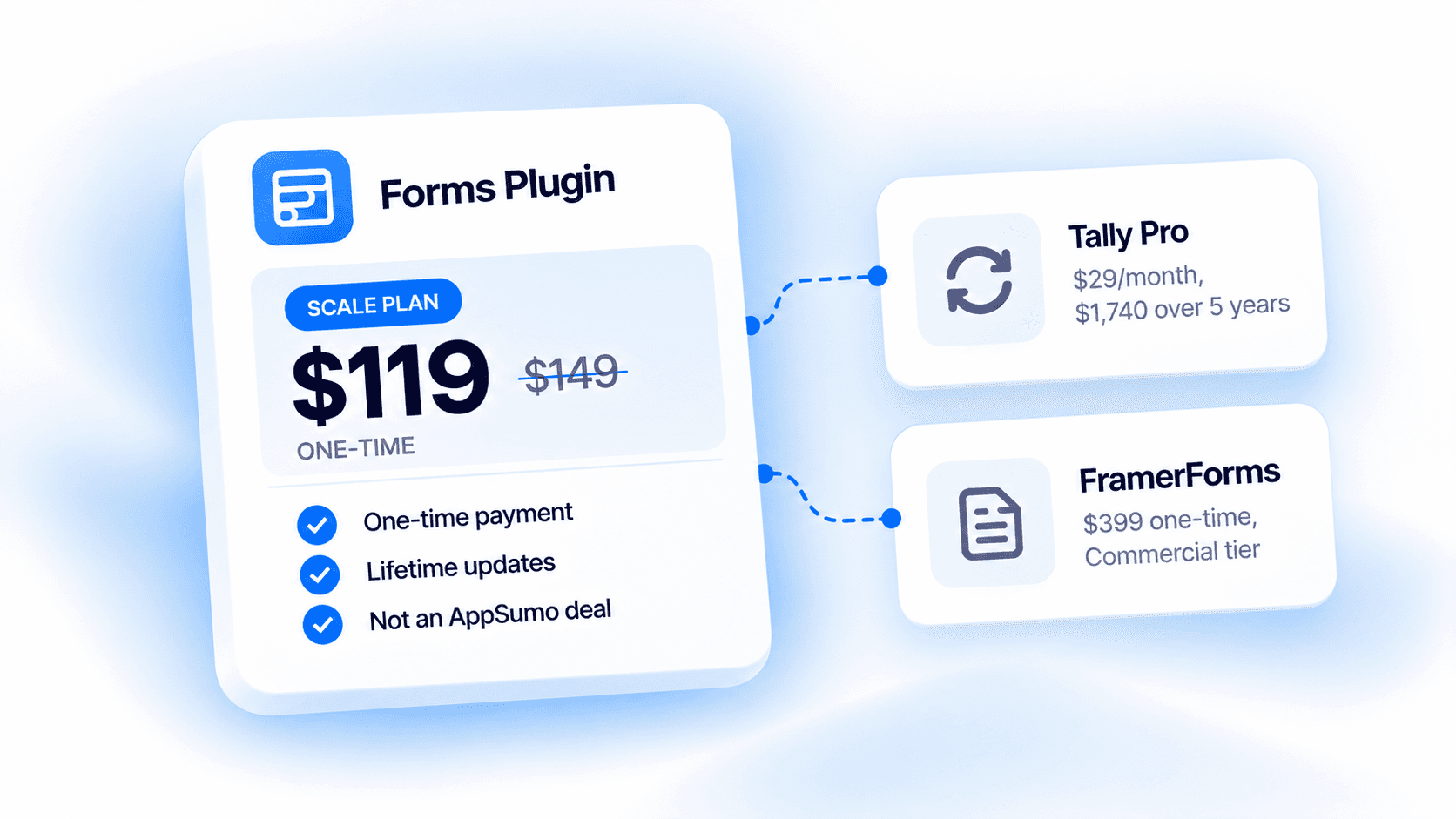
Forms Plugin, Tally, and FramerForms compared on price alone: what a one-time payment costs against a subscription over five years.
Forms Plugin's Color Picker field pairs a live-validated hex input with the browser's native color picker, plus a configurable swatch preview. Here's what the settings panel actually controls.
Forms Plugin's Image Upload field accepts any image type a visitor's browser recognizes and generates an instant client-side thumbnail preview, the 25MB cap and preview options that set it apart from every other upload field.
Forms Plugin's Button Option field replaces radio buttons and dropdowns with large, tappable button selections. Here's how choices, Single vs Multiple mode, Shortcut Badges, and the full styling system work.
Framer's native form has no range slider. Forms Plugin's Range Slider field collects a numeric value by dragging, with configurable Min, Max, Step, and full track and thumb styling.
Forms Plugin's Audio Upload field lets visitors submit pre-existing audio files — not live recordings. Here's what the settings panel actually controls, including the 25MB cap and Google Drive storage setup.
Forms Plugin's Video Upload field lets visitors submit pre-existing video files — not live recordings. Here's what the settings panel actually controls, including the 25MB cap and Google Drive storage setup.
The real Record Settings and Storage panels behind Forms Plugin's voice recording field, including the 25MB cap and the Google Drive setup.
A use-case guide to Framer form field types: which ones exist, what a bad implementation looks like, and when each one actually earns its place.
A 10-point buyer's checklist for evaluating any Framer forms plugin, from multi-step support to commercial licensing terms.
The real 5-mode URL Source Tracker field in Forms Plugin, including the ad-platform click ID capture the marketing page doesn't detail.
How to add an auto-detecting phone number field and a searchable country dropdown to a Framer form, what each one does, and which plan you need.
How to connect a Framer form to Brevo with Forms Plugin: API key, List ID, field mappings, and the case-sensitive attribute gotcha that breaks syncs silently.
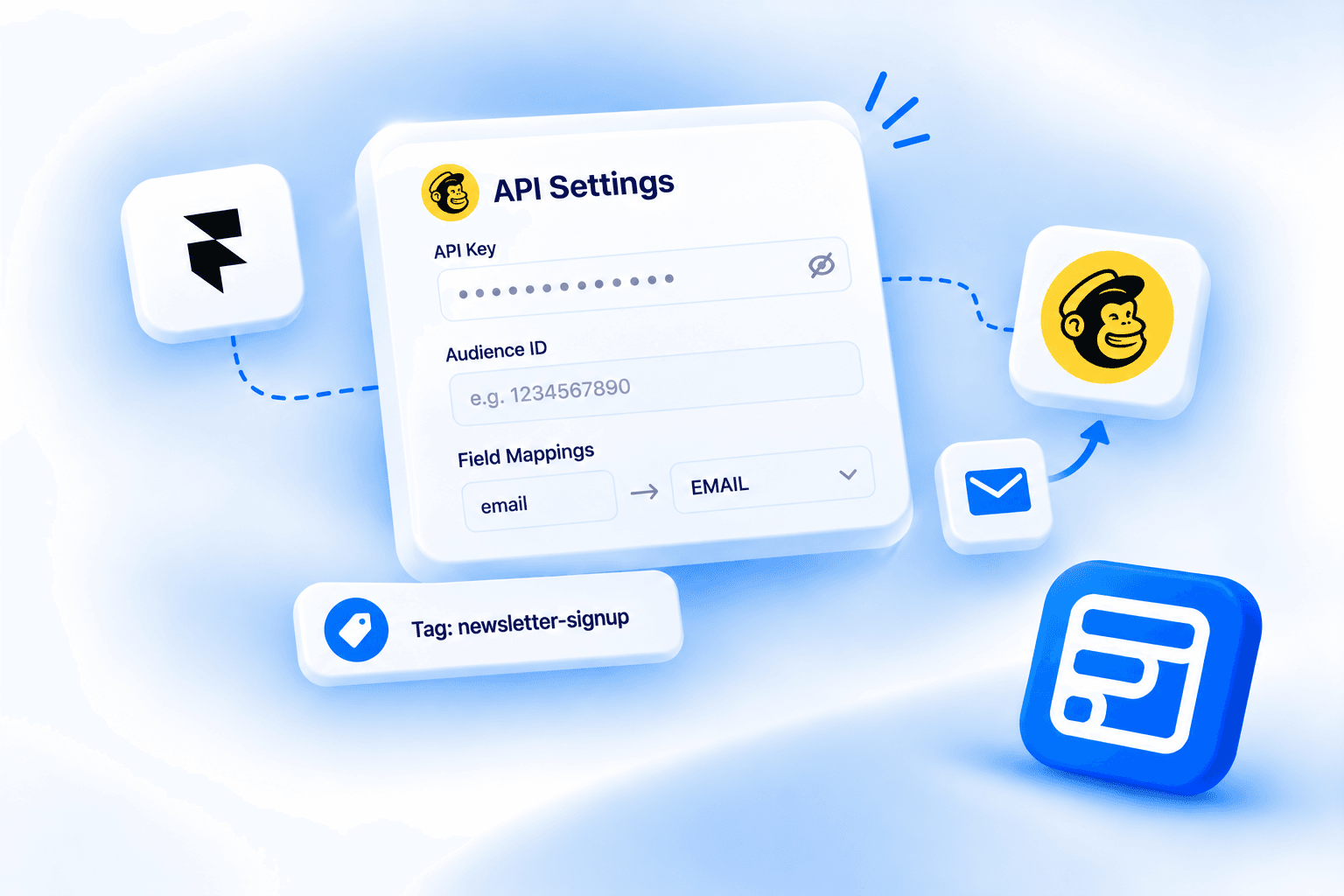
How to connect a Framer form to Mailchimp with Forms Plugin: API key, Audience ID, field mappings, and the Static vs Dynamic Tags distinction.
ActiveCampaign form ID vs list ID explained, where to find each, and what Forms Plugin actually needs to connect a Framer form.
Forms Plugin's AI Form Builder reads your business context to generate a structured Framer form, with a preview before it touches your canvas.
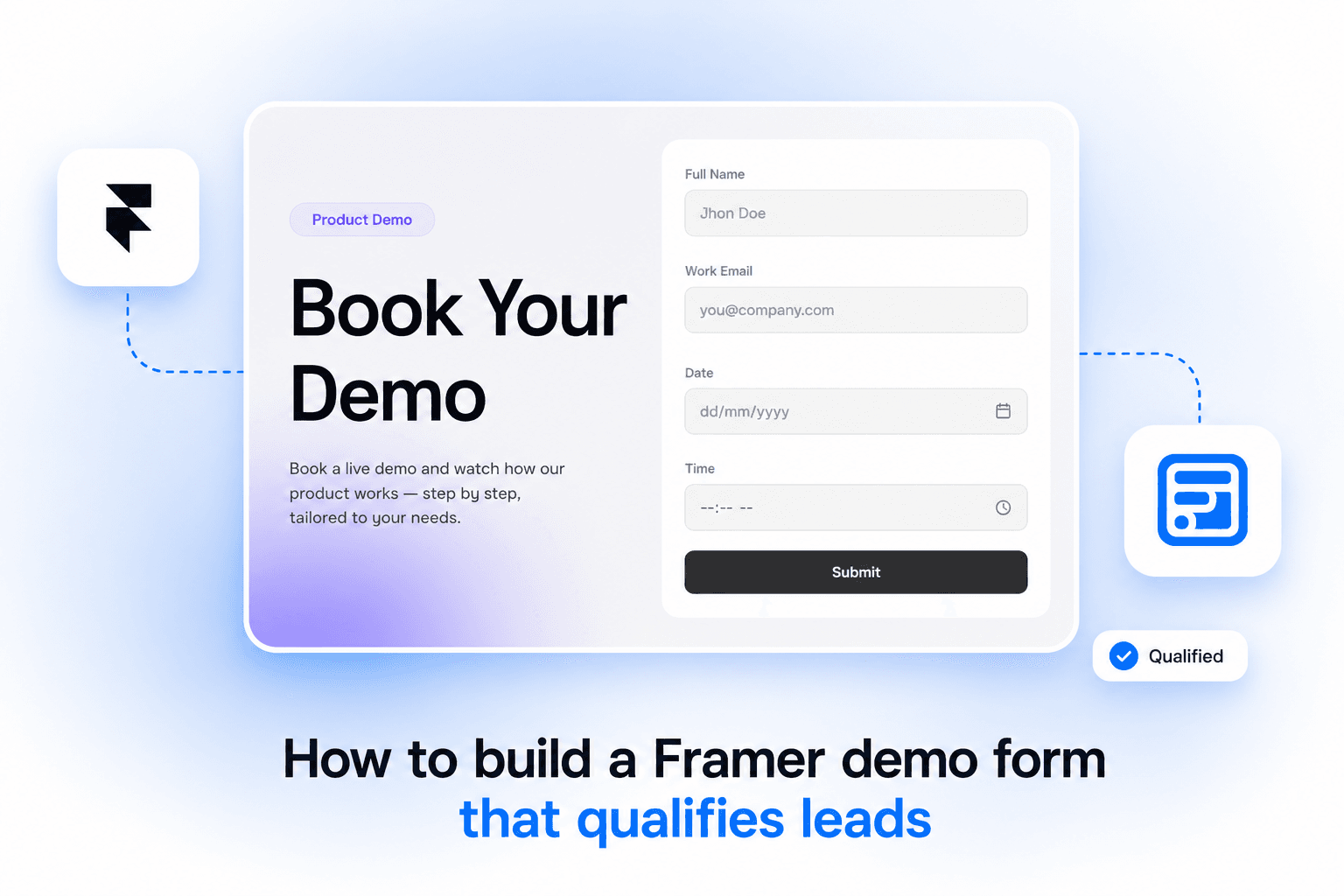
A demo request form only needs seven fields. Here's how to build one in Framer, add conditional logic to qualify leads, and know which plan you actually need.
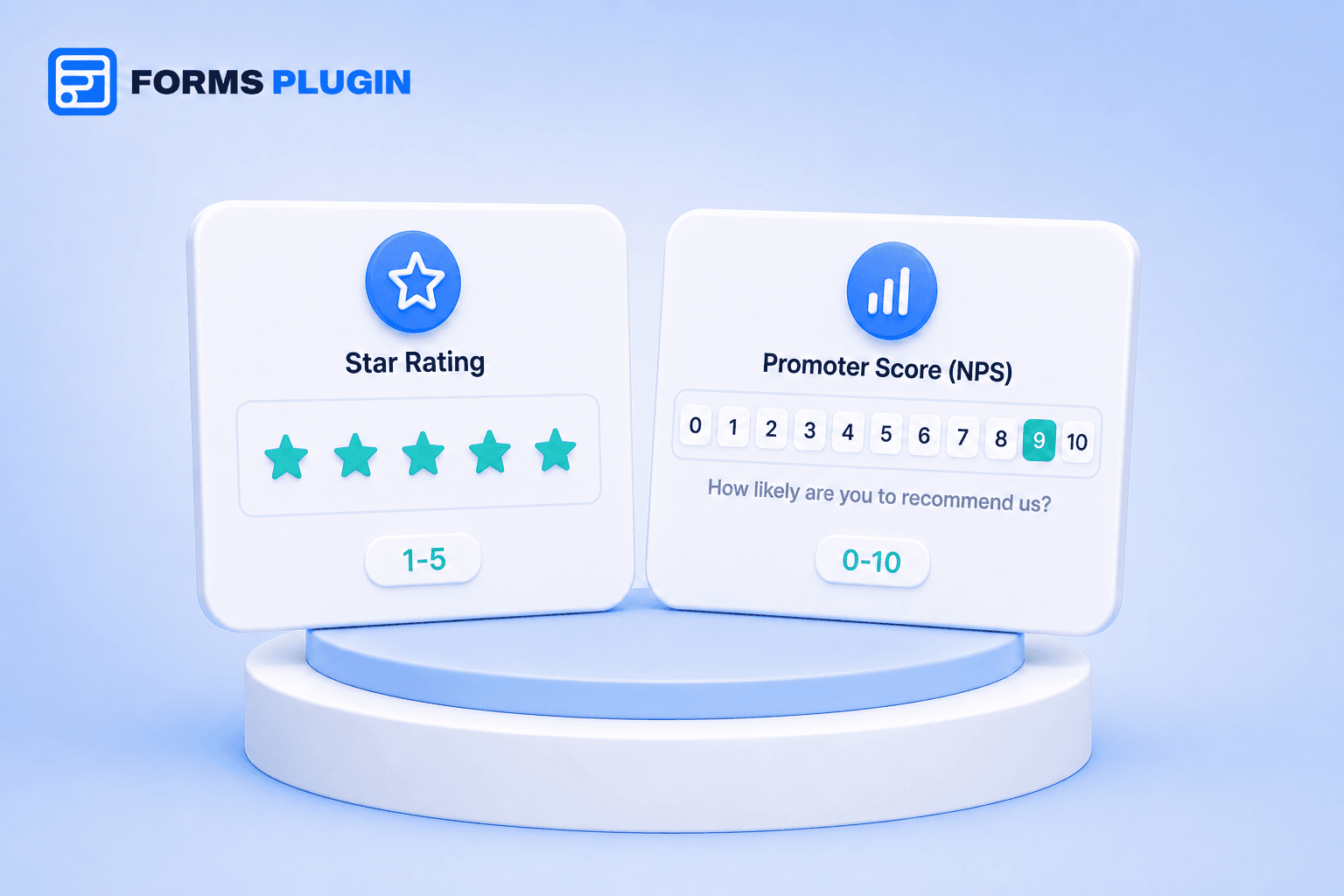
Framer's native form has no rating or NPS field. Forms Plugin adds both as advanced fields on Pro and Scale, a 1-5 star scale and a 0-10 NPS scale.
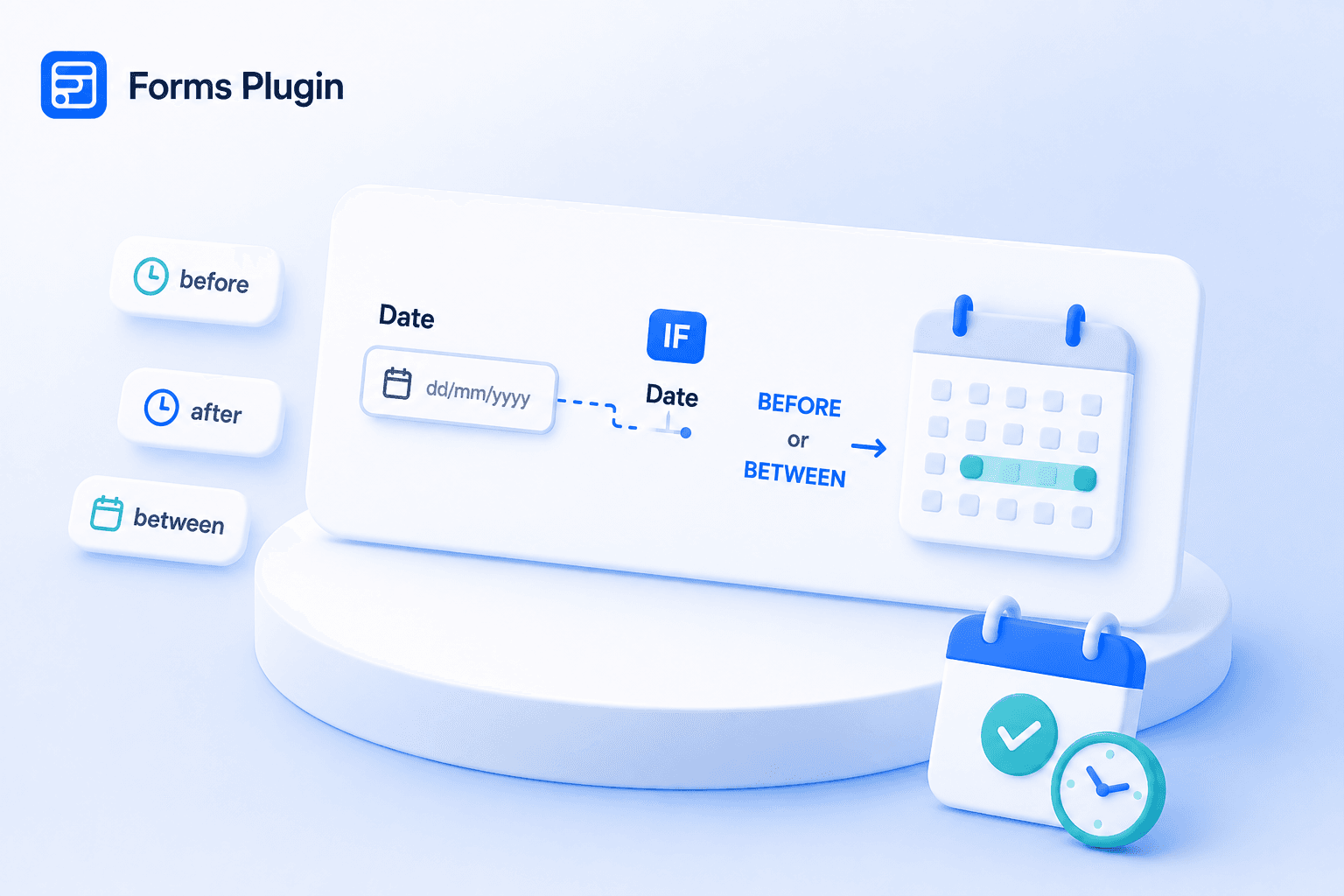
Framer's native form already has a Date field. Forms Plugin's Date Picker and its conditional logic are both free on Basic, multi-step gating needs Pro or Scale.
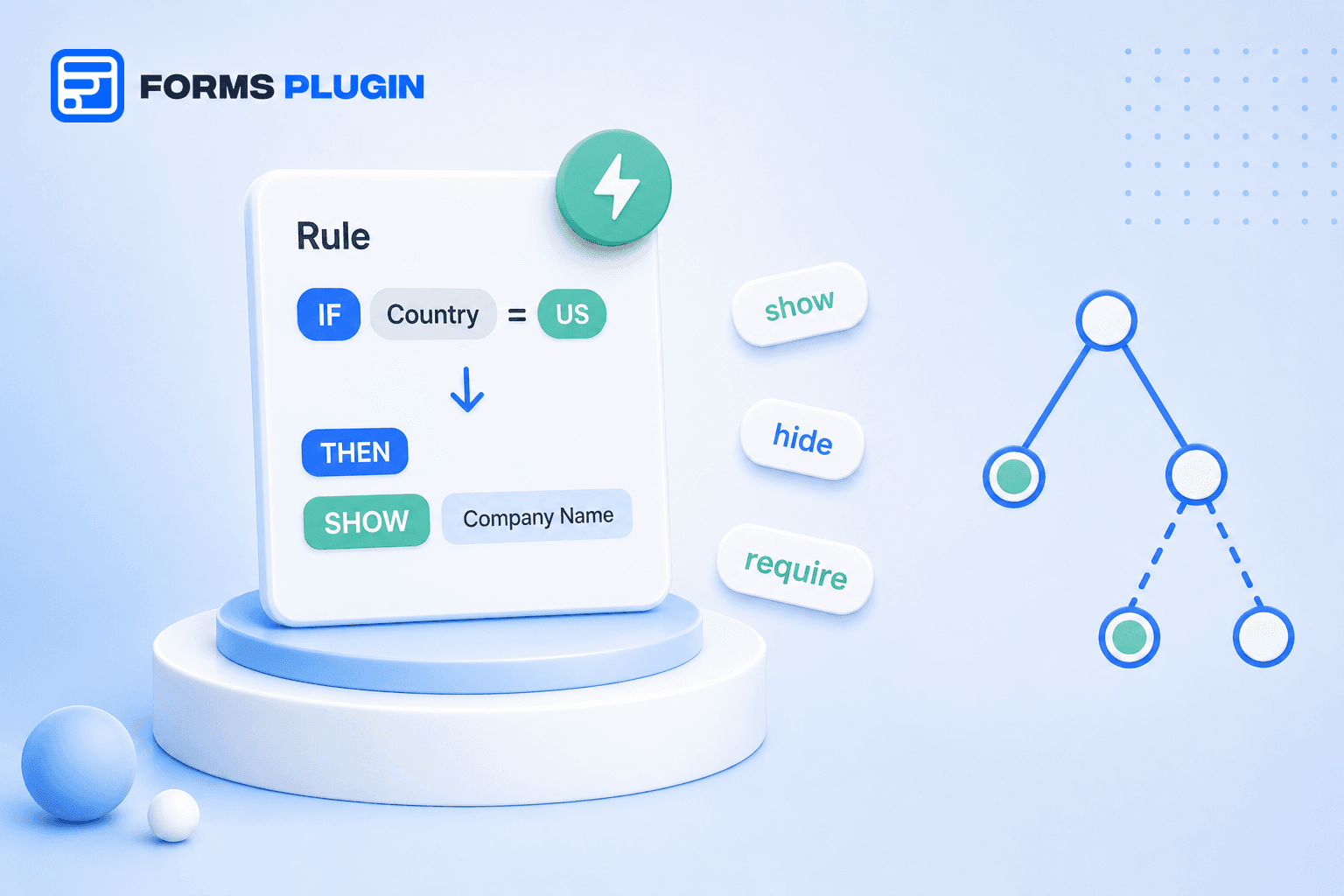
Framer's native form shows every field to everyone. Forms Plugin builds conditional logic into every field, free on Basic's fields, and on paid fields once you're on the plan that unlocks them.
Framer's native form blocks some spam, but has no dedicated CAPTCHA field. Forms Plugin adds 5 options: Math, Number, Turnstile, hCaptcha, and reCAPTCHA.
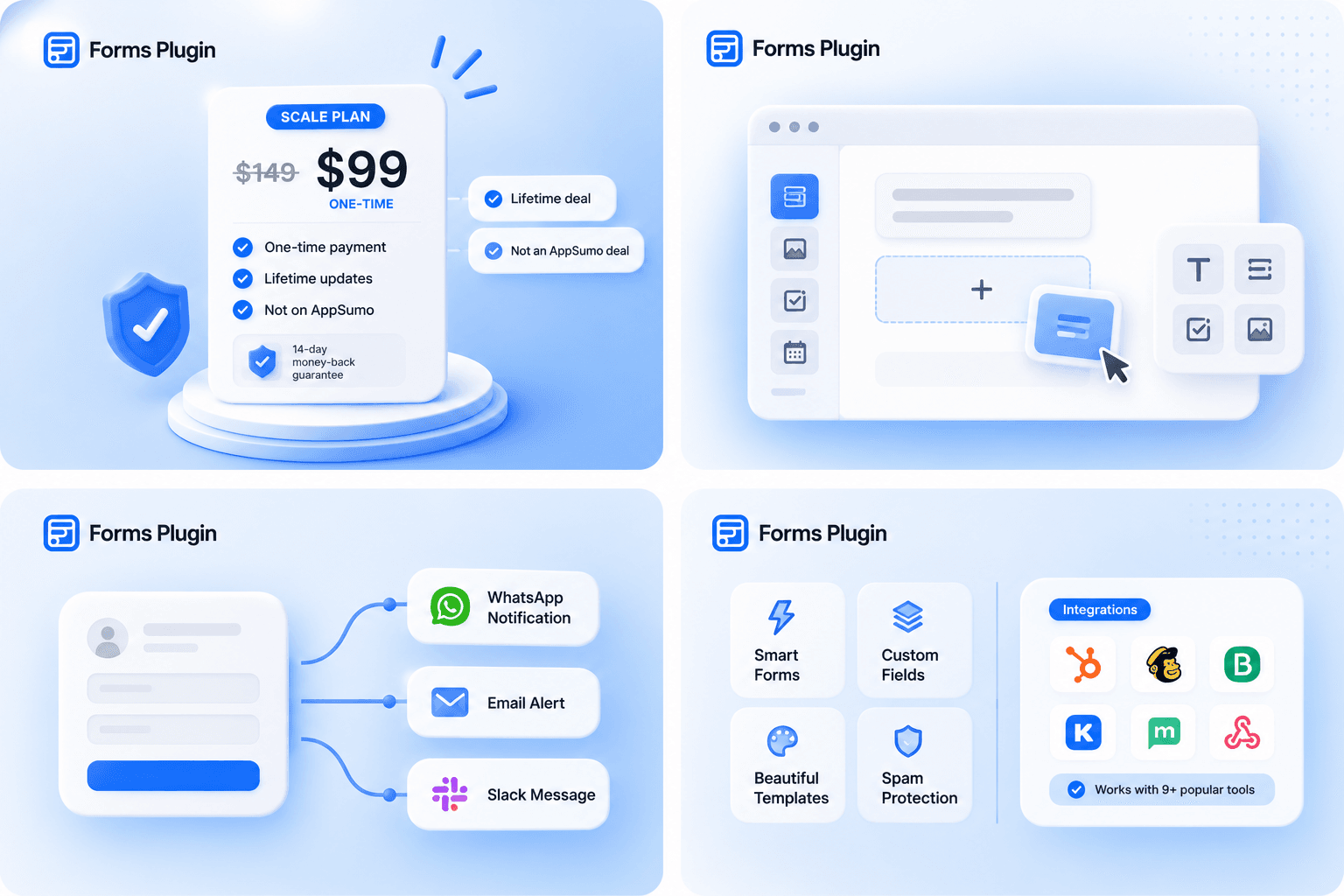
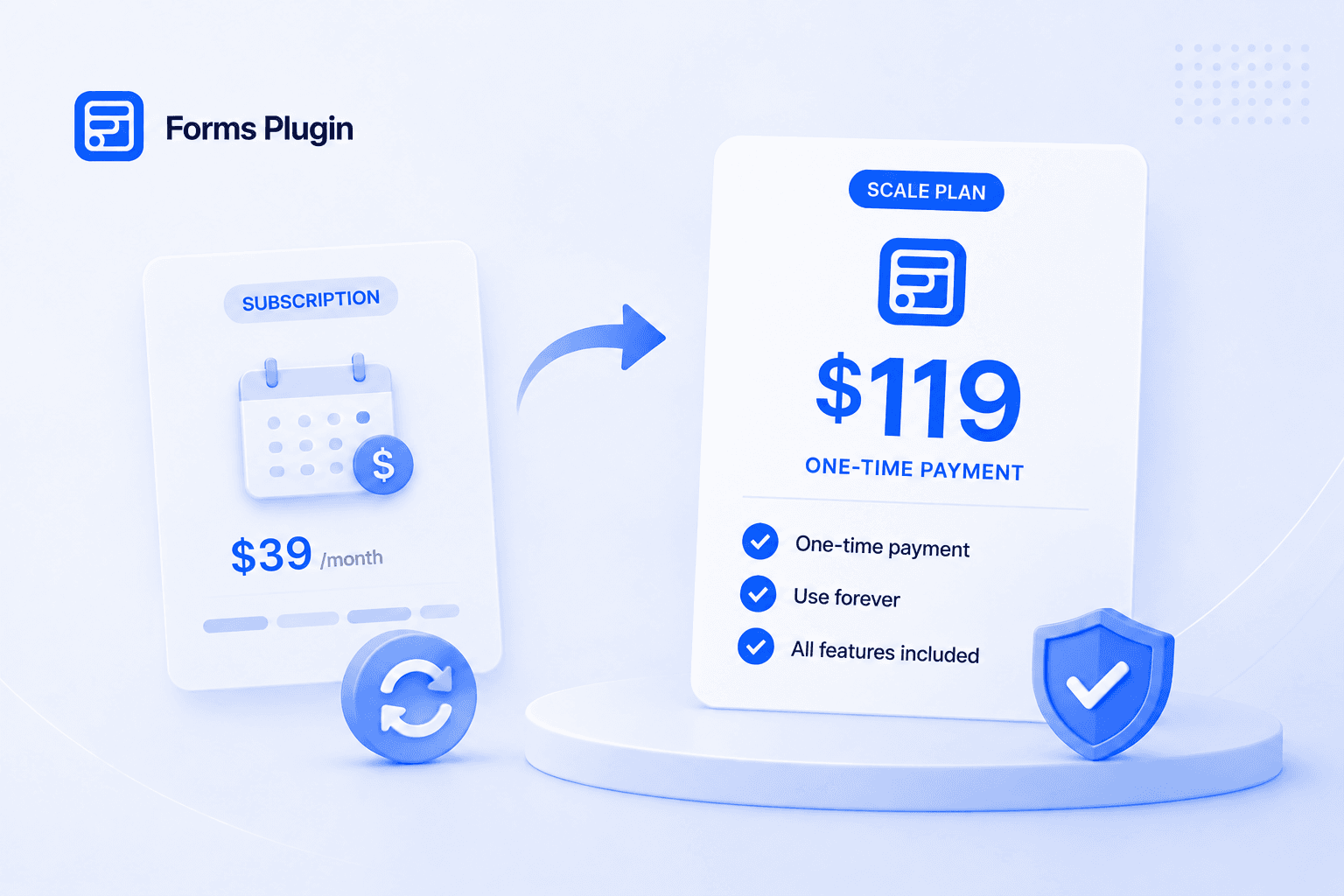
Forms Plugin lifetime deal: $99 Pro or $119 Scale, one-time, not on AppSumo. What is included, plus the refund policy.
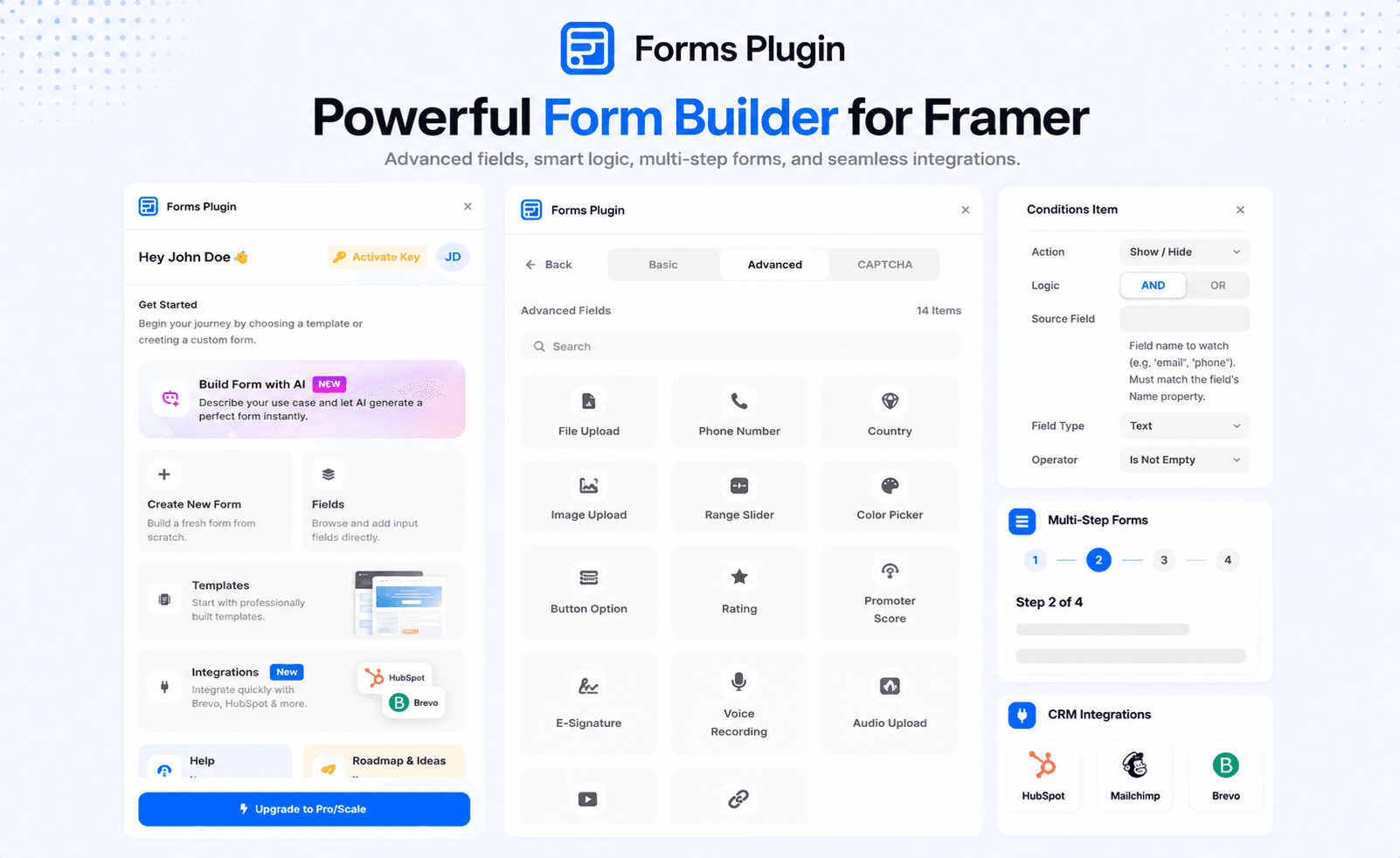
A Framer forms plugin adds field types, logic, and integrations that Framer's native form doesn't have, without breaking out into an embedded iframe. Here's what the category covers, where native Framer falls short, and how to choose one.
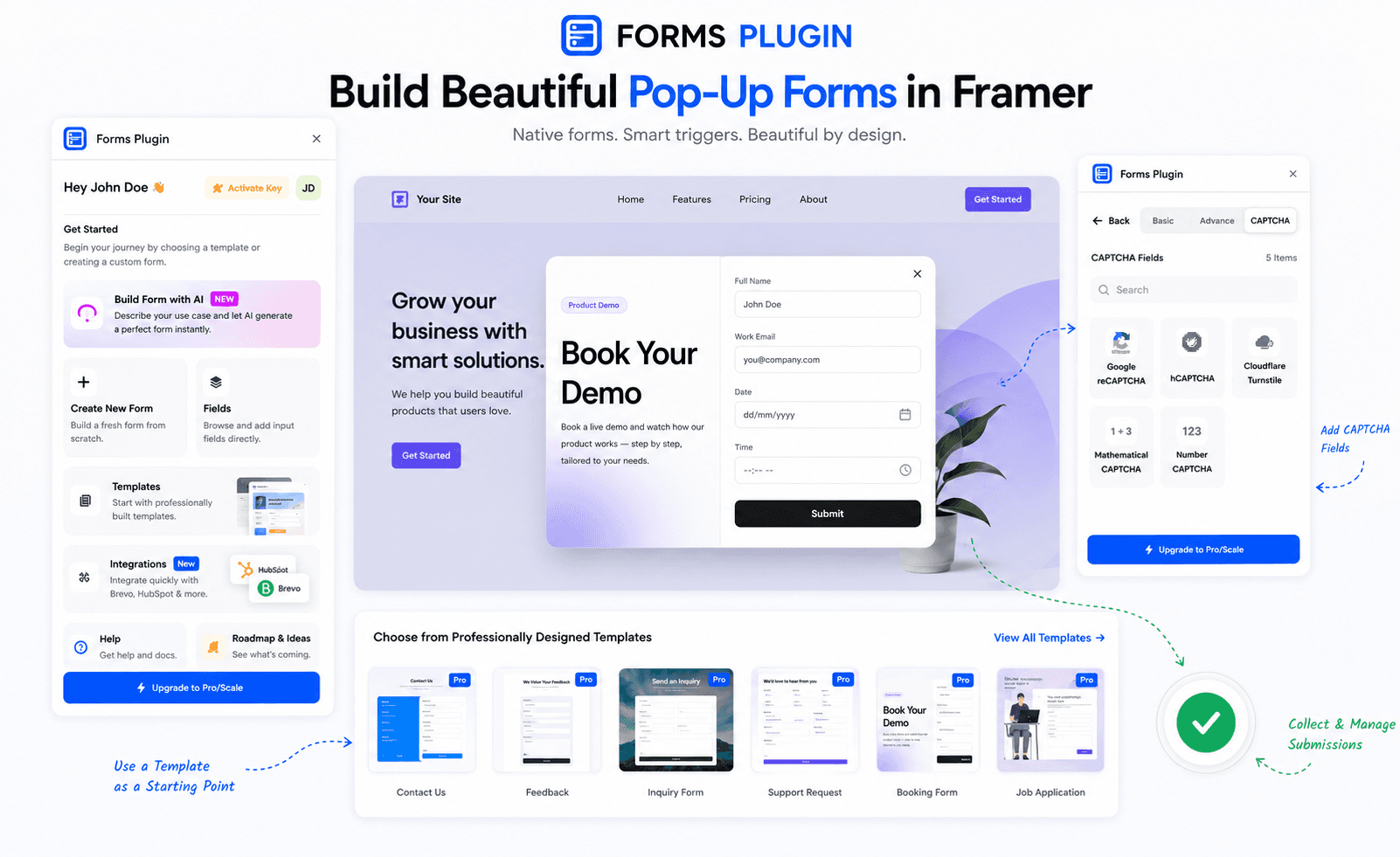
Build a Framer pop-up form that matches your site's design, fires at the right moment, and stays accessible. Covers triggers, exit intent, iframe pitfalls, and common mistakes.
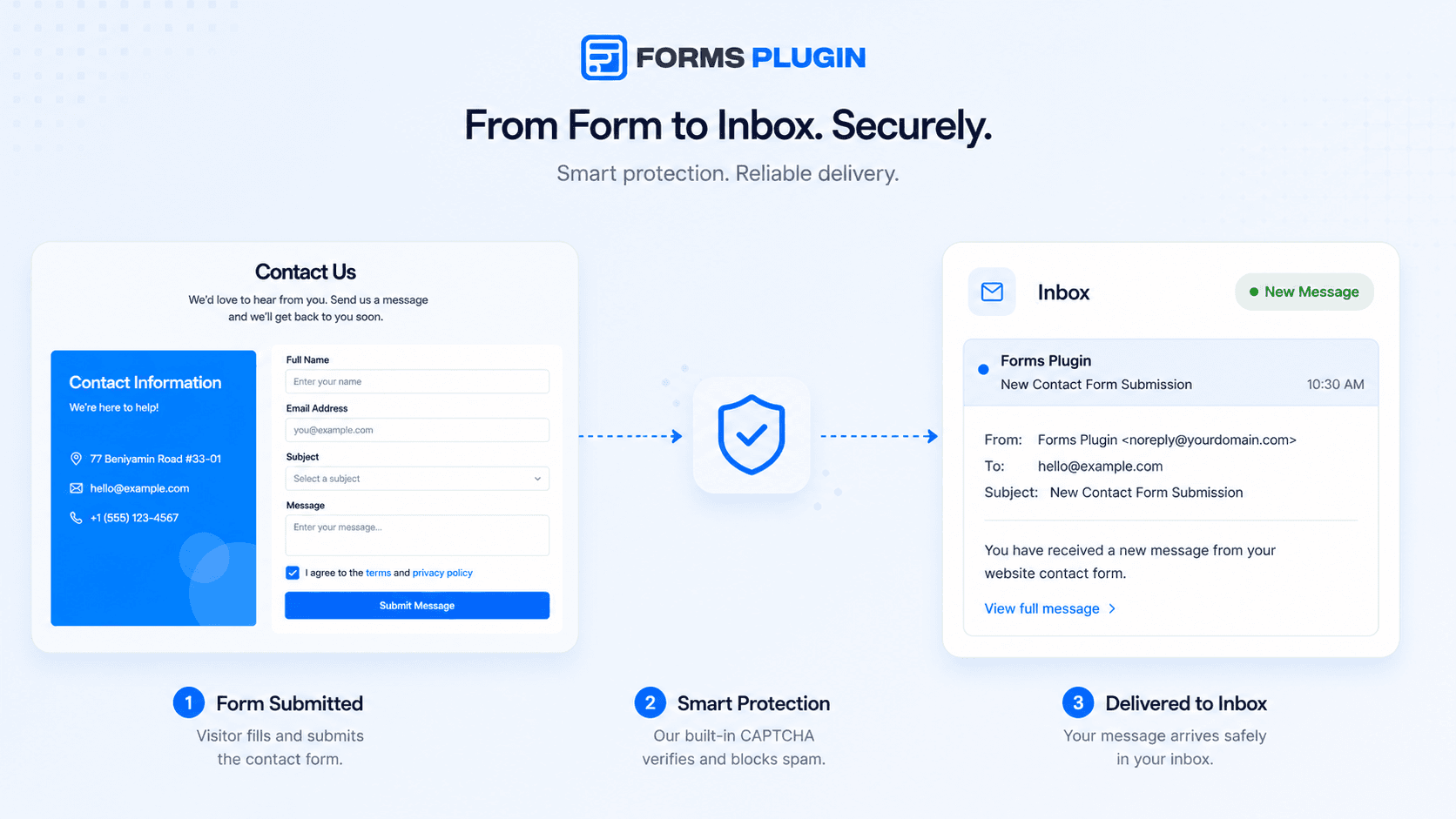
A working Framer contact form email depends on three things: the field is typed correctly, the destination is verified, and the message doesn't trip spam filters. Here's how to fix each one, and why notifications that worked before suddenly stop.
Configuring a dropdown sounds simple until you're staring at Framer's Select field wondering how many options is too many, what the placeholder should say, and whether it can pull choices from a CMS collection. Here's what actually works.
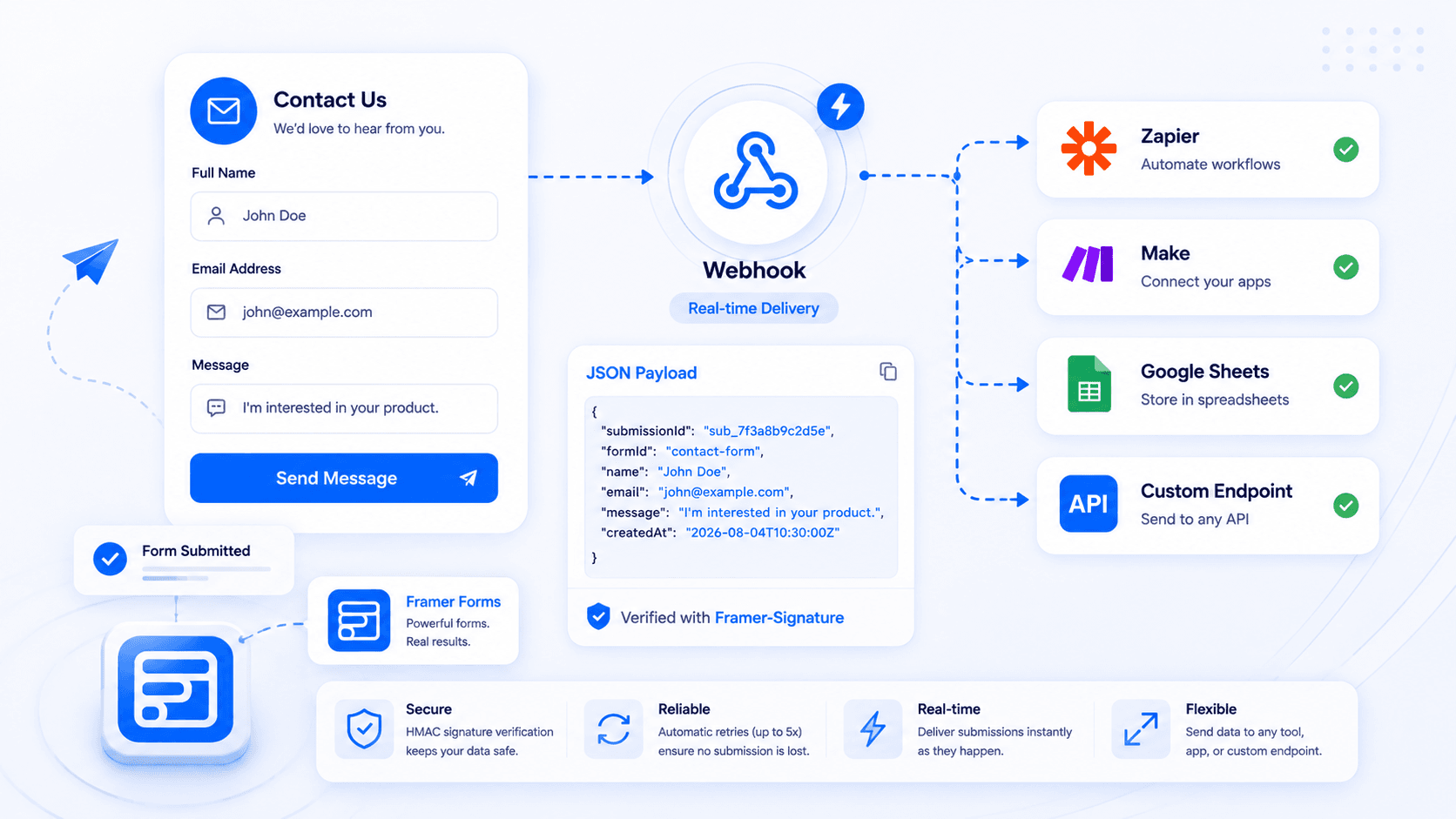
Your Framer form works fine, but the data is stuck in an inbox or a spreadsheet. Here's how to send every submission straight to your own backend, an internal tool, or an automation like Zapier or Make instead, no plugin or custom code required.
Lifetime pricing means one upfront payment and no recurring fees. Subscription pricing means a lower entry cost that repeats forever. Here's how to figure out which one actually costs less for your project, with Typeform, Tally, and Forms Plugin as real examples.
Two real ways to connect a Framer form to HubSpot: Framer's native embed component, or a native field-mapped integration. Comparison table, field-mapping table, setup steps, testing checklist, common mistakes, and an expanded FAQ.
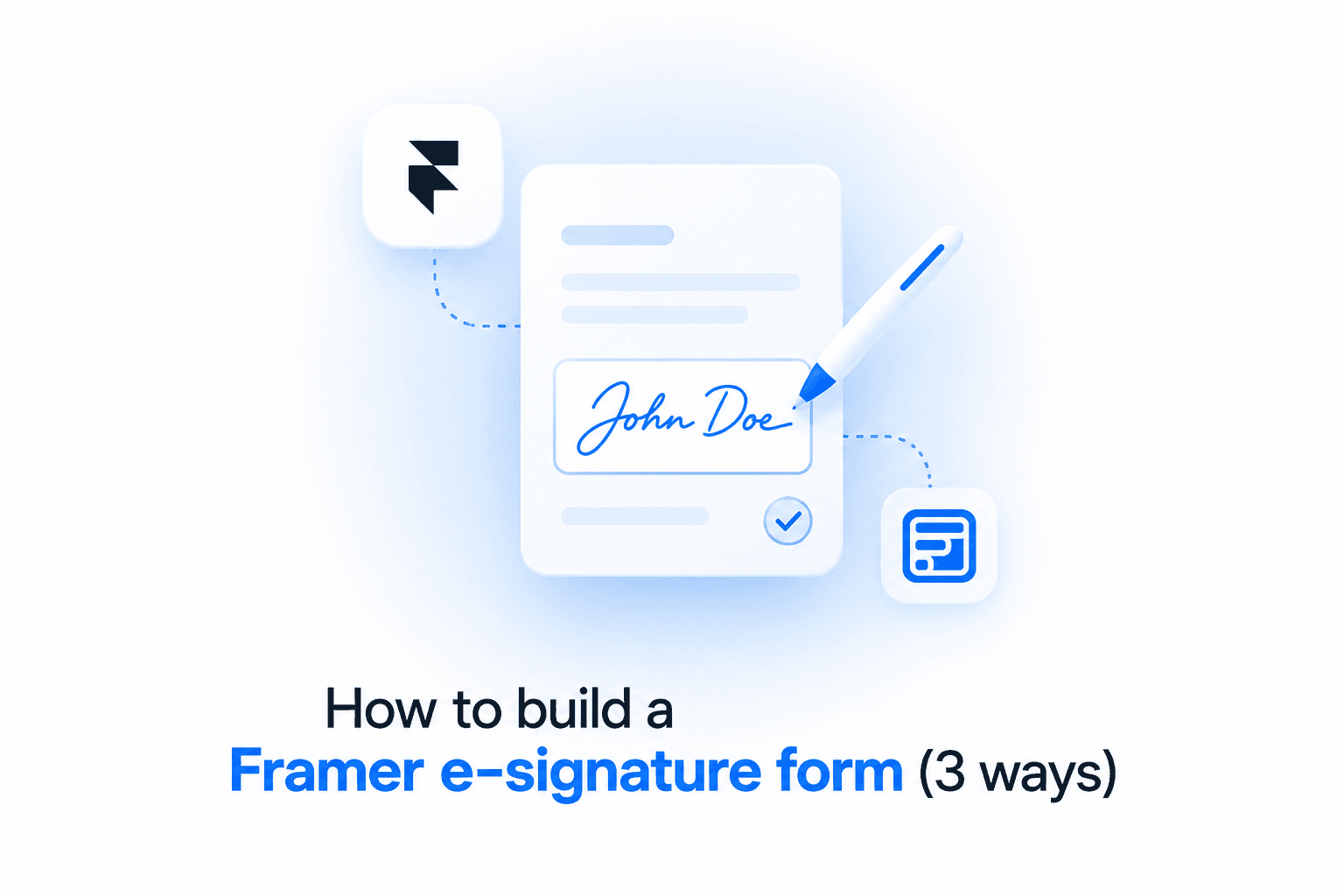
Framer has no native signature field. Here's what an e-signature form actually is, when you need one, how it differs from a digital signature, and three ways to add one, from a dedicated tool to a form plugin's native field.
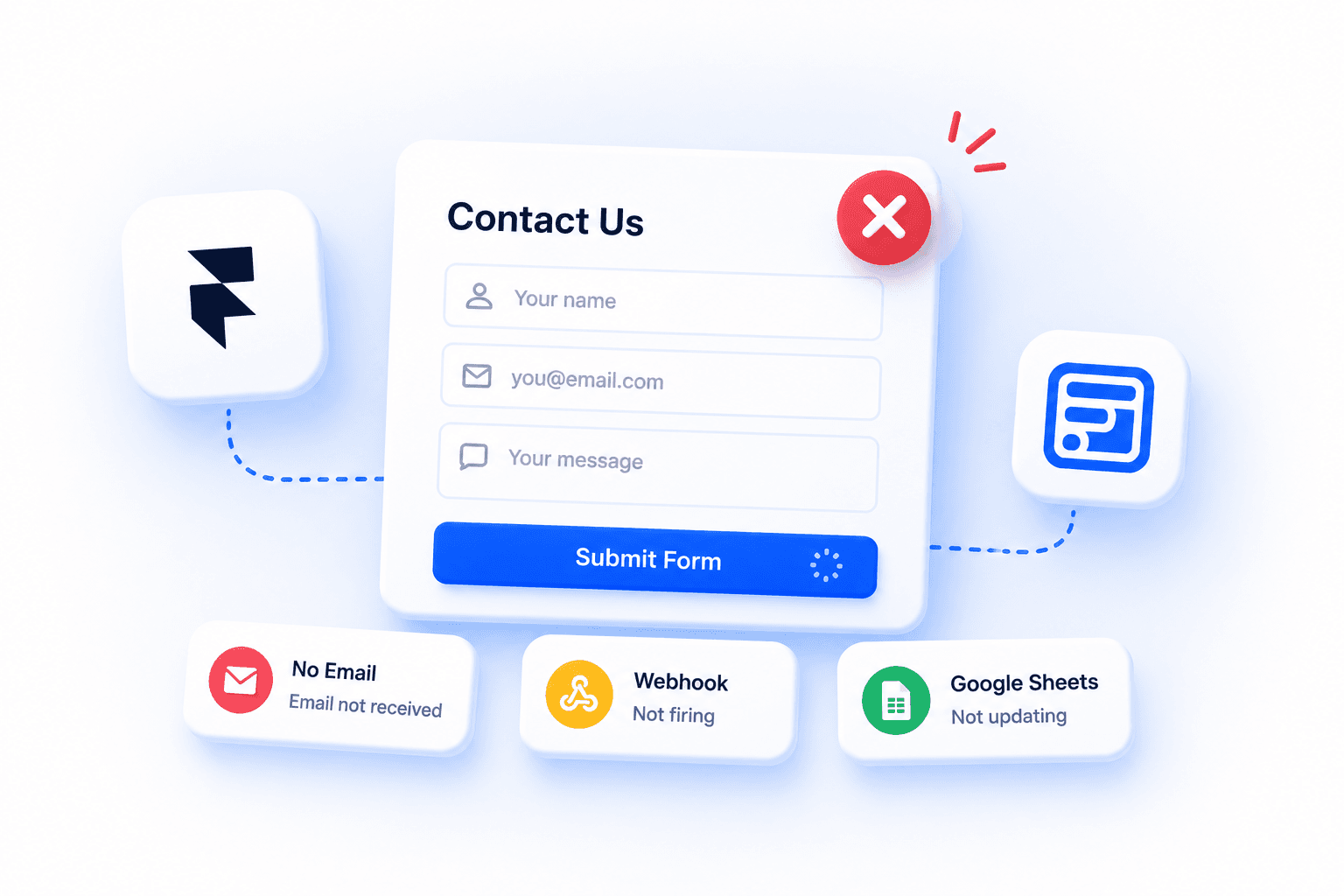
Framer form not submitting, no email arriving, or the submit button doing nothing? Here's the full diagnostic path: destinations, button bindings, webhooks, Google Sheets, email delivery, mobile quirks, and the browser console checks that find the real cause fast.
Framer doesn't include a dedicated newsletter signup component out of the box. Here's how to build one, including GDPR and accessibility basics, common mistakes to avoid, and a copy-paste template for the field, button, and success state.
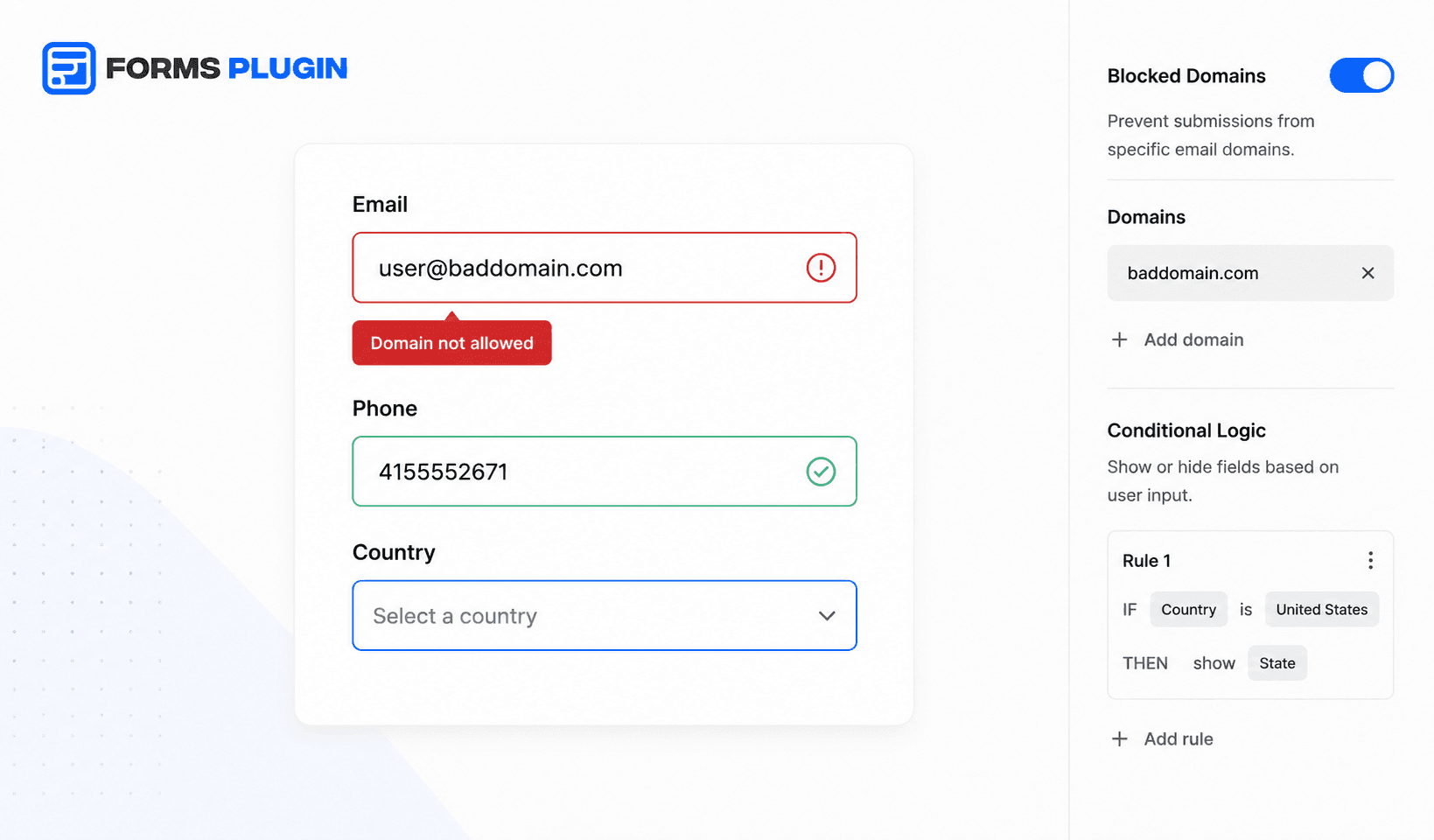
Framer's native form covers required fields and a basic email format check. Beyond that: blocked domains, regex, conditional required rules, and CAPTCHA all need a plugin. This post shows exactly where the line falls.
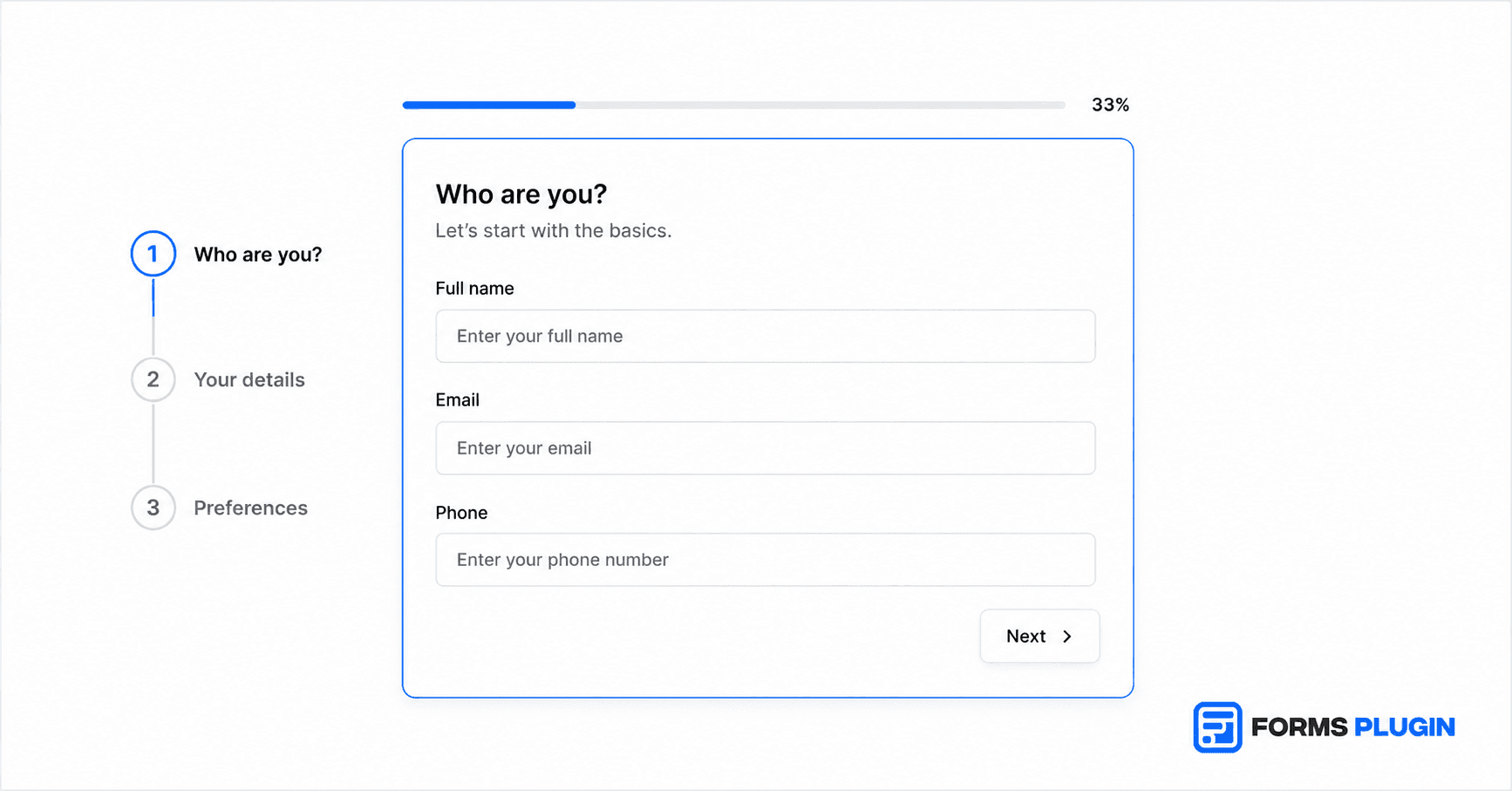
Multi-step forms outperform single-page forms for B2B lead gen once you cross 6 fields. Here are the design patterns, step structures, and Framer-native tools that make the difference.
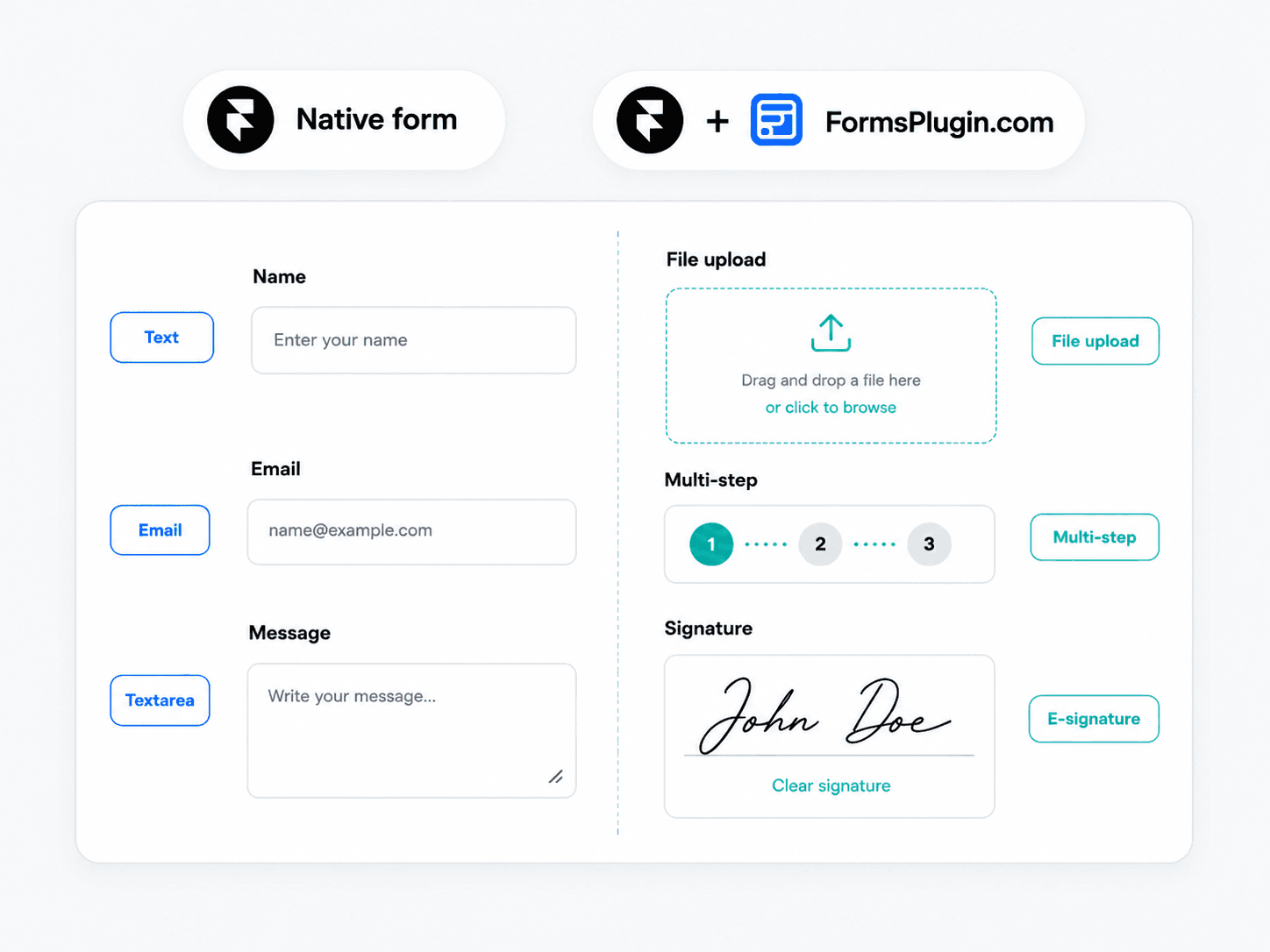
What Framer's native form ships with, where it breaks, and when to extend with Forms Plugin. Side-by-side pricing, migration steps, and mobile UX rules.
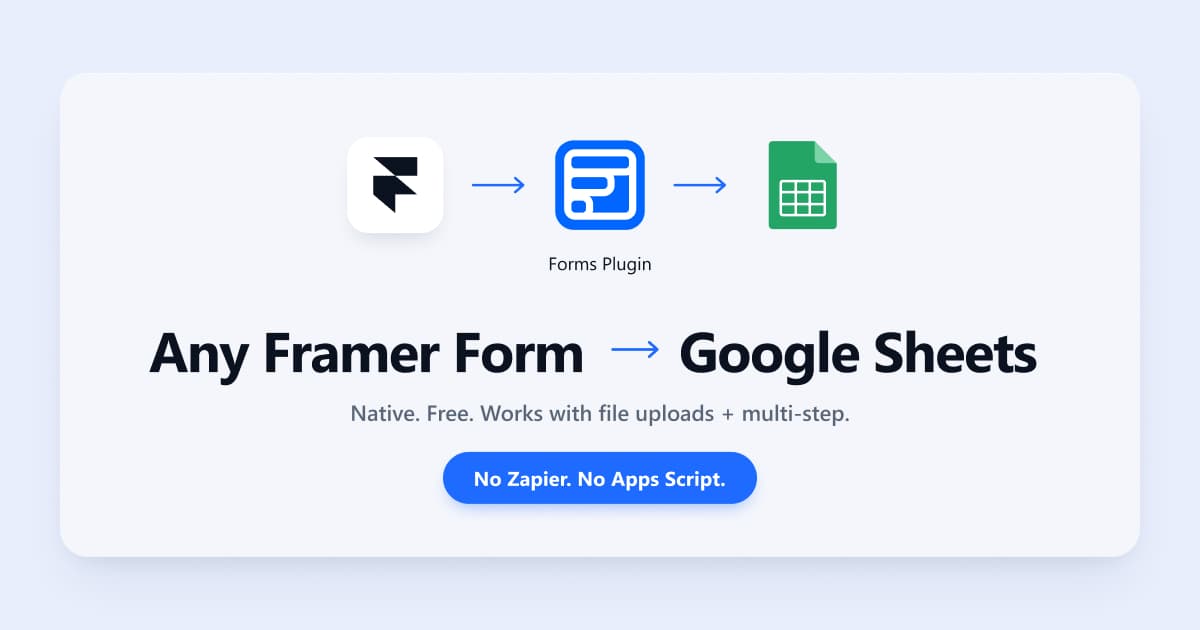
Connect any Framer form to Google Sheets in under 2 minutes — free, no Zapier, no code. Works with file uploads, multi-step forms, and e-signatures.
Add a native File Upload field to any Framer form. Drag and drop, no code. Configure file types, size limits, and route submissions to Email or Sheets.
FormsPlugin, FramerForms, Tally, and Typeform tested in real Framer builds. One clear winner on multi-step forms, file uploads, and Google Sheets sync.