Key Takeaways
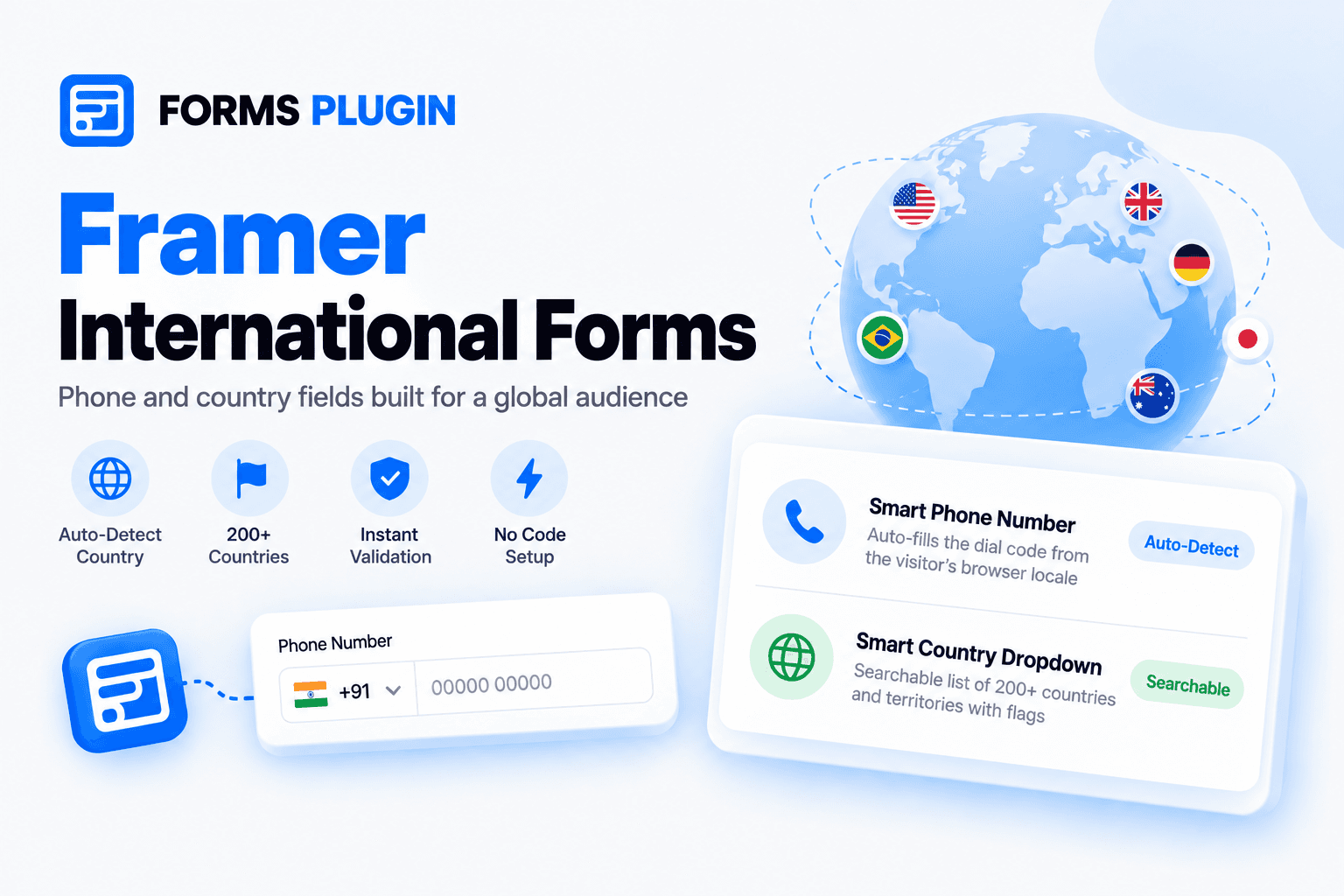
- The Smart Phone Number field detects the visitor's country from browser locale and pre-fills the matching dial code and flag
- Phone numbers are validated per country on length, prefix, and pattern, and invalid entries are caught in the browser before they reach your CRM
- The Smart Country Dropdown is searchable, lists 200+ countries and territories, and shows inline flags
- Both are Advanced Fields, so they need the Pro or Scale plan and are not on free Basic
- Setup happens in Framer's inspector panel with no code, no external service, and no third-party API key
Overview
A form that works for a visitor in Ohio can fail a visitor in Osaka. The phone field expects the wrong format, the country list makes you hunt for yours, and the dial code gets typed wrong or left off. The lead arrives in your CRM with a number nobody can call.
Forms Plugin's International Forms feature covers this with two fields: a Smart Phone Number field and a Smart Country Dropdown. This post covers what each does, how detection works, what it replaces in a stock Framer setup, and which plan includes it. The full feature description is on the International Forms page.
Quick Answer
- Smart Phone Number: reads the visitor's browser locale, pre-selects the matching dial code and flag, and validates the number against that country's format
- Smart Country Dropdown: a searchable selector with 200+ countries and territories and inline flags
- Plan: both are Advanced Fields, available on Pro and Scale, not on Basic
- Setup: native to Framer's inspector panel, no code and no external accounts
- Best for: international contact forms, shipping and address forms, and any form collecting a phone number or region from a global audience
Does Framer's native form support international phone numbers?
No. Framer's official documentation lists exactly four native field types: Text, Checkbox, Radio, and Select. There is no phone field type and no location field type, so there is no country code selector to configure in the first place.
That is why third-party options exist. Pixco's free Country Phone Input component offers a combined country selector and phone number field, or a standalone "Locale" variant for country selection only. Pixco's write-up of the component documents a search field in the dropdown and auto-formatting on the Phone variant. Gravity Extra sells a Framer International Phone Mask add-on with IP-based country detection, priced at $29 per year for one site (marked down from $49) at the time of writing. That is a recurring annual charge that renews automatically.
Both work. Both are also an extra dependency on top of Framer, installed and maintained separately from the rest of your form. Forms Plugin ships the same capability inside the form builder you already use for everything else.
| Option | Country selector | Detection | Cost |
|---|---|---|---|
| Pixco Country Phone Input | Yes, searchable | Not stated | Free |
| Gravity Extra International Phone Mask | Yes, with flag | IP-based geolocation | $29 per year, one site, renews annually |
| Forms Plugin Smart Phone Number | Yes, with flag | Browser locale | Pro or Scale, one-time |
How does country auto-detection work?
When the page loads, the Smart Phone Number field reads the visitor's browser locale, for example en-US, de-DE, or fr-FR. It uses that to pre-select the matching dial code and flag. The feature page states this runs in under 50 milliseconds.
The visitor is never locked into the guess. The country selection stays editable, so someone with a German browser who lives in Vienna can switch to Austria in one tap.
One distinction matters here. Browser locale is a language and region preference, not a physical location. It is a good default and it needs no IP lookup or permissions, but it is only a default. That is why the editable selector is part of the design and not an afterthought.
UX Movement's guidance on phone number fields makes the same case for detection in general: detecting the country "tells you what their country code is without having them type it in," which means less work for the user and a better conversion rate. That article recommends IP geolocation rather than locale, so treat it as support for the principle of pre-filling, not for the specific method.
What does the phone number validation check?
The field validates the number against the selected country's rules for length, prefix, and pattern. A number that fails is caught client-side, in the visitor's browser, and never reaches your CRM.
This is the practical payoff. Bad phone data usually surfaces weeks later, when sales tries to call a number with a missing digit. Rejecting it at the form, while the visitor is still there to fix it, is cheaper than cleaning it up afterward.
Because the validation follows the selected country, changing the country in the selector changes what counts as valid.
How does the Smart Country Dropdown work?
The Smart Country Dropdown is a searchable country selector. The docs describe it as "A searchable country selector dropdown," and the feature page lists 200+ countries and territories with inline flags.
Typing filters the list live. Type "Ind" and both India and Indonesia surface, so nobody scrolls an alphabetical wall to find their country. This is the fix for the long-dropdown problem covered in our post on the Framer form dropdown, where a list past about 15 options needs a search field to stay usable.
Use it when you need a country as a data point separate from a phone number: shipping and address forms, region-based routing, or a "where are you based" question on a lead form.
What can you build with it?
The docs name the intended use directly: international contact forms, shipping or address forms, and any form collecting a phone number or region from a global audience.
A few concrete shapes:
- Contact form with a callback number: name, email, and a Smart Phone Number field that pre-fills the visitor's dial code
- Shipping form: a Smart Country Dropdown followed by address fields
- Regional lead routing: use the country answer with conditional logic to show different fields or messages by region
Conditional logic in Forms Plugin works across field types, so a country selection can show or hide other fields the same way any other answer does.
What plan do you need?
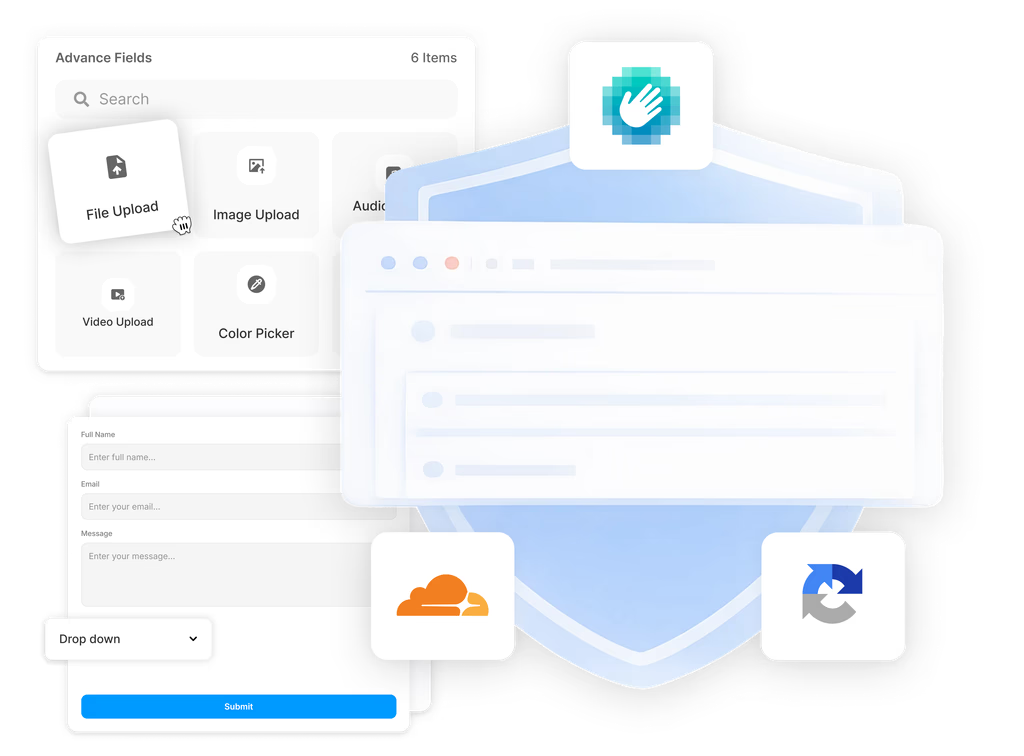
Both fields are Advanced Fields. The docs say advanced fields require a "Personal (Pro)" or "Commercial (Scale)" subscription, and the feature page confirms both fields are available on Pro and Scale. On the free Basic plan, adding an advanced field shows an upgrade prompt.
Current pricing on the pricing page is a one-time payment with lifetime access: Pro at $99 (listed against $119) and Scale at $119 (listed against $149). Prices change, so confirm on the page before you buy.
How do you set it up?
Setup happens inside Framer's inspector panel, using Forms Plugin's native interface. There is no code to write, no external service to connect, and no third-party API key for this feature. That is different from CAPTCHA fields, where some types need an account with the CAPTCHA provider. Field options are covered in the advanced fields docs.
Frequently asked questions
Does the phone field force the detected country?
No. Detection sets the default dial code and flag. The visitor can change the country selection.
Where does validation run?
In the visitor's browser. Invalid numbers are caught client-side and never reach your CRM.
Do I need the Country Dropdown if I already have the phone field?
They solve different problems. The phone field handles dial code and number format. The Country Dropdown collects a country as its own answer, for shipping, address, or region data.
Is this on the free Basic plan?
No. Both are Advanced Fields and need Pro or Scale.
Do I need an API key or a separate service?
No. This feature needs no code, no external service, and no third-party API key.
Bottom line
A global audience needs a phone field that knows where the visitor probably is and a country list they can search. Forms Plugin's Smart Phone Number field pre-fills the dial code from browser locale, validates by country, and blocks bad numbers before they reach your CRM. The Smart Country Dropdown handles the country question with live search across 200+ countries and territories. Both need Pro or Scale, and both are configured in Framer's inspector with no code. See the International Forms page for the full details, or check the pricing page to pick a plan.
Ready to build smarter Framer forms?
Forms Plugin gives you everything covered in this article - natively, inside Framer.
Get Forms Plugin
 Get this Plugin