Key Takeaways
- A working Framer contact form email depends on three things: the field capturing the address is typed correctly, the destination is verified, and the message doesn't trip spam filters.
- Framer's native form only offers text, checkbox, radio, and select fields, there's no dedicated email type, which is why some notification emails get quietly rejected downstream.
- Sender reputation and basic authentication (SPF and DKIM) explain most cases of a legitimate notification landing in spam, not your form itself.
- Always send a real test submission, wait a few minutes, check spam, and confirm any connected CRM received it too.
- If notifications worked before and suddenly stopped, the destination or an integration usually changed, not the form.
Overview
Setting up a contact form in Framer takes minutes. Getting every framer contact form email to actually land in an inbox, instead of vanishing or sitting in spam, is where most people get stuck. This guide covers the setup and deliverability side specifically. If your form isn't submitting at all, see our general troubleshooting guide instead, this post assumes the form works and focuses on the email that's supposed to follow it.
What makes a Framer contact form email actually arrive?
A framer contact form email reliably arrives when three things line up: the field capturing the visitor's address is typed correctly, the destination address is verified and current, and nothing about the message trips a spam filter on the way in. Miss any one of these and the form can look perfectly functional while the email itself never shows up.
Most troubleshooting guides stop at "check your destination settings." That's necessary but not sufficient. Field typing affects whether some destinations even accept the submission, and deliverability factors like sender reputation determine whether an accepted email lands in the inbox or the spam folder. The sections below work through each one.
Is your email field set up correctly?
Your email field is set up correctly when it's typed as an email input, not a generic text field, so downstream tools can validate and reply to it properly. This matters more than it sounds like it should.
Framer's native form element ships with a limited set of field types: text, checkbox, radio, and select. There's no dedicated email field type built in. That means the field capturing a visitor's email address is often, by default, just a text input with no format validation attached to it.
The practical effect: a visitor can submit "not an email" as their address and the form will accept it. Some CRMs and destinations will silently drop or flag that submission because the value doesn't validate as an email, which looks identical to "the notification never arrived." Forms Plugin's contact form template ships with a proper Email field with validation built in for exactly this reason, so the value is checked before it's ever sent anywhere.
If you're troubleshooting a form built on Framer's native element, check whether the field meant to capture an email address has any validation attached at all. If it doesn't, that's worth fixing before you go looking for a deliverability problem that might not exist.
Have you verified your destination email address?
Verify your destination by checking the Send To setting directly in the form block, not by assuming it's still correct. A destination that was typed correctly once can still break later: a typo during setup, a duplicated page that lost its binding, or an address that simply doesn't exist anymore will all produce the same symptom, a form that submits fine with nothing showing up.
This is one of the most frequently reported issues in Framer's community, where "mail not received" threads consistently trace back to a destination that either was never set correctly or quietly changed. Open the form, confirm the exact address in the Send To field character by character, and send yourself a real test before assuming anything downstream is broken.
If you're routing to a CRM instead of a plain inbox, verify that connection separately. A CRM integration can look connected in the Framer editor while the underlying API key or workspace on the other end has expired or been revoked.
Why does a Framer contact form email end up in the spam folder?
A Framer contact form email lands in spam most often because of sender reputation, not because anything about your form or website is technically broken. Spam filters score incoming mail based on how trustworthy the sending domain and server look, and legitimate transactional emails get caught in that scoring just as often as unwanted ones.
Two technical concepts sit behind most of this, and you don't need to touch DNS records yourself to understand them. SPF works like a digital bouncer: it's a list of servers allowed to send mail for a domain, and mail from a server not on that list looks suspicious to inbox providers. DKIM adds a digital signature to the message so the receiving server can confirm it wasn't altered in transit. Together they're the main signals mailbox providers use to decide whether a domain's mail is trustworthy.
The good news for a no-code setup: when your form sends through Framer's own infrastructure or through a CRM's email service, that provider is typically responsible for this authentication, not you. You're not expected to configure SPF or DKIM records by hand for a standard contact form notification. Where deliverability problems actually creep in is elsewhere: a mismatched sender address, message content that trips spam-trigger filters, or a spike in submission volume that looks automated even when it isn't.
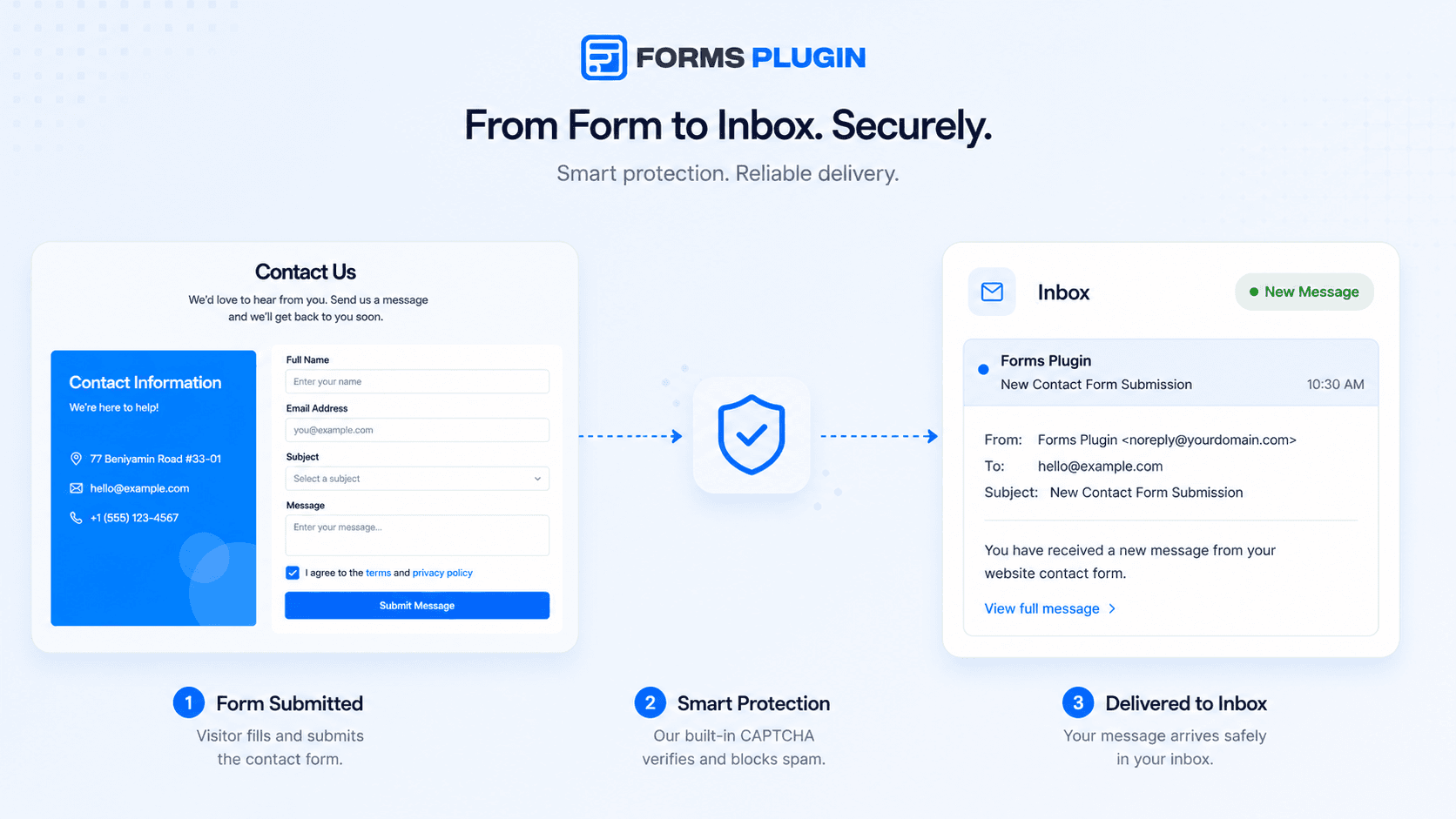
Worth separating clearly: a legitimate notification landing in spam is a deliverability problem. Bots flooding your inbox with fake submissions is a different problem, and it's what CAPTCHA protection is built to stop, not fix a deliverability issue after the fact.
How do you test a Framer contact form properly?
Test a Framer contact form by submitting it exactly as a real visitor would, then verifying the email arrived somewhere you actually check. A quick glance at the editor's success message doesn't confirm anything downstream worked.
Run through this every time you set up or change a form:
- Submit a real test entry with a realistic email address, not "test@test.com"
- Wait a few minutes, then check the destination inbox, including the spam folder and any promotions tab
- If the form routes to a CRM, log into that CRM separately and confirm the entry actually landed there, don't assume the Framer connection status is enough
- Repeat the test after any change to the form, the destination, or a connected integration, not just at initial setup
- Test on the published site, not just in preview
That CRM check matters more than people expect. A form can show "connected" in the Framer editor while the workspace on the other end has lost the sync entirely, and you'd only catch that by checking the CRM itself.
Framer form email notification not received? Here's what usually changed
If a framer form email notification was arriving fine before and has now stopped, something on the sending or receiving side changed, not the form. Forms rarely break spontaneously once they're working.
The most common culprits: the destination address was edited or removed during an unrelated update, a connected integration's authentication expired, or the receiving mailbox tightened its spam filtering rules without you doing anything. This pattern shows up repeatedly in reports of submissions that worked initially and then quietly stopped sending. A component update is another common trigger, since updating a form component can reset a destination that was previously configured by hand.
Start by resending a real test and checking both the direct destination and any CRM sync. If the test also fails silently, recheck the Send To setting first, that's the single most common thing that changes without anyone noticing.
How Forms Plugin handles this
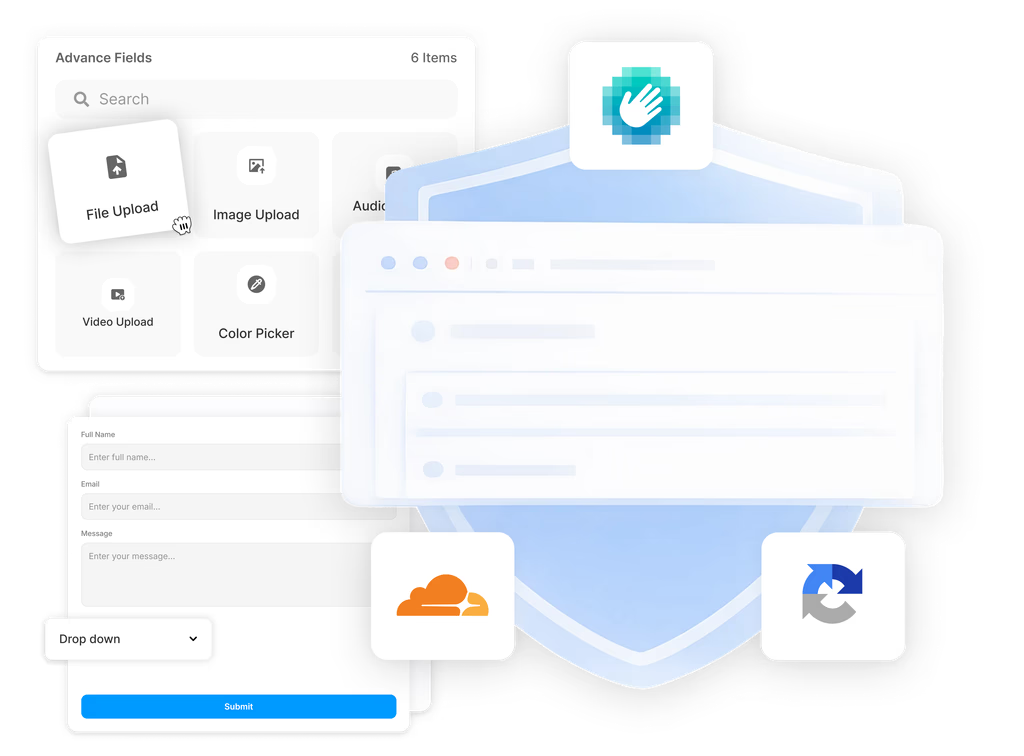
Forms Plugin includes email notifications on every plan, including the free Basic tier, so this isn't a feature you have to upgrade into just to get a working destination. Spam protection also ships on every tier starting with Basic, which cuts down on the bot-submission side of the spam problem before it ever reaches your inbox.
For teams managing forms across multiple client sites or needing the full range of CAPTCHA options and native CRM integrations, that's part of what the Scale plan adds on top. But the core deliverability basics, a real email field type, a verified destination, and spam protection, aren't locked behind a paywall.
Frequently asked questions
Does the contact form template email land in spam less than a native Framer form?
There's no published number on either side to compare. The measurable difference is field validation: Forms Plugin's contact form template ships with a proper Email field, so a malformed address is caught before submission instead of causing a silent downstream failure. Spam-folder placement itself comes down to sender reputation and authentication (SPF, DKIM) on the sending domain, and both a native form and Forms Plugin typically route through the same delivery path, Framer's infrastructure or your connected CRM's email service. Neither builder controls that scoring, so treat a "lands in spam less" claim as unverified rather than a real feature difference.
Can I test email delivery before publishing?
Not through a built-in preview-send. Framer form notifications only fire on real submissions, so there's no draft-mode button that sends a test email before the page goes live. The reliable substitute is a real test: publish the page (a staging subdomain works fine), submit the form as a visitor would, then check the destination inbox, spam, and promotions folders a few minutes later. Repeat this after any change to the form, destination, or integration, not just once at initial setup.
Does a CAPTCHA affect whether my email arrives?
Only for submissions that fail it. The CAPTCHA check runs before a submission reaches your inbox or CRM, so anything that fails it is rejected outright and never generates an email in the first place. For a submission that passes, CAPTCHA has no bearing on where that resulting email lands, spam-folder placement is a separate sender-reputation issue, not something CAPTCHA introduces or fixes.
Quick checklist before you trust your form's email
- Confirm the field capturing the email address is actually typed as an email input, not plain text.
- Open the Send To setting and verify the destination character by character.
- Send a real test submission and check spam, junk, and promotions folders.
- If you use a CRM, log in and confirm the entry landed there too.
- If it worked before and stopped, recheck the destination and any integration first.
If you've worked through all of this and the form still isn't submitting at all, that's a different problem than email delivery, our form troubleshooting guide covers the structural causes: missing destinations, unbound submit buttons, and forms that render more than once on CMS pages.
Ready to build smarter Framer forms?
Forms Plugin gives you everything covered in this article - natively, inside Framer.
Get Forms Plugin
 Get this Plugin