Forms Plugin
File Upload

File Upload in Framer Forms

Accept documents, images, audio, and video inside Framer forms. Up to 50MB per file. No S3 bucket, no Zapier middleware.

Add File Upload to Your Form

Available on Pro and Scale plans

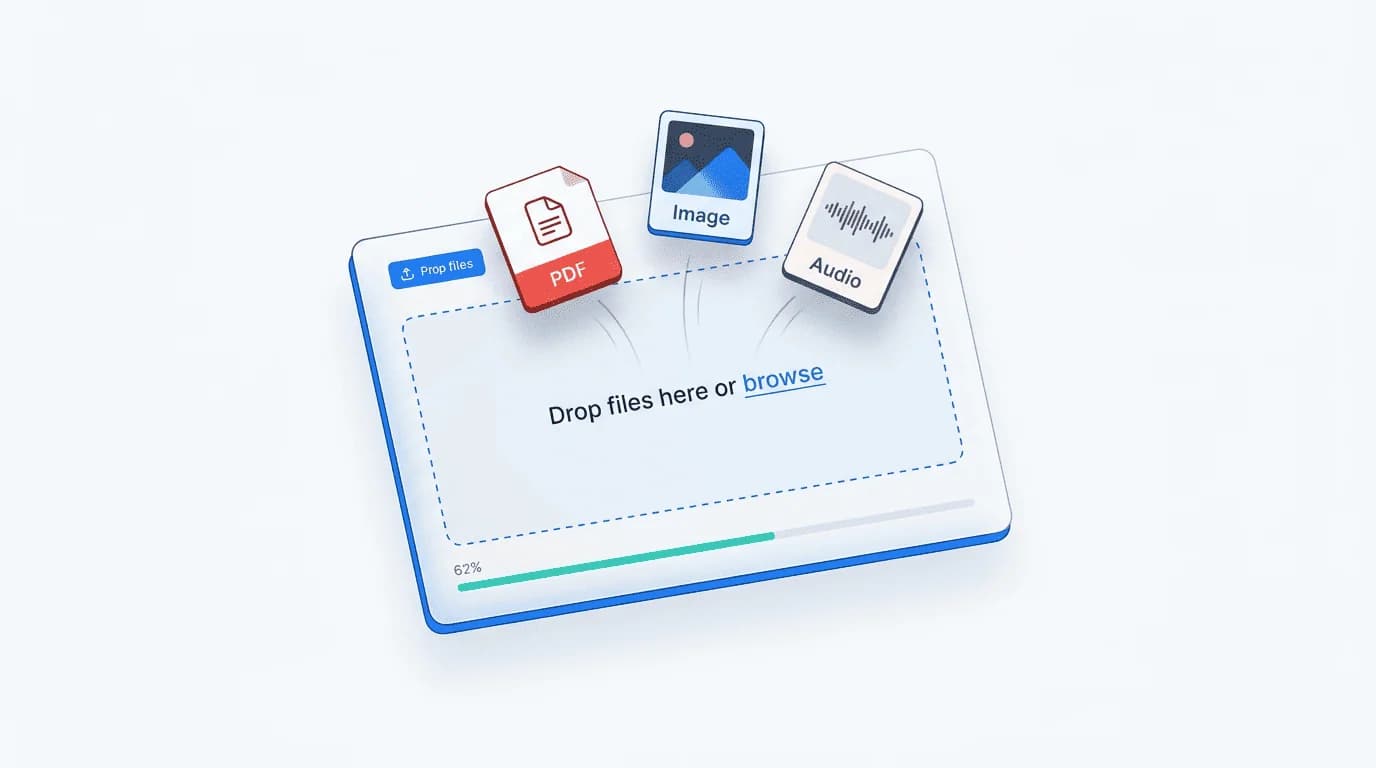
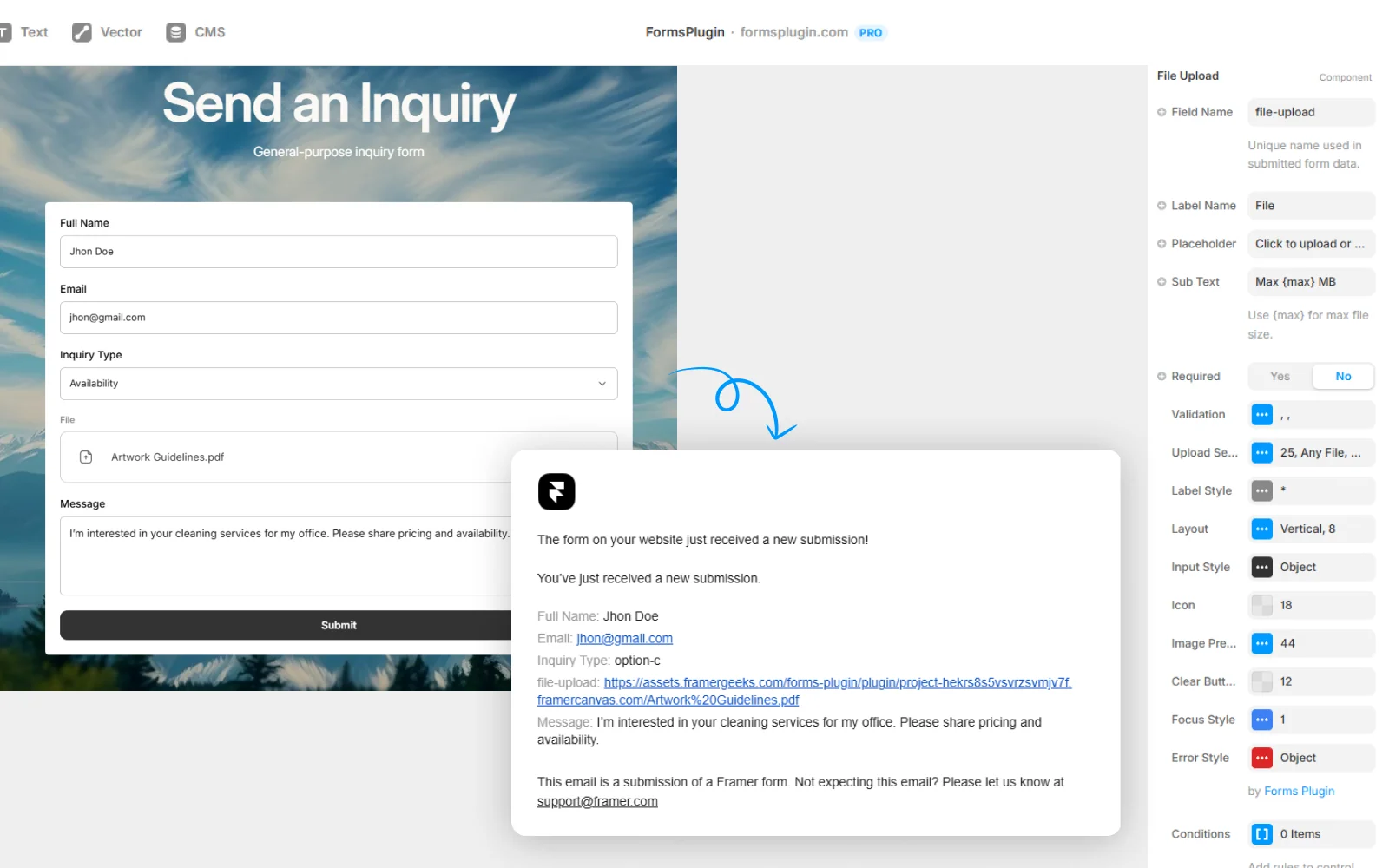
Framer form with a drag-and-drop file upload field showing a file in mid-upload state

File Upload lets you collect documents, images, audio, and video through your Framer forms. Drop the upload field onto any form, set accepted file types and max size, and submissions arrive with secure download links in your email notifications and CRM records. No S3 bucket to configure. No Zapier middleware. No 25MB Gmail attachment limit.

How It Works

Set Up in
Three Steps

Configured natively in Framer. No code, no external services.

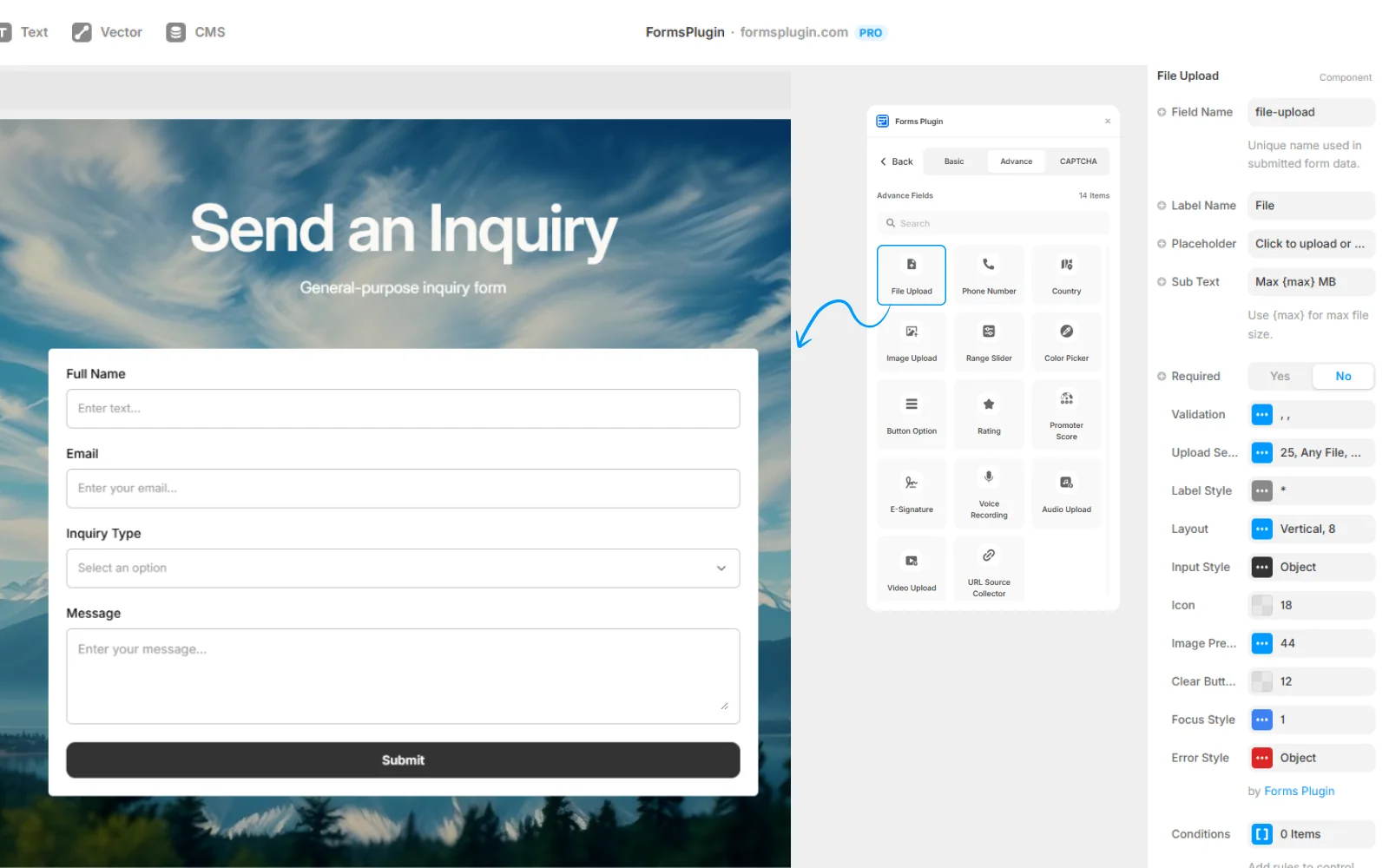
01. Add the File Upload field

Drop the field onto any form, single-step or multi-step. It works inside PageFlow pages too.

Add the File Upload field

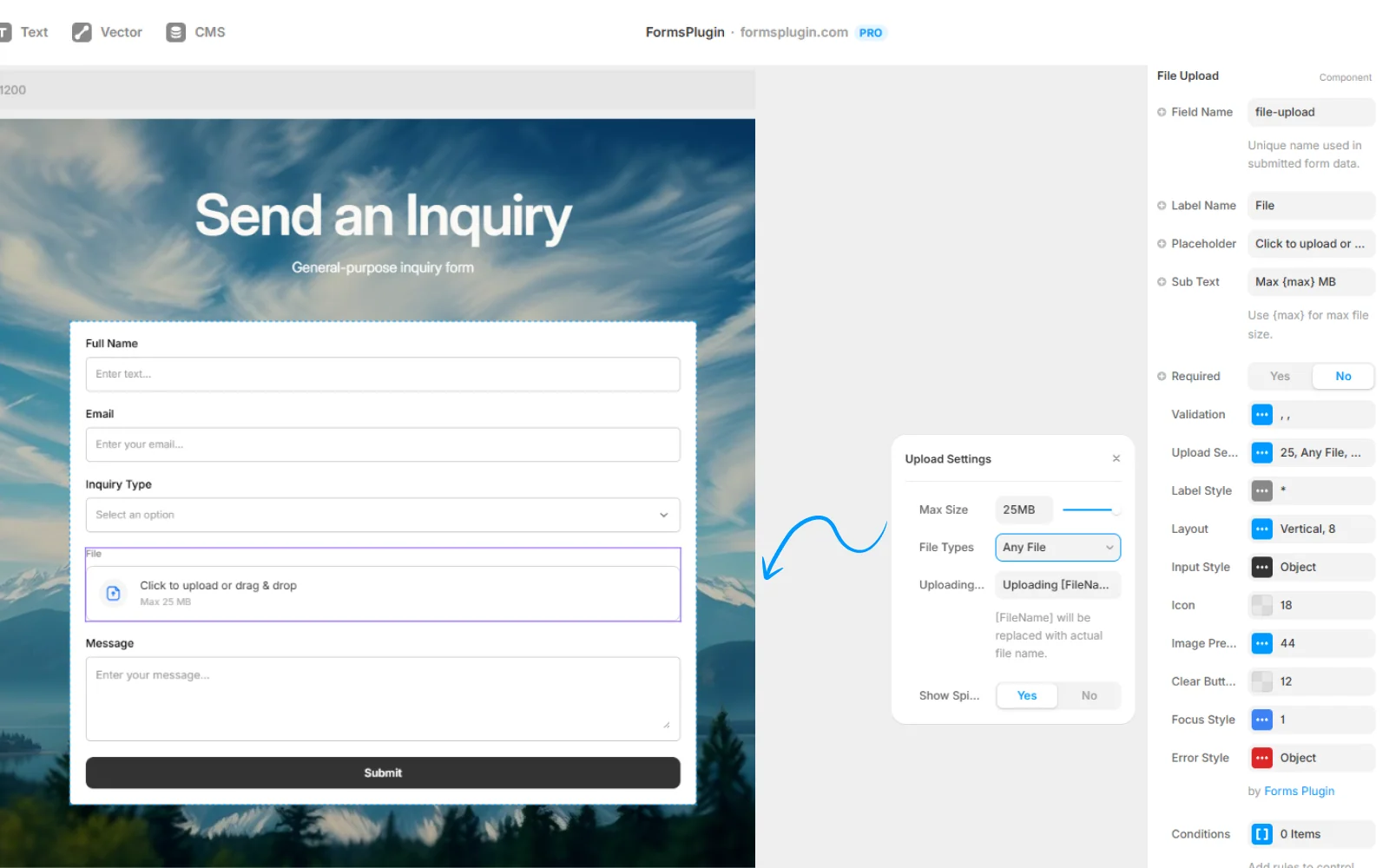
02. Set file rules

Choose accepted types (documents, images, audio, video) and max size per file, up to 50MB on Pro and Scale plans.

Set file rules

03. Receive files in your workflow

Submissions include secure download links in email notifications and CRM records. Files are stored securely and only accessible to form owners.

Receive files in your workflow
Key Capabilities

Everything You Need,
Nothing You Don't

Up to 50MB per file

Generous file size limit on Pro and Scale plans.

Documents

PDF, DOCX, XLSX, PPTX, TXT, ZIP.

Images

JPG, PNG, WebP, SVG, HEIC.

Audio

MP3, WAV, M4A.

Video

MP4, MOV, WebM.

Multiple files per field

Let users attach several files in a single upload field.

Drag-and-drop UI

Styled natively in Framer to match your brand.

Client-side validation

File size and type checked before upload so users get instant feedback.

Use Cases

Built for Real Work

Real teams, real forms. Here is how people put this to work.

01Use case

Job applications

Collect CV (PDF) and portfolio (ZIP) in a single step. No email back-and-forth.

02Use case

Client onboarding

Gather brand assets (logos, brand book, hero photos) in the onboarding form.

03Use case

Support requests

Accept screenshots and screen recordings so the support team has context from the start.

04Use case

Event submissions

Photos, video clips, testimonial videos, all captured through one form.

FAQ

Questions, Answered

Documents (PDF, DOCX, XLSX, PPTX, TXT, ZIP), images (JPG, PNG, WebP, SVG, HEIC), audio (MP3, WAV, M4A), and video (MP4, MOV, WebM).

Upgrade Your Native
Forms Without Tools

Build advanced, secure forms directly inside Framer. Add powerful fields, built-in protection, and seamless integrations that scale with your projects.

Forms Plugin Preview