E-Signature Forms for Framer
Collect digital signatures inside your Framer forms. Client agreements, waivers, NDAs, all signed in one submission. No DocuSign needed.
Available on Pro and Scale plans
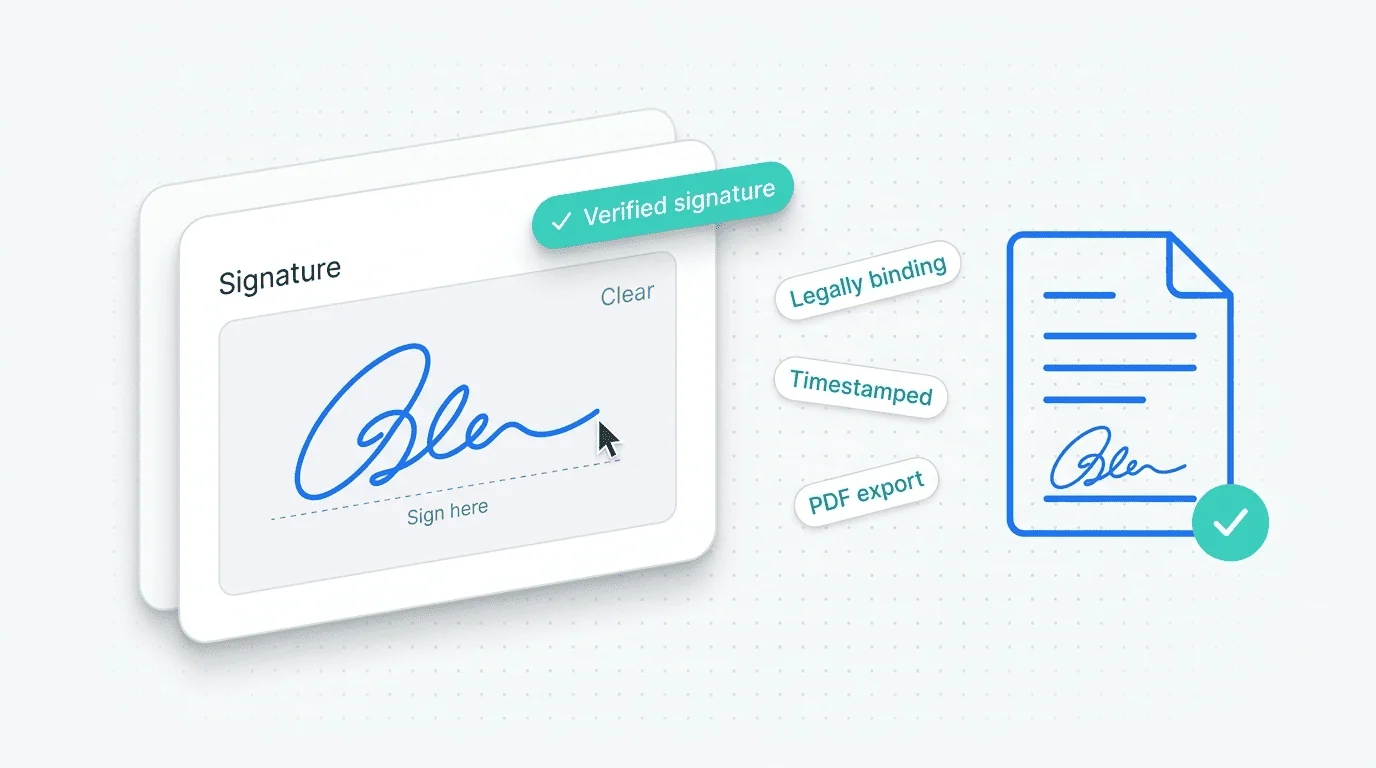
E-Signature fields let users sign with their finger or mouse directly inside a Framer form. The signature is captured as an image, timestamped, and stored securely with the submission. Perfect for contracts, consent forms, waivers, and client agreements where you need a digital signature without routing users through a separate DocuSign or HelloSign flow.
Set Up in
Three Steps
Configured natively in Framer. No code, no external services.
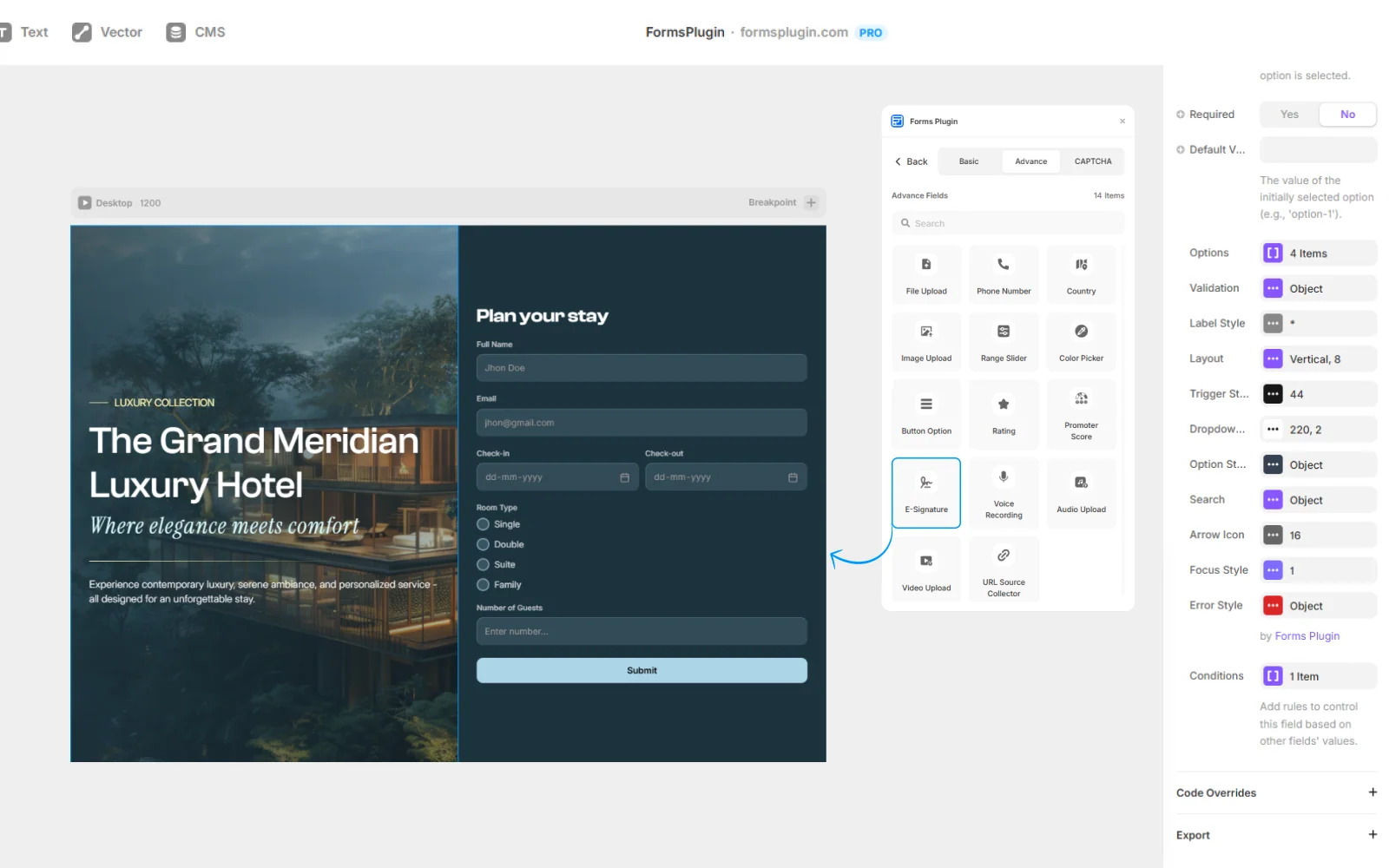
01. Drop the E-Signature field
Add it to any form, single-step or multi-step. It works inside a PageFlow step as well.
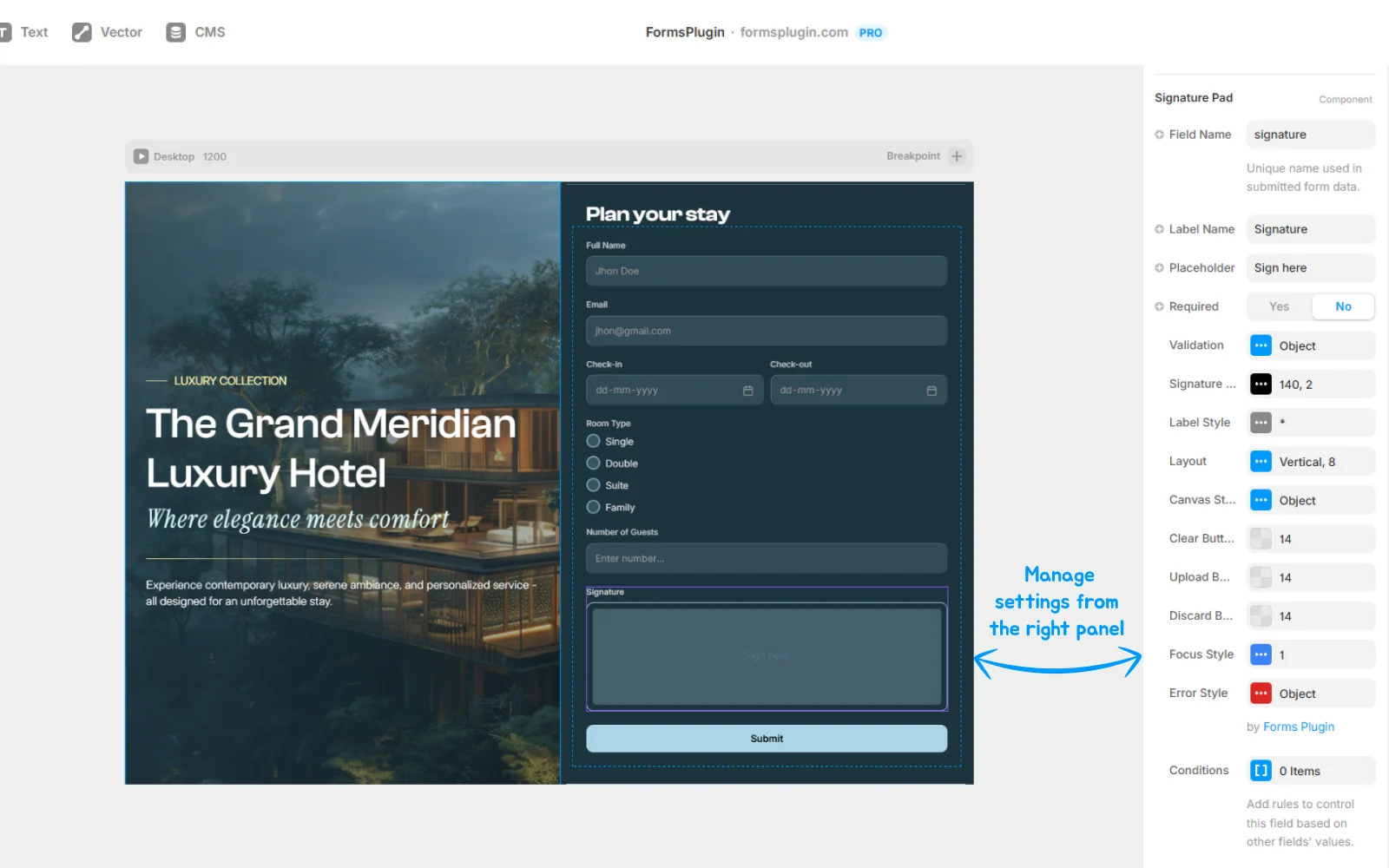
02. Optionally require it
Use conditional logic to require the signature only for specific paths. For example: required only for clients over a certain budget.
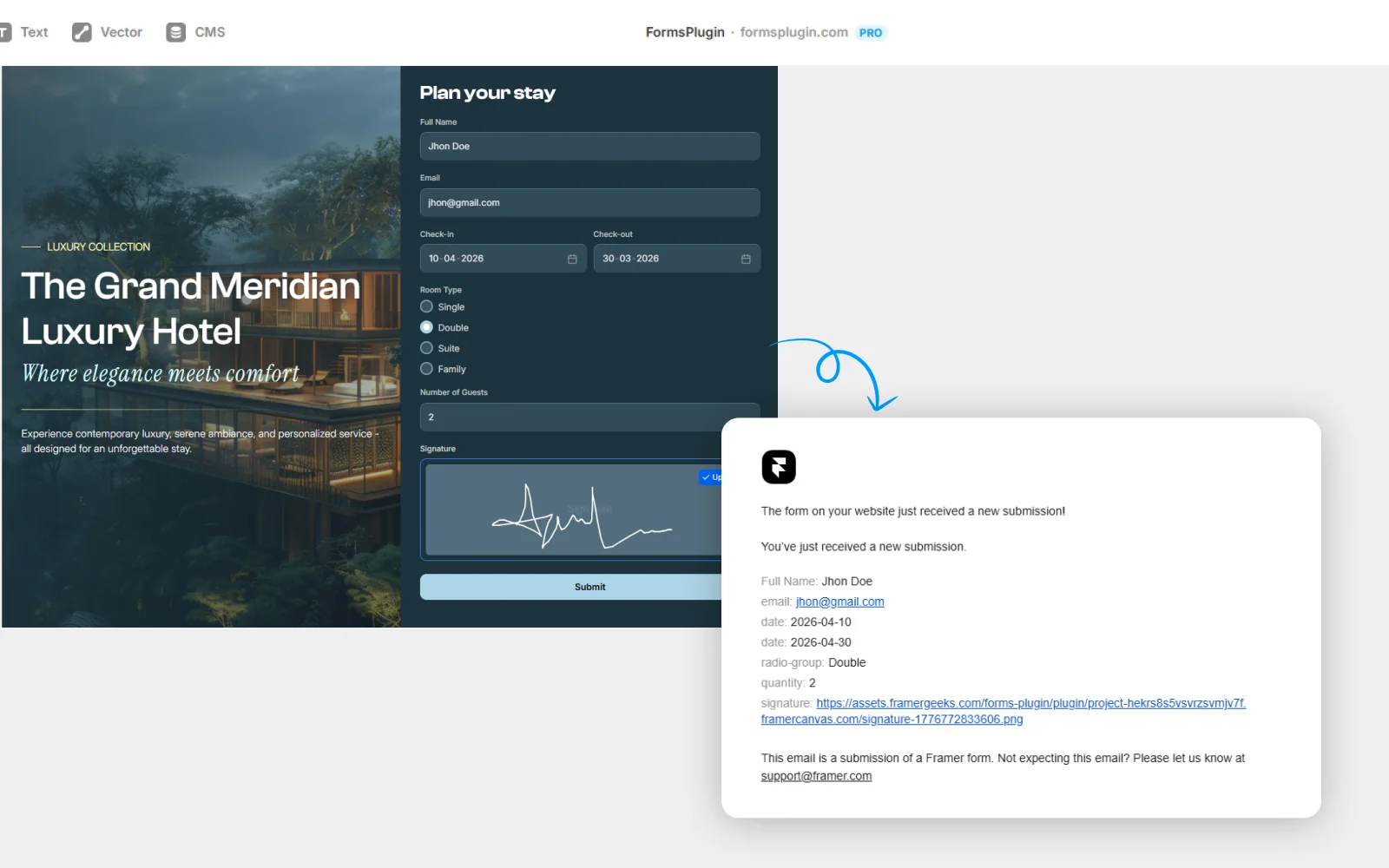
03. Receive the signed submission
The signature image, along with all other form data, arrives in your email notification and CRM record. Timestamped and secured.
Everything You Need,
Nothing You Don't
Draw-to-sign
Finger on mobile, mouse on desktop.
Saved as hosted image
Signature linked from every submission.
Timestamped
Every signature captured with a precise timestamp.
Clear and redo
Users can clear and redo their signature before submitting.
Styled in Framer
Border, color, padding, background, all configurable.
Pairs with file upload
Upload a contract PDF and sign it on the same form.
Conditional logic support
Require the signature only when certain conditions are met.
Built for Real Work
Real teams, real forms. Here is how people put this to work.
Client onboarding agreements
Scope docs, NDAs, and brand consent signed as part of onboarding. No separate DocuSign round-trip.
Freelancer proposal acceptance
The client reads the proposal, signs, and submits. Deal closed from the landing page.
Event waivers
Liability releases for workshops, sports events, or photography sessions, signed on arrival.
Model release forms
Photographers get release signatures captured alongside shoot metadata.
Questions, Answered
Upgrade Your Native
Forms Without Tools
Build advanced, secure forms directly inside Framer. Add powerful fields, built-in protection, and seamless integrations that scale with your projects.
 Get this Plugin