Voice Recording in Framer Forms
Let users record audio messages directly inside your Framer form. Perfect for testimonials, feedback, or voice-first applications.
Available on Pro and Scale plans
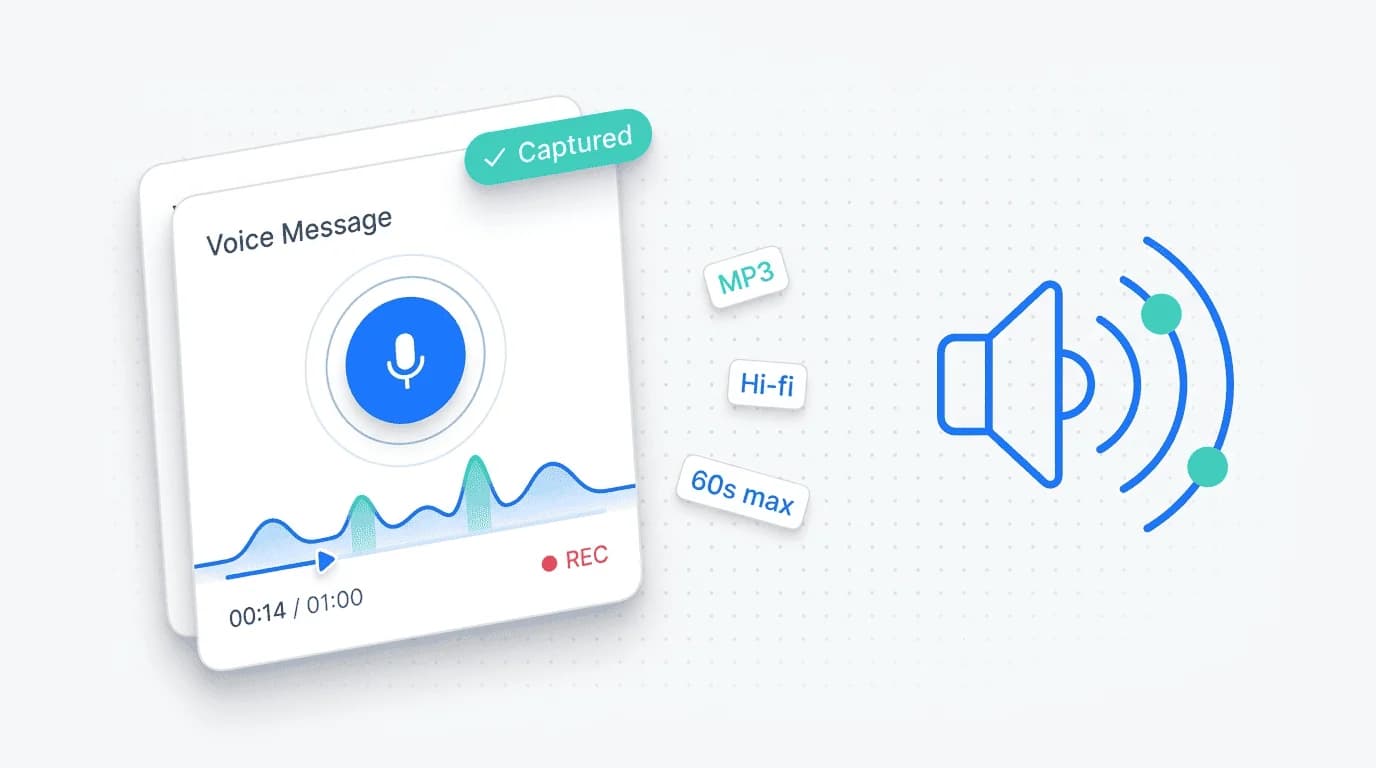
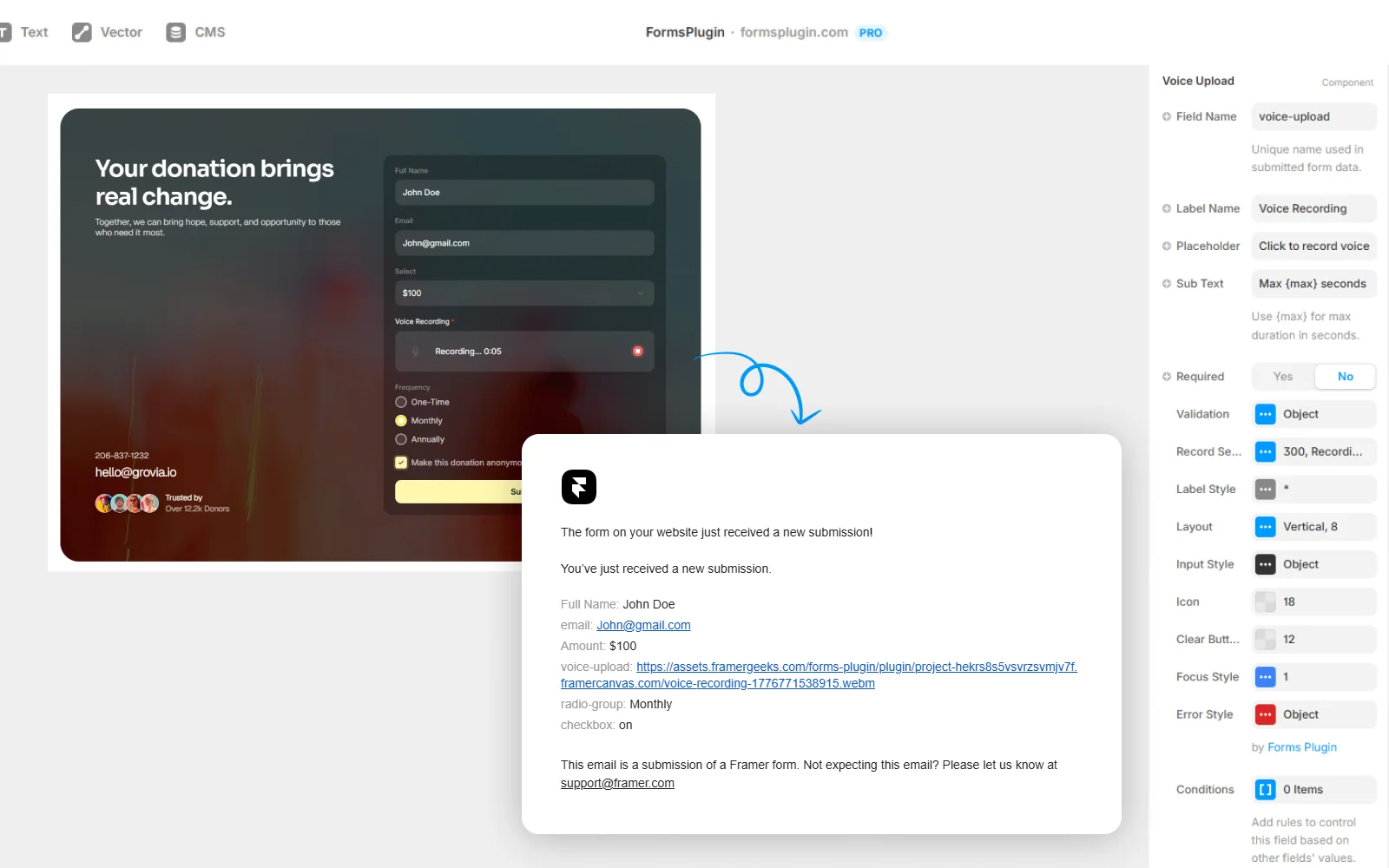
Voice Recording is a form field that lets users capture audio directly in the browser. No third-party recording service, no upload step, no file hunting on their device. Hit record, speak, stop, submit. You receive the audio file attached to the submission, stored securely, and accessible from your notifications or CRM.
Set Up in
Three Steps
Configured natively in Framer. No code, no external services.
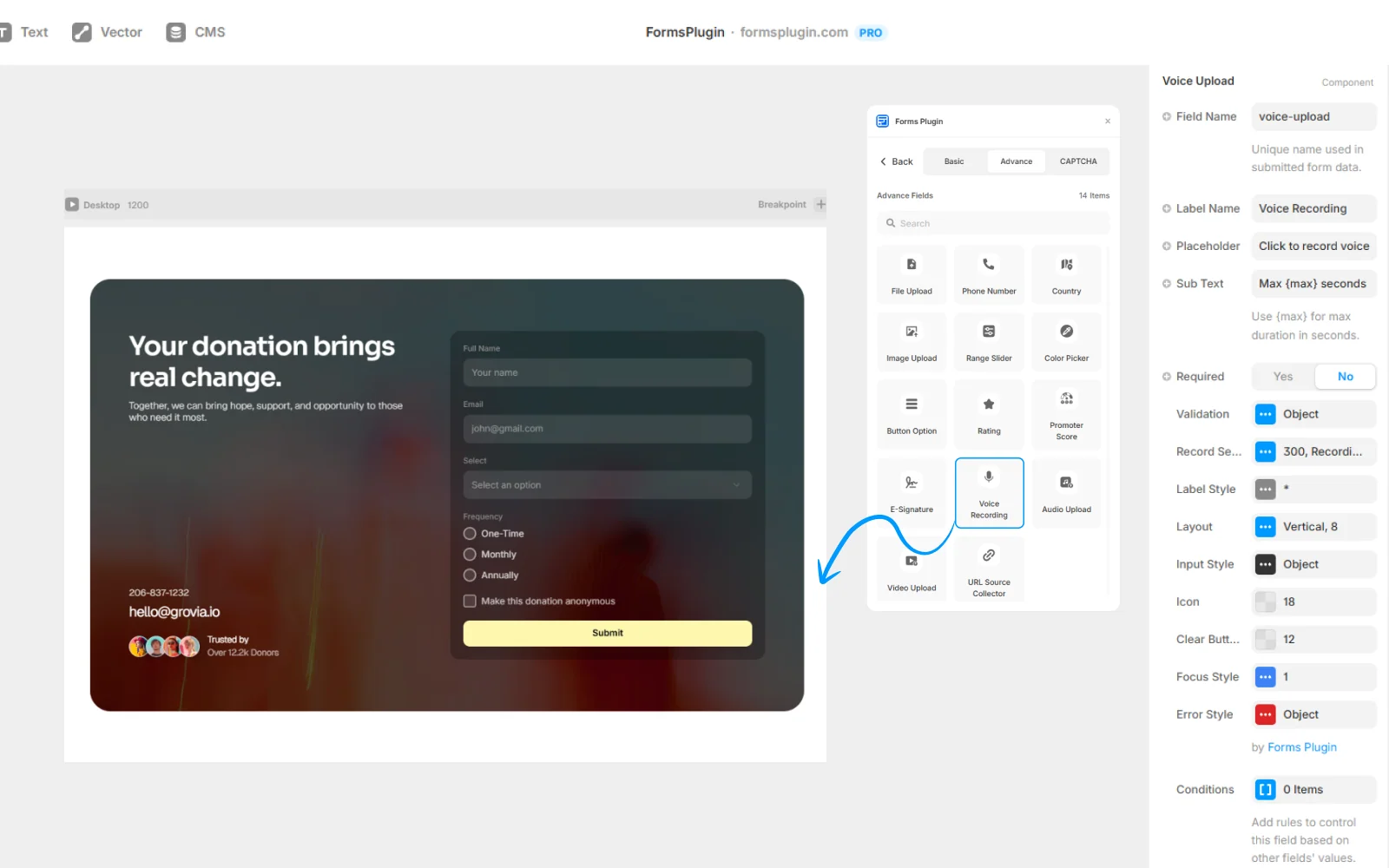
01. Drop the Voice Recording field
Add it to any form, single-step or multi-step. Users just need to grant microphone permission once.
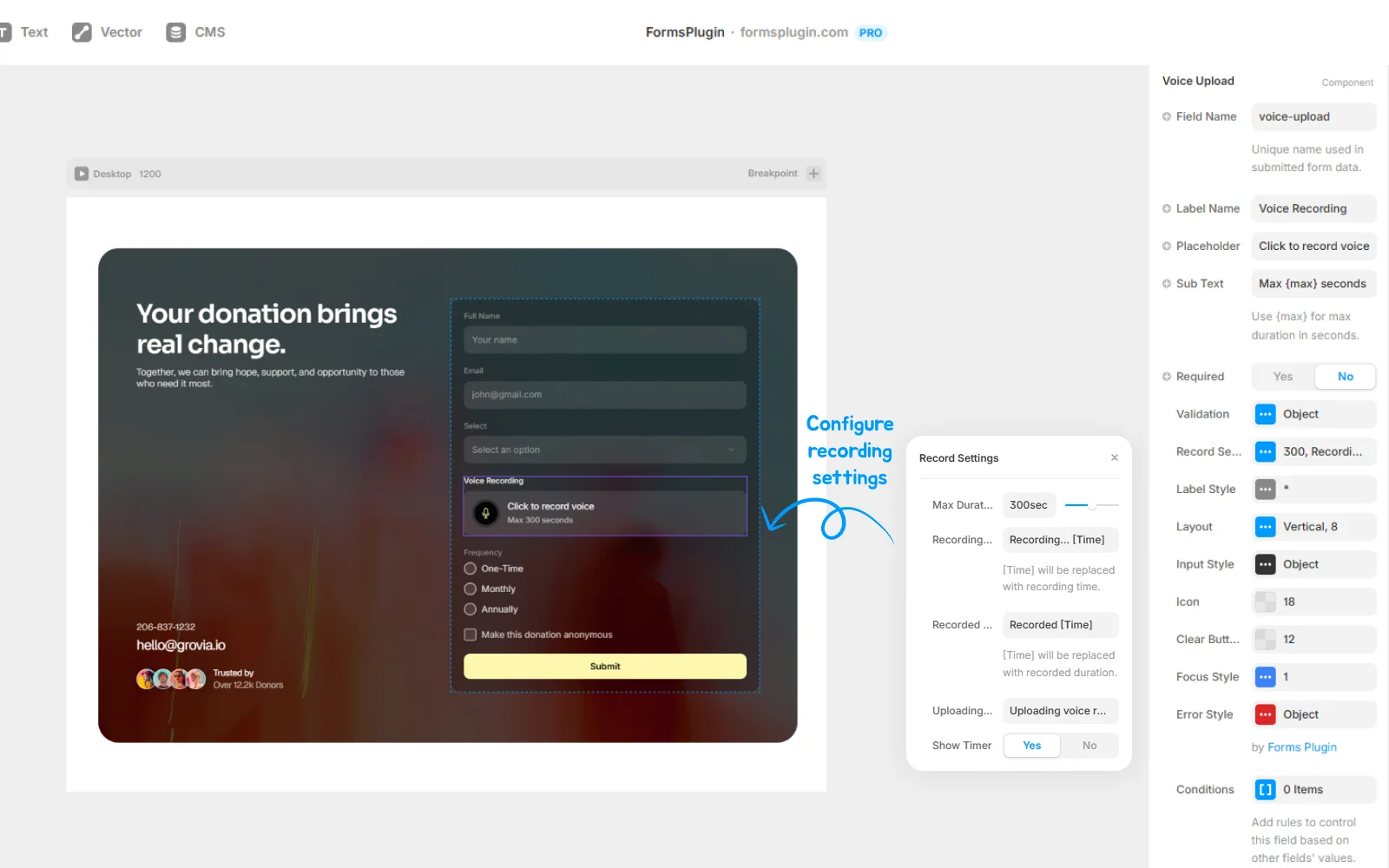
02. Set recording limits
Choose the maximum recording length, from 30 seconds up to 10 minutes, based on your use case.
03. Receive the audio submission
The recording arrives as an MP3 or M4A audio file, linked from your submission record, playable directly in email or CRM.
Everything You Need,
Nothing You Don't
In-browser capture
Record directly in the browser, no plugin or app install.
Cross-browser
Works in Safari 17+, Chrome, Firefox, Edge.
Length limits
Set maximum recording length per field.
MP3 or M4A
Audio stored in standard, widely compatible formats.
Preview before submit
Users can listen back and re-record before submitting.
Mobile-friendly
Works on iOS and Android with microphone permission.
Conditional logic
Require a voice note only in specific cases.
Built for Real Work
Real teams, real forms. Here is how people put this to work.
Podcast and video feedback
Listeners record reactions, reviewers record notes. Feedback in the reviewer's voice, not a text transcription.
Customer testimonials
Collect short audio testimonials for landing pages and marketing. Authentic and fast.
Language school assessments
Pronunciation checks, speaking practice, oral exam submissions.
Accessibility-first onboarding
Let users who prefer voice over typing give their input naturally.
Questions, Answered
Upgrade Your Native
Forms Without Tools
Build advanced, secure forms directly inside Framer. Add powerful fields, built-in protection, and seamless integrations that scale with your projects.
 Get this Plugin