
Why multi-step forms in Framer convert better than single-page forms
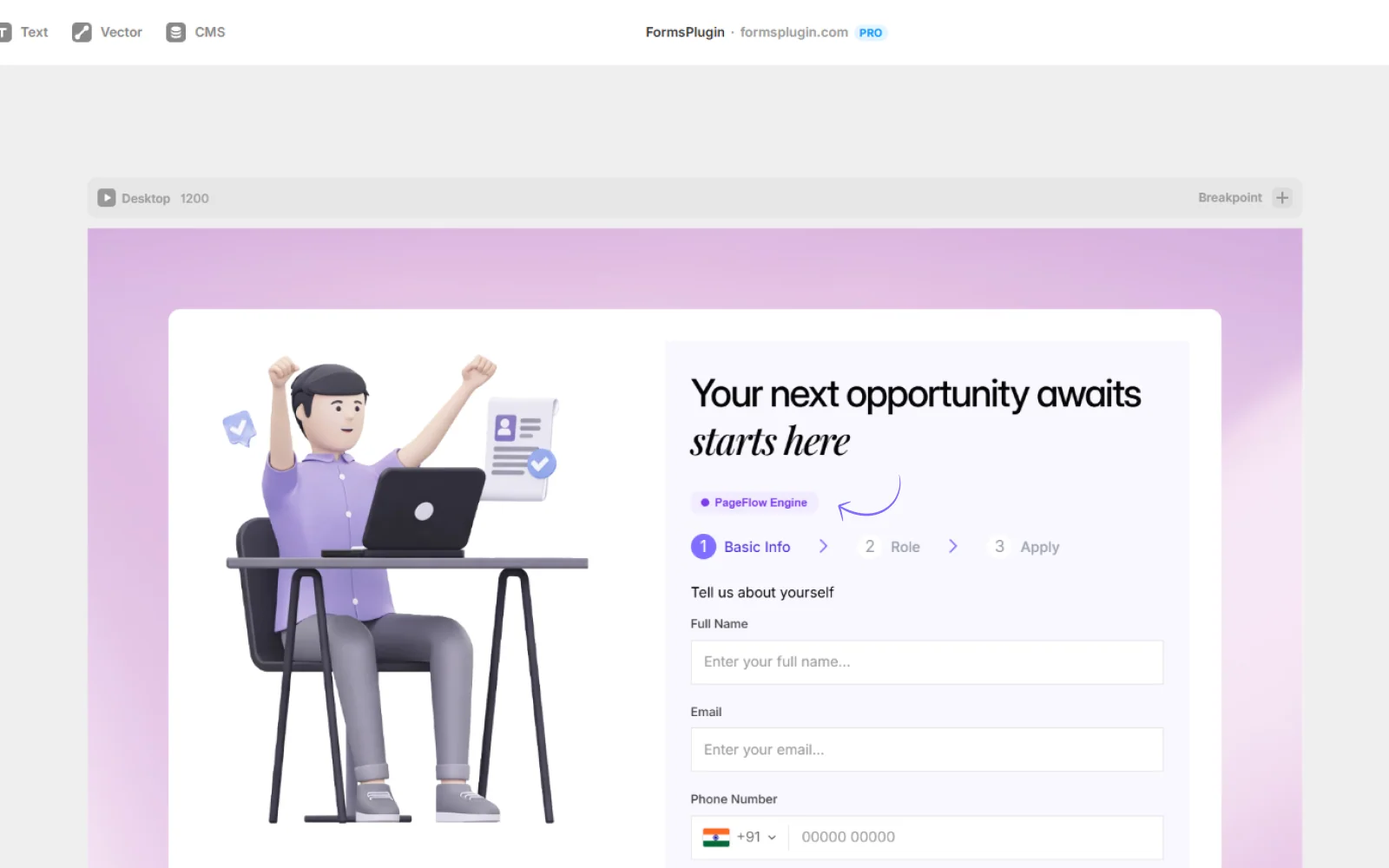
A single long form is overwhelming. Users scroll, see fifteen fields, and bounce. A Framer multi step form solves this by showing a small set of fields per page so each step feels short. Form-design studies consistently report 30 to 50 percent completion-rate lifts when long forms are split into steps, especially for lead-gen, applications, and surveys.
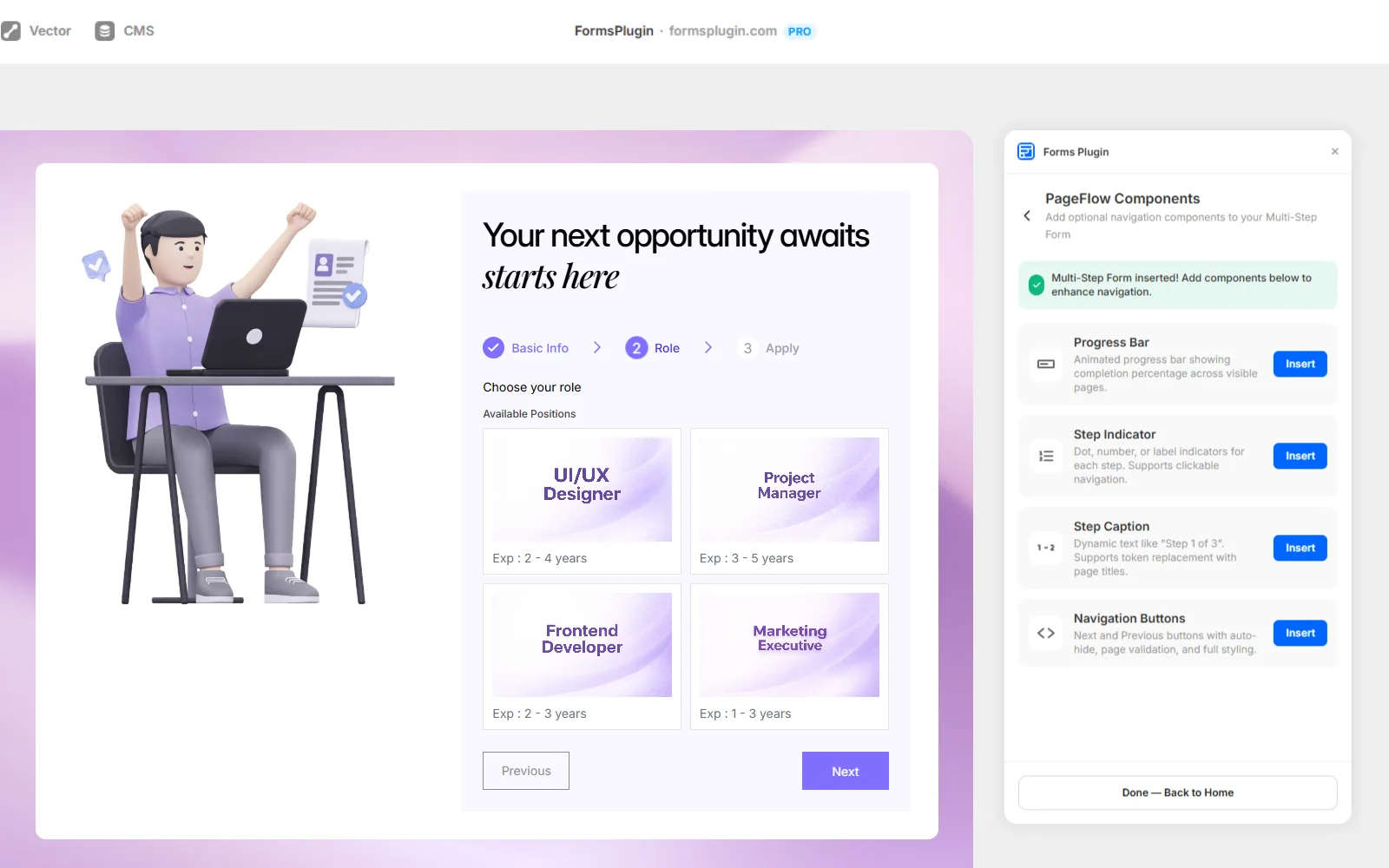
Multi-step forms also reduce cognitive load. Users answer one question at a time instead of comparing fifteen fields at once. Progress bars give a sense of completion. Step indicators let people see where they are. This is the same psychological pattern used by Typeform, but PageFlow keeps the form rendered natively on your Framer canvas so the design stays yours.
The data also shows partial-submission capture matters: even when a user does not finish, you still know they reached step two or three, which makes a multi-step form better for analytics than a single submit-or-bounce form.
 Get this Plugin