Key Takeaways
- Framer's native form component already ships with a Date field, you don't need a plugin just to collect a date.
- Forms Plugin also includes a Date Picker on every plan, including the free Basic tier, if you want it alongside other advanced fields.
- Both the Date Picker field and its before/after/exact-date conditional logic are free on the Basic plan, since conditional logic is built into every field type rather than sold separately.
- Booking and appointment forms are the most common use case, paired with a time field and a service or slot selector.
- Multi-step forms, on the Pro and Scale plans, can gate later steps based on the date someone picks, useful for anything with a lead time or blackout window.
Overview
Adding a Framer date picker field sounds like it should need a plugin, and for a lot of use cases it doesn't. Here's what's actually built in, what a form plugin adds on top, and how to make a date field do more than just sit there.
Quick Answer
- Framer's native form component already ships with a Date field, you don't need a plugin just to collect a date.
- Forms Plugin also includes a Date Picker on every plan, including the free Basic tier, if you want it alongside other advanced fields.
- Both the Date Picker field and its before/after/exact-date conditional logic are free on the Basic plan, since conditional logic is built into every field type rather than sold separately.
- Booking and appointment forms are the most common use case, paired with a time field and a service or slot selector.
- Multi-step forms, on the Pro and Scale plans, can gate later steps based on the date someone picks, useful for anything with a lead time or blackout window.
Does Framer have a native date picker field?
Yes. Framer's own form component lists Date as one of its native input types, alongside name, location, number, phone, time, and message fields. If your form just needs to collect a date and route the submission to email, Google Sheets, or a webhook, the native field covers that without installing anything.
This surprises people who assume advanced field types are exclusively a plugin feature. Framer covers a reasonable spread of common inputs itself, date included, it's the logic layered on top of the field that native Framer doesn't handle.
How do you add a date field to a native Framer form?
Open the form component in your Framer project, add a new field, and choose Date from the available input types. It renders as a calendar-style picker on the front end and submits as a date value alongside the rest of your form's fields, no extra configuration required for basic use.
This is the fastest path if a date is the only special field your form needs. A simple availability request, a birthday field on a signup form, a "preferred contact date" on an inquiry form, all work fine with just the native field.
What if you need more control over the date picker field?
That's where a form plugin earns its place, not because the calendar UI itself needs replacing, but because of what you can attach to the field once it's part of a larger form system. Forms Plugin ships its own Date Picker field as one of its basic field types, meaning it's available on every plan, including the free Basic tier, no upgrade required just to use it.
The value shows up once the date field needs to interact with the rest of the form: triggering conditional logic, feeding into a multi-step flow, or routing straight to a CRM alongside everything else the visitor submitted. A standalone native field can't do any of that on its own.
How do you use conditional logic with a date field?
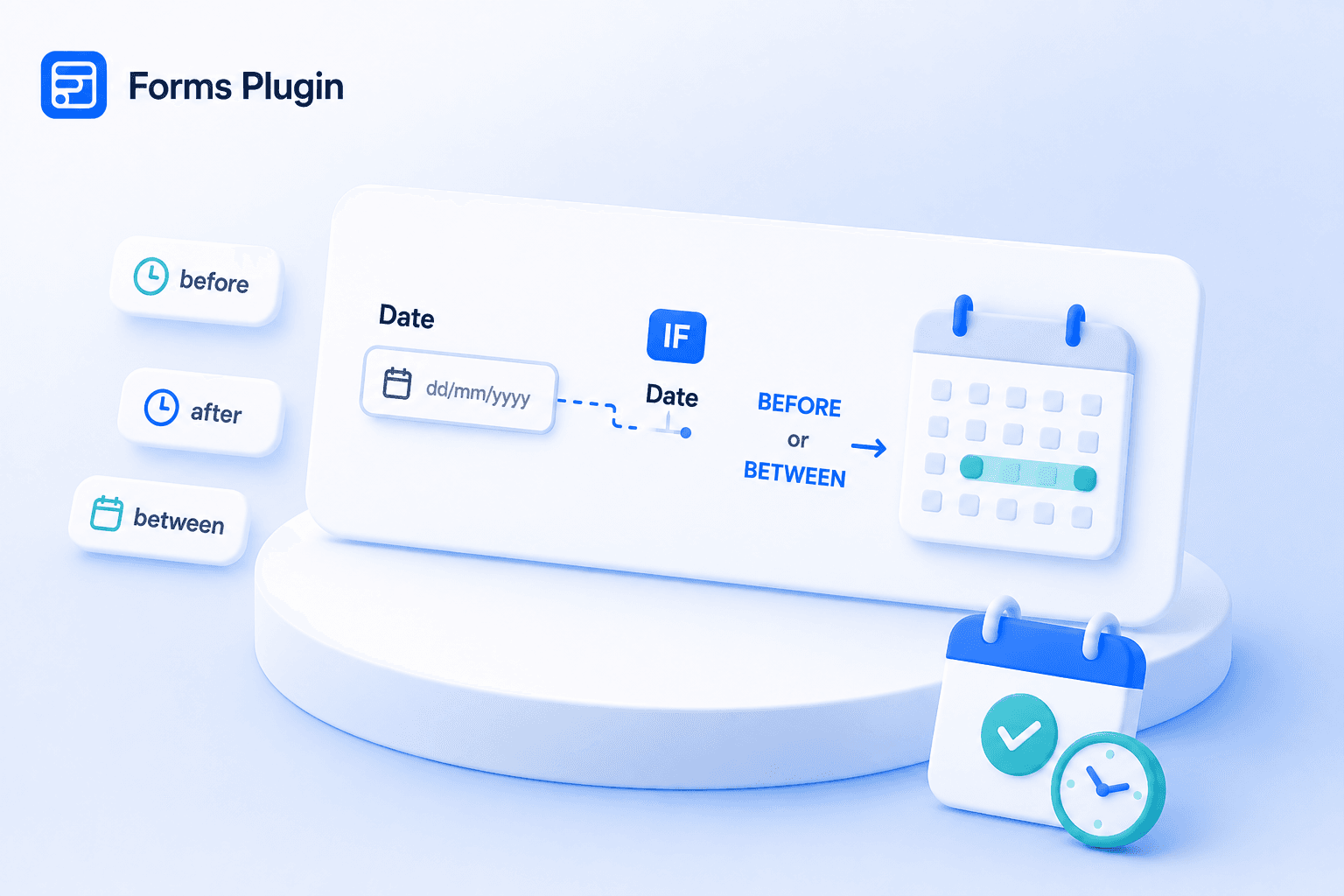
Date fields support eight comparison operators in Forms Plugin's conditional logic system: Is Empty, Is Not Empty, Equals, Not Equals, Before, After, Between, and Not Between. That's enough to build rules like "only show the rush-fee notice if the requested date is less than 7 days away" or "hide the evening slot option if the selected date falls on a Sunday-only closure."
Between and Not Between are the ones that matter most for the use cases this post keeps coming back to: blackout windows, lead-time cutoffs, booking date ranges. "Show a rush-fee notice only when the requested date falls between tomorrow and 7 days out" is a single Between rule instead of stacking two separate Before and After rules. Not Between works the same way in reverse, for blocking out a specific window rather than targeting one. Not Equals is there too, for excluding one specific date, a holiday closure, a fully booked day, without touching the rest of the calendar.
A practical example: an appointment form could show a "add-on services" field only when the selected date is more than 3 days out, giving your team enough lead time to prep for extras, while hiding that option entirely for last-minute bookings. The same operators, before/after, between, or excluding one specific date, work for waitlists, event registration cutoffs, and anything with a hard deadline baked into the form itself.
Conditional rules in Forms Plugin work across all 30+ field types and support AND/OR chaining, so a date condition can combine with other answers, for example, a specific service type plus a date more than 2 weeks out, before triggering an action.
How do date fields compare across native Framer and Forms Plugin?
| Native Framer Date field | Forms Plugin Date Picker | |
|---|---|---|
| Plan required | Included with Framer | Free, on every plan |
| Calendar UI | Yes | Yes |
| Conditional logic support | No | Yes, 8 operators including Before/After/Between |
| Works in multi-step forms | No native multi-step support | Yes |
| Routes to CRM integrations | Webhook only | 9 native integrations on Scale |
The calendar itself looks and behaves similarly either way, a clickable field that opens a date picker. What differs is everything the date can plug into once it's collected. If your form is a single page with no branching logic, that difference won't matter. Once the form needs to react to the date, it does.
What are the most common uses for a date field in Framer forms?
Booking and appointment forms are the biggest one by far. Our appointment booking template pairs a date picker with a time-slot selector and a service dropdown, routing the finished booking straight to a connected CRM instead of a separate scheduling tool. The hotel booking template does the same for check-in and check-out dates.
Event registration forms use a date field to confirm which session or date someone is registering for when multiple dates are offered. Intake and application forms use it to log a deadline-sensitive date, a desired start date, a last date of employment, a preferred move-in date, without needing a separate calendar tool. Waitlist and cancellation forms use before/after logic on the date itself to route urgent requests differently than routine ones.
Building this with Forms Plugin
The Date Picker field is a basic field type, so it's available even on the free plan with no credit card required. Conditional logic isn't a separate paid feature either, it's built into every field type, so all 8 date-field comparison operators, including Before, After, and Between, work on Basic too. Multi-step forms are the one piece that's Pro and Scale only, needed if you want a date to gate a whole later step rather than just show or hide something on the same step. Check the pricing page for the full breakdown before deciding which tier fits your form.
If you're building a booking flow specifically, start from one of the existing templates rather than building the date-plus-logic combination from scratch, it saves the setup work of wiring the conditional rules yourself.
Frequently asked questions
Do I need a plugin just to add a date field to a Framer form?
No. Framer's native form already has a Date field built in. A plugin becomes useful once you need that date to trigger conditional logic, live inside a multi-step form, or route to a CRM.
Can a date field be required only under certain conditions?
Yes, with conditional logic. A rule can make a date field required only when another field matches a specific condition, rather than making it mandatory for every visitor.
Can I restrict which dates someone can pick?
Restricting the calendar itself to a specific range isn't part of what's documented for the native Framer field. What conditional logic can do instead is react after a date is picked, showing, hiding, or requiring other fields based on whether that date is before or after a threshold you set.
Does the date field work in multi-step forms?
Yes. Date fields work like any other field type across Forms Plugin's multi-step forms, and conditional logic tied to a date can control what a visitor sees on later steps.
Do I need to reformat the date before it reaches my CRM?
It depends on the destination. Forms Plugin's native integrations pass field values through to connected platforms like HubSpot or Mailchimp as part of the standard submission, the same way any other field does. If you're routing through a generic webhook instead, check how the receiving system expects the date formatted.
Is a date field the same as a countdown or availability calendar?
No. A date field collects a single value a visitor selects, it's not a live availability calendar showing which dates are already booked. If you need visitors to see real-time availability before picking, that's a separate scheduling feature, not something a standard date field provides on its own.
Bottom line
A Framer date picker field doesn't need a plugin on its own, Framer's native form already has one. Forms Plugin earns its place once that date needs to trigger conditional logic, live inside a multi-step form, or route straight to a CRM, and the Date Picker field plus its conditional logic are both free on Basic. Check the features page to see the full field library, or start from the appointment booking template if you're building a booking flow specifically.
Ready to build smarter Framer forms?
Forms Plugin gives you everything covered in this article - natively, inside Framer.
Get Forms Plugin


 Get this Plugin