Key Takeaways
- Forms Plugin's ActiveCampaign integration does not use a Form ID at all, it needs an Account URL, an API key, and an optional List ID.
- SMS-channel lists require a phone field mapping or ActiveCampaign rejects the subscription, email-channel lists only need the email mapping.
- One field mapping must target email, that's a hard requirement, and the AC Field selector also supports custom field IDs beyond the four standard fields.
- ActiveCampaign's Lite plan does not expose the API this integration needs, Plus or higher is required regardless of your Forms Plugin plan.
- Native integrations including ActiveCampaign are a Pro and Scale feature in Forms Plugin, Basic does not include them.
Overview
If you searched "activecampaign form id" trying to connect a Framer form, you likely landed on Forms Plugin's ActiveCampaign integration page and hit a wall: it walks through setup but assumes you already have your credentials in hand. This post covers the step that page skips, finding the actual ID the integration needs, and clears up why it is not called a "Form ID" at all.
Quick Answer
- Forms Plugin's ActiveCampaign integration does not use an ActiveCampaign Form ID. It needs your Account URL, API key, and (optionally) a List ID.
- Your List ID lives under Contacts, then Lists in ActiveCampaign, and shows up in the page URL once you open a list.
- "Form ID" is a separate ActiveCampaign concept, tied to their own native embeddable forms, not to the Forms Plugin integration.
- ActiveCampaign's Lite plan does not expose the API Forms Plugin needs. You need Plus or higher.
- Native integrations, including ActiveCampaign, are a Pro and Scale feature in Forms Plugin, not included on Basic.
What ActiveCampaign form ID does Forms Plugin need?
Forms Plugin's ActiveCampaign integration needs an Account URL and API key from your ActiveCampaign account, plus an optional List ID if you want submissions to auto-subscribe contacts to a specific list. It does not ask for a "Form ID" anywhere in setup.
That distinction matters because ActiveCampaign has its own unrelated "Form ID," attached to its native form builder, and the two get confused constantly in search. Forms Plugin talks to ActiveCampaign's contact and list API directly, so your Framer form is the only form involved. ActiveCampaign's own forms feature never enters the picture.
Where do you find your ActiveCampaign List ID?
Open ActiveCampaign, go to Contacts, then Lists, and click into the list you want to use. The ID shows in the URL, a plain number tied to that list.
Copy that number into the List ID field when you configure the integration in Forms Plugin. If you skip it, ActiveCampaign will still create or update the contact from the submission, it just will not be added to any particular list. Only set a List ID if you actually want submissions routed into one.
One gotcha: if the List ID belongs to an SMS-marketing-channel list rather than an email list, the subscription requires a phone field mapping. Without one, ActiveCampaign rejects the subscription outright. Email-channel lists only need an email mapping, so this only bites you on SMS lists specifically.
What's the difference between a List ID and a Form ID in ActiveCampaign?
A List ID identifies a contact list. A Form ID identifies one of ActiveCampaign's own native forms, the ones you build inside their Forms tool and publish with an embed code on a separate site.
You can find it in the edit URL of one of ActiveCampaign's native forms, and it is only relevant if you are embedding one of ActiveCampaign's own forms somewhere. Forms Plugin does not use it, because the form itself lives in Framer, not in ActiveCampaign. If a setup guide or forum thread tells you to look for a "Form ID" while connecting Framer, it is describing a different integration path than the one Forms Plugin uses.
Where do you find your Account URL and API key?
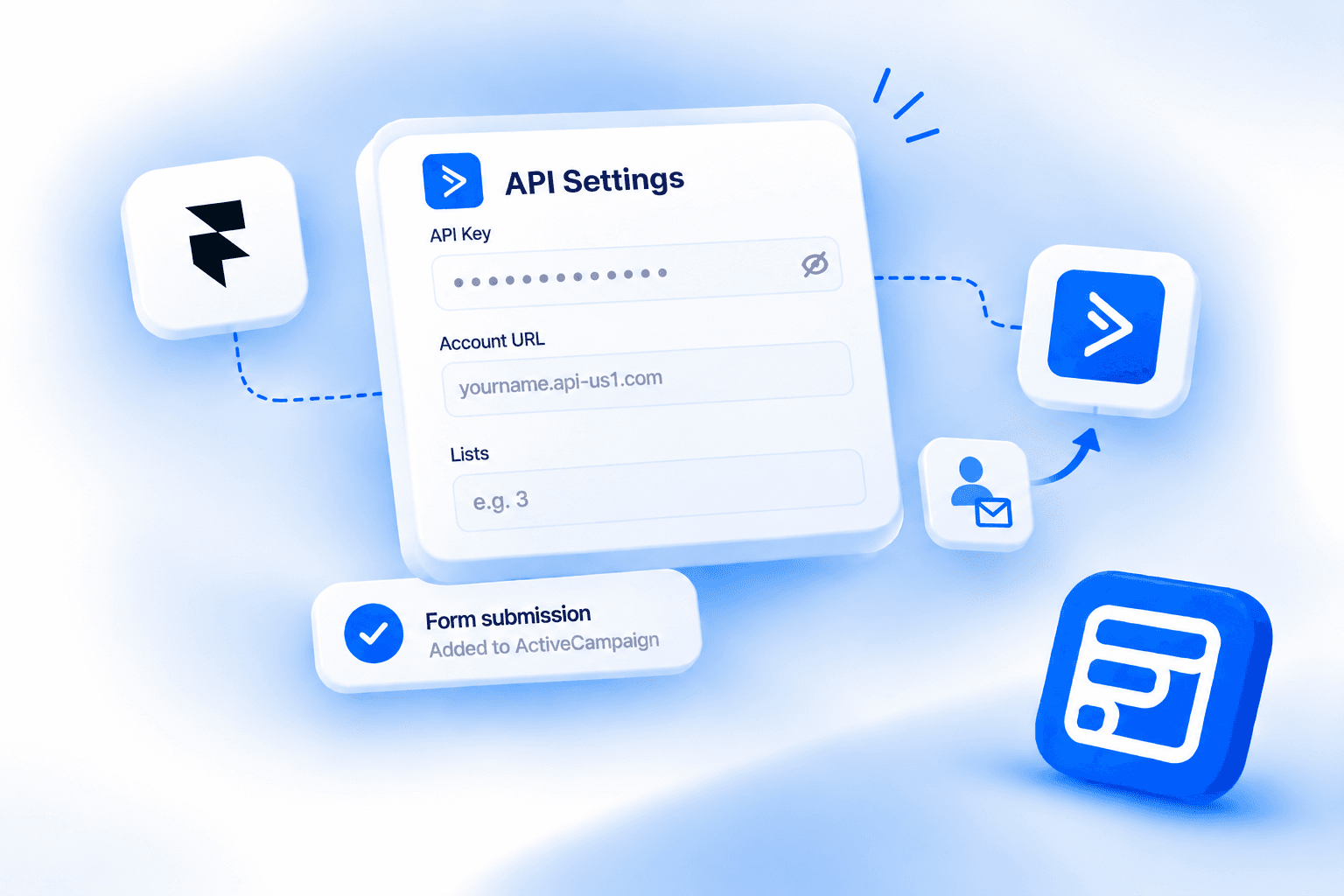
In ActiveCampaign, open Settings, then Developer. That page shows your API URL and API key together, each with a copy button. That URL is what Forms Plugin's panel labels "Account URL," not "API URL," so don't go looking for a separate field.
You can paste it in with or without the https:// prefix, Forms Plugin strips it automatically. The example format shown in the panel itself is yourname.api-us1.com.
Paste both into Forms Plugin's ActiveCampaign integration panel alongside your List ID. Keep the API key private, treat it like a password, since it grants write access to your contact data.
Why doesn't ActiveCampaign's Lite plan work with this integration?
ActiveCampaign's Lite plan does not expose the API endpoints Forms Plugin's integration relies on. You need ActiveCampaign Plus or higher for the connection to work at all, regardless of what you enter on the Forms Plugin side.
This trips people up because the Developer settings page itself might display credentials on a Lite account, but the API calls Forms Plugin makes will fail against them. If your integration test does not connect, checking your ActiveCampaign plan tier is the first thing to rule out, before double-checking the List ID or key.
How do you connect Forms Plugin to ActiveCampaign once you have your List ID?
With your Account URL, API key, and List ID in hand, open your form in Forms Plugin inside Framer, go to Integrations, and select ActiveCampaign. Paste your Account URL and key, add the List ID if you're using one, then map your form fields to ActiveCampaign's contact fields, typically email to email, first name to firstName, last name to lastName, and phone to phone if your form collects it.
At least one mapping must target email. That's a hard requirement, not an optional field like the others, ActiveCampaign can't create or update a contact without it. Beyond the four standard fields (email, firstName, lastName, phone), the AC Field selector also supports custom field IDs, so any custom contact field you've set up in ActiveCampaign is fair game for mapping.
One detail that trips people up: "Form Field" in the mapping UI refers to the field's HTML name attribute, not its visible label. If a mapping silently isn't matching, check the field's name attribute rather than the label text you see on the form.
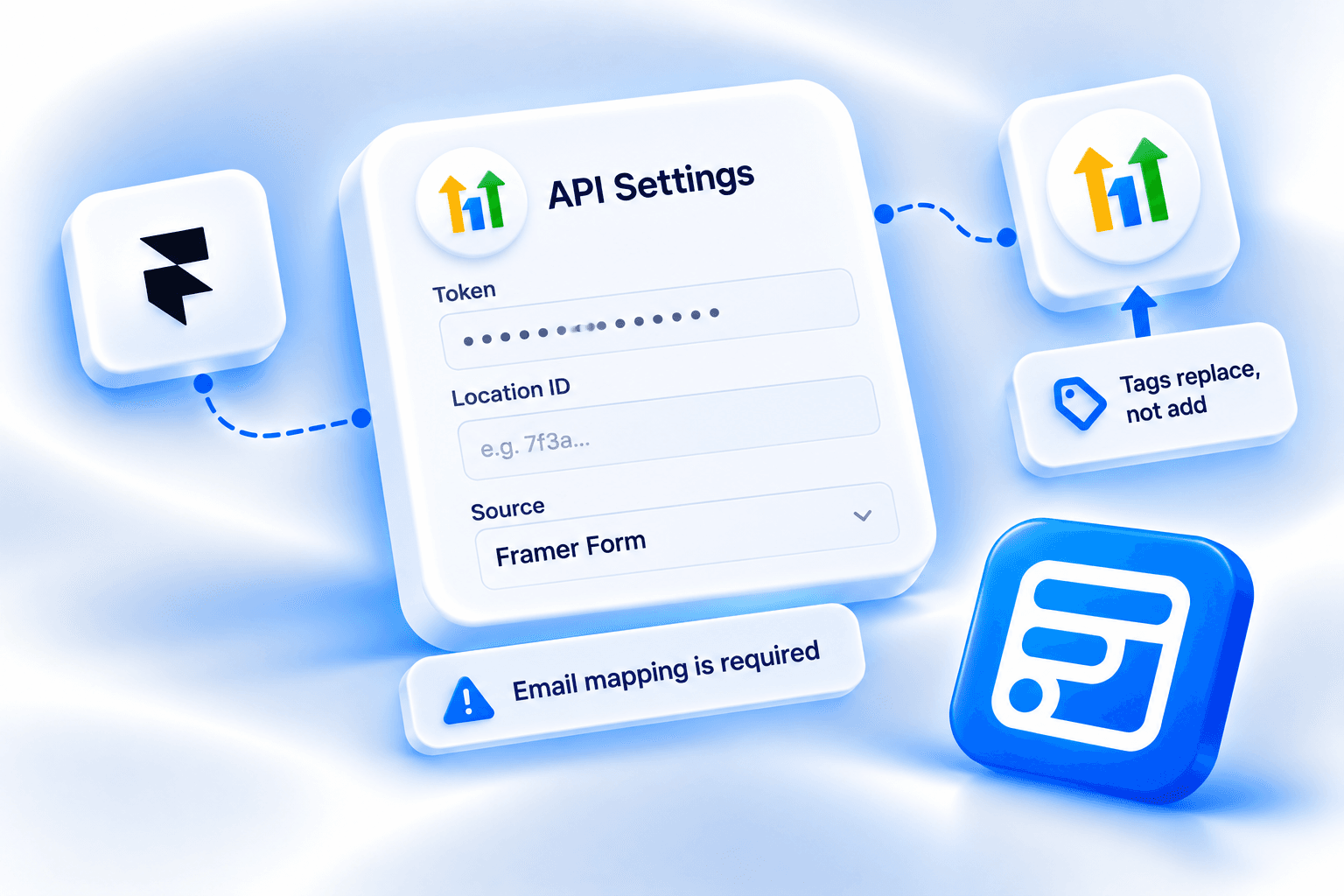
The API Settings panel also has an "Update Existing" toggle (Yes/No). Set to Yes, a resubmission from a contact already matched by email gets their record updated instead of left as-is.
Forms Plugin's ActiveCampaign documentation covers the full field mapping screen and configuration options in more depth than fits here. The integrations page lists ActiveCampaign alongside the other CRM and email platforms Forms Plugin connects to natively.
What Forms Plugin plan do you need for ActiveCampaign?
Native integrations, including ActiveCampaign, HubSpot, Brevo, Mailchimp, ConvertKit (Kit), MailerLite, Klaviyo, Drip, and Beehiiv, are a Pro and Scale feature. Basic does not include them.
Pro is $99 one-time and Scale is $119 one-time, both not subscriptions. Scale adds unlimited site usage and a commercial license for client work on top of everything in Pro. Check the pricing page for the full plan comparison before you build around this integration.
Frequently asked questions
Do I need an ActiveCampaign Form ID to connect Forms Plugin?
No. Forms Plugin uses an Account URL, API key, and optional List ID. The Form ID belongs to ActiveCampaign's own native forms feature and is not part of this integration.
Is the List ID required?
No, it is optional. Without one, submissions still create or update ActiveCampaign contacts, they just are not added to a specific list.
Why can't I find the Developer settings option in ActiveCampaign?
It should be under Settings, then Developer, on any paid plan. If the API calls fail once you have credentials, the likely cause is a Lite-tier account, since Lite does not expose the API Forms Plugin needs.
What plan does Forms Plugin require for ActiveCampaign?
Pro ($99 one-time) or Scale ($119 one-time). Basic does not include native CRM integrations.
Bottom line
There is no "Form ID" to hunt down for this integration, that search term describes a different ActiveCampaign feature entirely. What Forms Plugin actually needs is your Account URL and key from Settings, then Developer, plus an optional List ID from Contacts, then Lists. Get those two things, confirm you're on ActiveCampaign Plus or higher, and confirm you're on Forms Plugin Pro or Scale, and the connection itself is a short field-mapping step from there.
Ready to build smarter Framer forms?
Forms Plugin gives you everything covered in this article - natively, inside Framer.
Get Forms Plugin
 Get this Plugin