Key Takeaways
- Framer's native form doesn't have a rating or NPS field, both require a plugin.
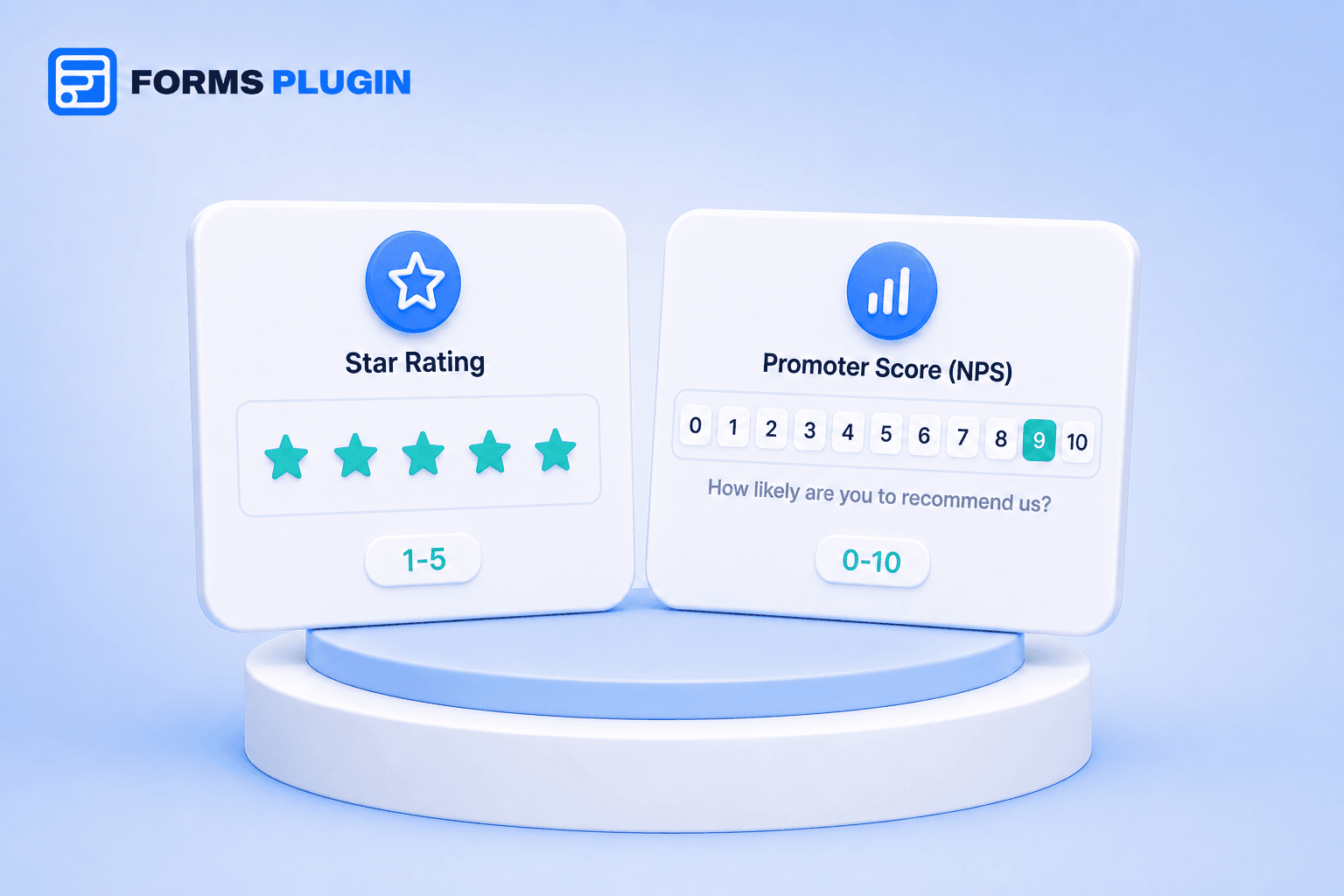
- A Star Rating field is a 1-5 scale, best for rating a specific thing: a product, a session, a piece of content.
- An NPS field is a 0-10 scale that maps to the standard Net Promoter Score methodology, best for measuring overall loyalty.
- Forms Plugin includes both as advanced fields on the Pro and Scale plans.
- Collected scores are only useful once they're routed somewhere you'll actually look, a CRM, a spreadsheet, or an alert for low scores.
Overview
Feedback forms live or die on whether people actually finish them. Good rating and NPS fields take two seconds to answer, which is exactly why they convert better than an open-ended "tell us what you think" text box. Here's how the two field types differ and when to use each.
Quick Answer
- Framer's native form doesn't have a rating or NPS field, both require a plugin.
- A Star Rating field is a 1-5 scale, best for rating a specific thing: a product, a session, a piece of content.
- An NPS field is a 0-10 scale that maps to the standard Net Promoter Score methodology, best for measuring overall loyalty.
- Forms Plugin includes both as advanced fields on the Pro and Scale plans.
- Collected scores are only useful once they're routed somewhere you'll actually look, a CRM, a spreadsheet, or an alert for low scores.
What's the difference between rating fields and NPS fields?
A Star Rating field asks someone to rate a specific thing on a 1-5 scale. An NPS field asks a single loyalty question on a 0-10 scale, "how likely are you to recommend this to a friend," and maps directly to the standard Net Promoter Score methodology.
They answer different questions. A star rating measures satisfaction with one specific experience, a purchase, a support call, a piece of content. NPS measures something broader: overall loyalty to the business as a whole, independent of any single interaction.
When should a Framer form use a star rating instead of NPS?
Use a star rating whenever you're asking about one specific thing that just happened: how was this product, how was this session, how was this support interaction. It's fast to answer and the 1-5 scale reads intuitively without any explanation needed.
Use NPS when you want a single, standardized measure of overall relationship health, the kind of number you track over time and compare against industry benchmarks. NPS is the wrong tool for "how was this specific delivery," it's built to ask about the relationship, not the transaction.
A lot of feedback forms benefit from using both together: a star rating for the specific interaction that just happened, plus an NPS question further down for the bigger-picture read. That combination gives you an immediate, actionable score and a longer-term trend line from the same form.
How does the NPS 0-10 scale actually work?
Respondents score you 0 to 10, and the standard methodology sorts them into three groups: 0-6 are detractors, 7-8 are passives, and 9-10 are promoters. The overall NPS score is the percentage of promoters minus the percentage of detractors, which is why a single form field can produce a metric that's tracked and benchmarked across entire industries.
Forms Plugin's Promoter Score field implements exactly this 0-10 scale, so the responses map cleanly onto that standard scoring model without needing to build the calculation yourself.
Why not just use a plain number field instead?
Because the field type itself is doing UX work a plain number input doesn't. A Star Rating field renders as clickable stars, so a respondent taps once instead of typing a digit and second-guessing what scale you meant. An NPS field typically renders as a 0-10 button row, making the range visually obvious rather than something the respondent has to infer from a label.
That difference matters more than it seems for completion rates. A number field that expects "rate 1 to 10" without a purpose-built input leaves room for typos, out-of-range answers, and respondents who just skip it because it looks like more effort than a one-tap star or button. Purpose-built fields remove that friction entirely, it's the same reason a tool like Typeform ships NPS as its own dedicated question type rather than leaving it to a plain number input.
How do you add rating and NPS fields to a Framer form?
Neither field exists in Framer's native form component, which covers standard inputs like text, number, phone, and date but stops short of survey-specific fields like star ratings or NPS scales. Both require a form plugin.
Forms Plugin includes Star Rating and Promoter Score as advanced field types, available on the Personal (Pro) plan ($99 one-time) and above. They install the same way as any other field, dragged into a form from the fields panel alongside text inputs, dropdowns, and the rest of your basic fields.
What should you do with NPS and rating responses once they're collected?
A number sitting in a spreadsheet doesn't improve anything on its own. Route responses to wherever your team actually looks: a CRM entry for follow-up on low scores, a shared dashboard for the trend line, or a direct alert when a response comes in below a threshold you care about. Forms Plugin's native integrations push submissions straight into connected CRMs and email platforms without a separate automation step.
Detractor and low-star responses are the ones worth acting on fastest. A promoter leaving a 9 doesn't need a same-day reply, someone leaving a 2 or a 1-star rating usually does, since that's the response most likely to turn into a churn risk or a public complaint if it goes unanswered.
Common feedback form patterns using rating and NPS fields
Post-purchase or post-session feedback. A star rating right after a specific interaction, kept short enough that people actually finish it. Our customer feedback template is built around exactly this pattern.
Relationship health checks. A standalone NPS question sent periodically, quarterly or after a milestone, to track loyalty over time independent of any single transaction.
Support ticket close-out. A short rating attached to the resolution of a support request, sometimes paired with an optional comment field for anyone who rates below a certain threshold.
Event feedback. A rating for the event overall plus an NPS question about whether they'd recommend attending next time, giving organizers both an immediate read and a longer-term signal.
Building this with Forms Plugin
Star Rating and Promoter Score fields are part of the Pro and Scale plans, alongside the rest of Forms Plugin's advanced field library. Pairing either with conditional logic is worth setting up early, for example showing a follow-up comment field only when a rating comes in below 3 stars, so you capture context on the responses that need it most without adding friction for everyone else. Check the pricing page for the full plan breakdown.
Frequently asked questions
Can I use both a star rating and an NPS field on the same form?
Yes. It's a common pattern: a star rating for the specific interaction plus an NPS question for overall loyalty, giving you both an immediate and a longer-term signal from a single form.
Do I need the Scale plan to use rating or NPS fields?
No. Both are available starting on the Pro plan ($99 one-time), Scale isn't required unless you also need unlimited sites or the commercial license for client work.
Is NPS the same as a customer satisfaction score?
No. NPS measures overall likelihood to recommend, a loyalty metric, while a satisfaction score or star rating typically measures how someone felt about one specific interaction.
How many responses do I need before an NPS score means anything?
There's no fixed number in the field's setup itself, but small sample sizes swing wildly. Treat an NPS score as directional with a handful of responses and increasingly reliable as the number grows.
Should the NPS question come first or last on a feedback form?
There's no single right answer, but a common pattern is asking NPS after a couple of specific questions, so respondents have already engaged with the form before answering the bigger-picture loyalty question. Leading with NPS on a long form risks it feeling like an afterthought if people abandon before reaching it.
Bottom line
Star ratings and NPS fields ask different questions and serve different purposes: one measures a specific moment, the other measures overall loyalty. Neither exists in Framer's native form, so both require a plugin. Forms Plugin includes them as advanced fields on Pro and Scale, ready to route into whatever CRM or dashboard your team already checks.
Ready to build smarter Framer forms?
Forms Plugin gives you everything covered in this article - natively, inside Framer.
Get Forms Plugin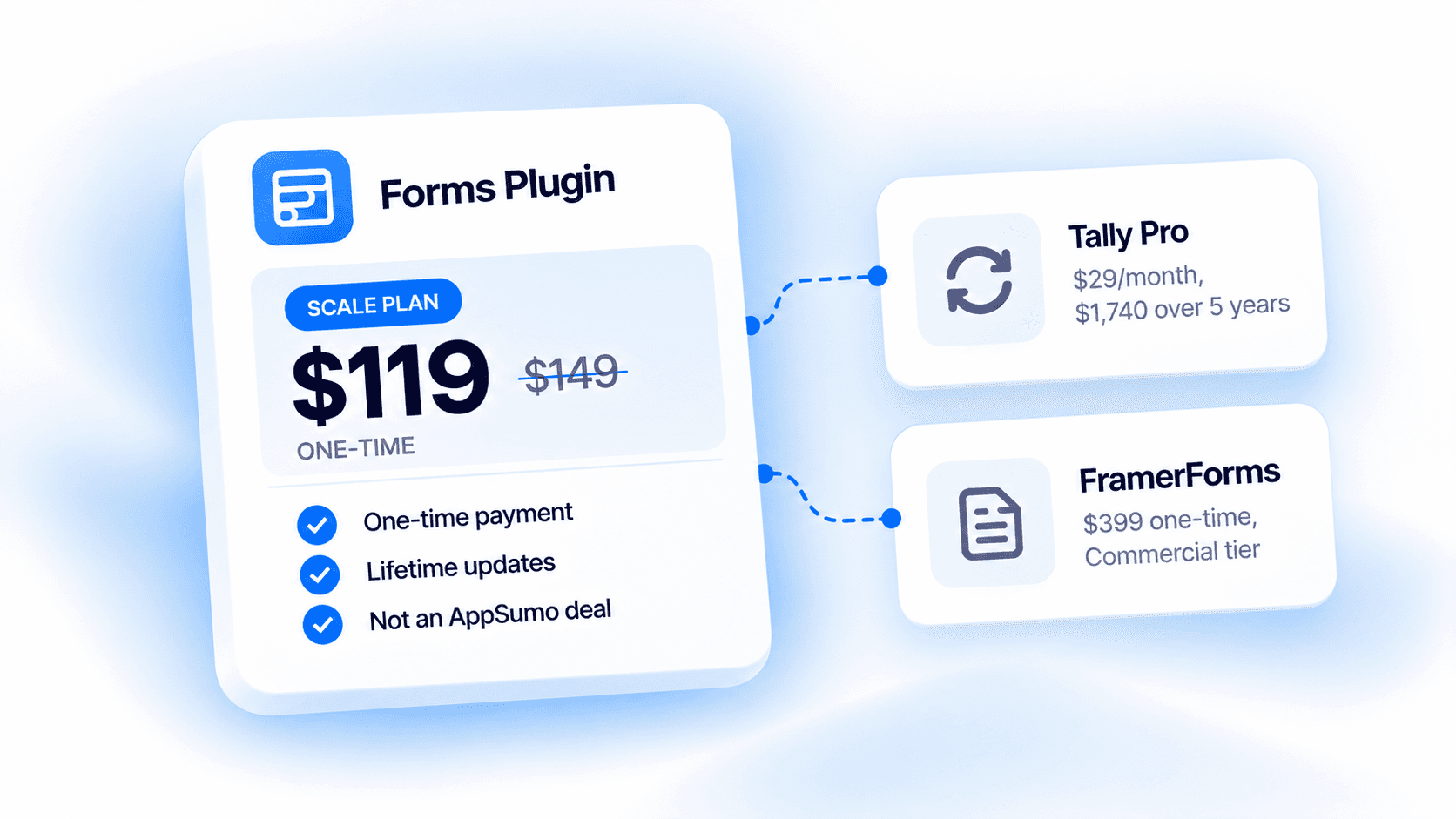


 Get this Plugin