URL Source Tracker for Framer Forms
Capture UTM parameters, referrer, and landing URL on every submission, automatically. No field to fill. Just attribution, the moment the user hits submit.
Available on Pro and Scale plans
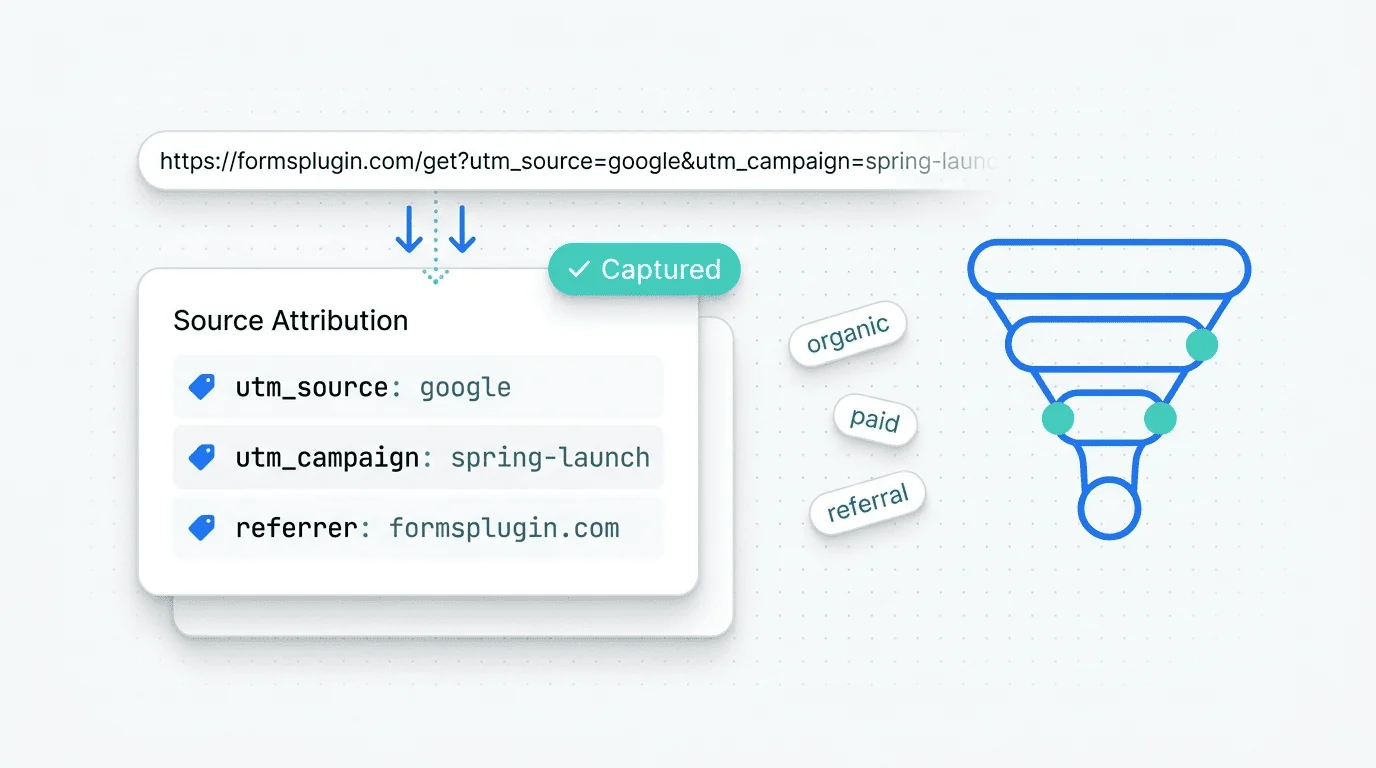
URL Source Tracker Collector is a hidden form field that silently captures attribution data on every submission. It records five UTM parameters (source, medium, campaign, term, content), the referring URL, and the landing URL the visitor first hit on your site. Users never see it, never fill it in. The data arrives attached to the submission, ready for attribution analysis or CRM segmentation.
Set Up in
Three Steps
Configured natively in Framer. No code, no external services.
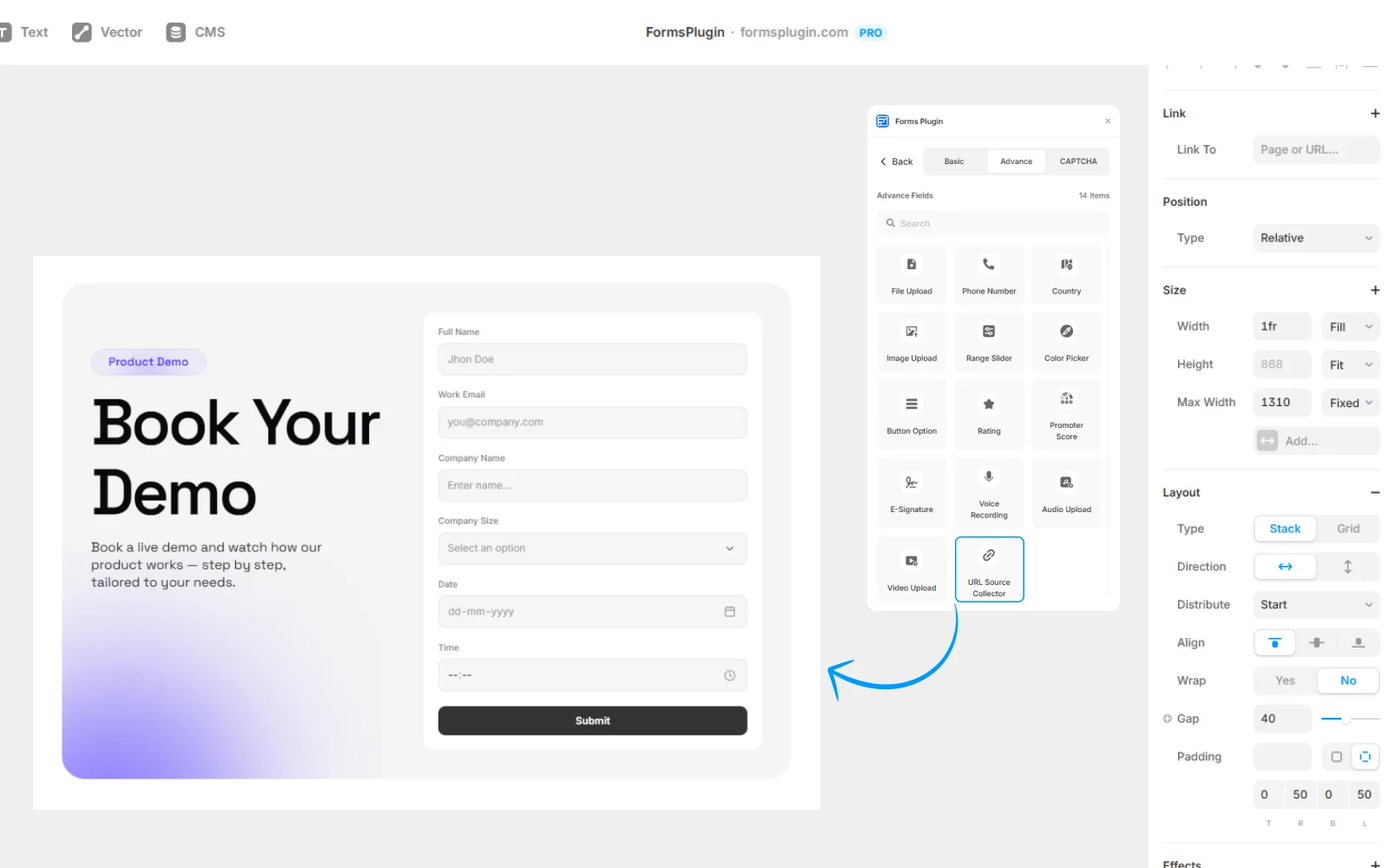
01. Drop the Source Tracker field on your form
Add it to any form, single-step or multi-step. The field is invisible to end users.
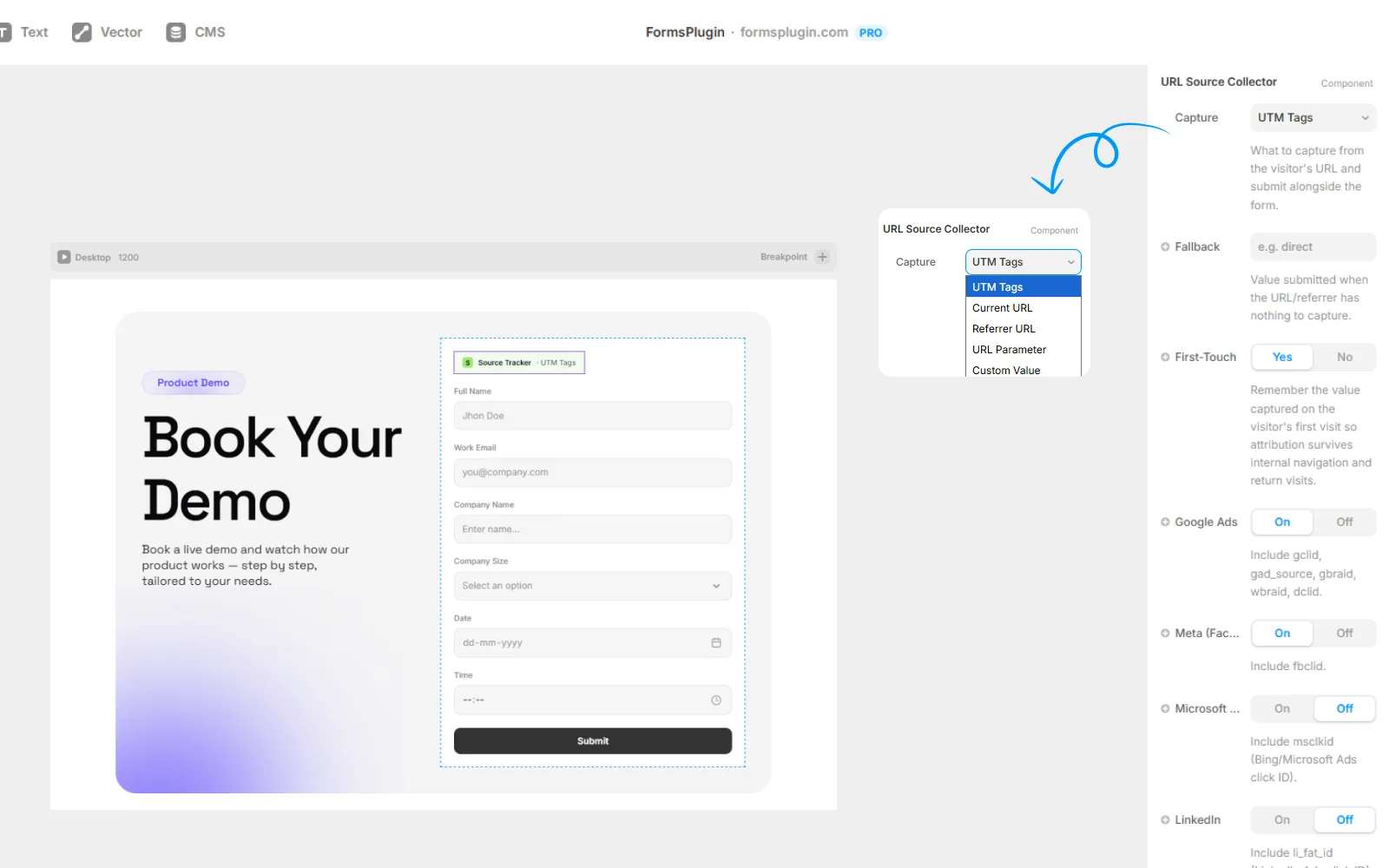
02. Set it and forget it
No configuration needed. The field automatically reads UTM parameters from the URL, plus the referrer and the landing URL.
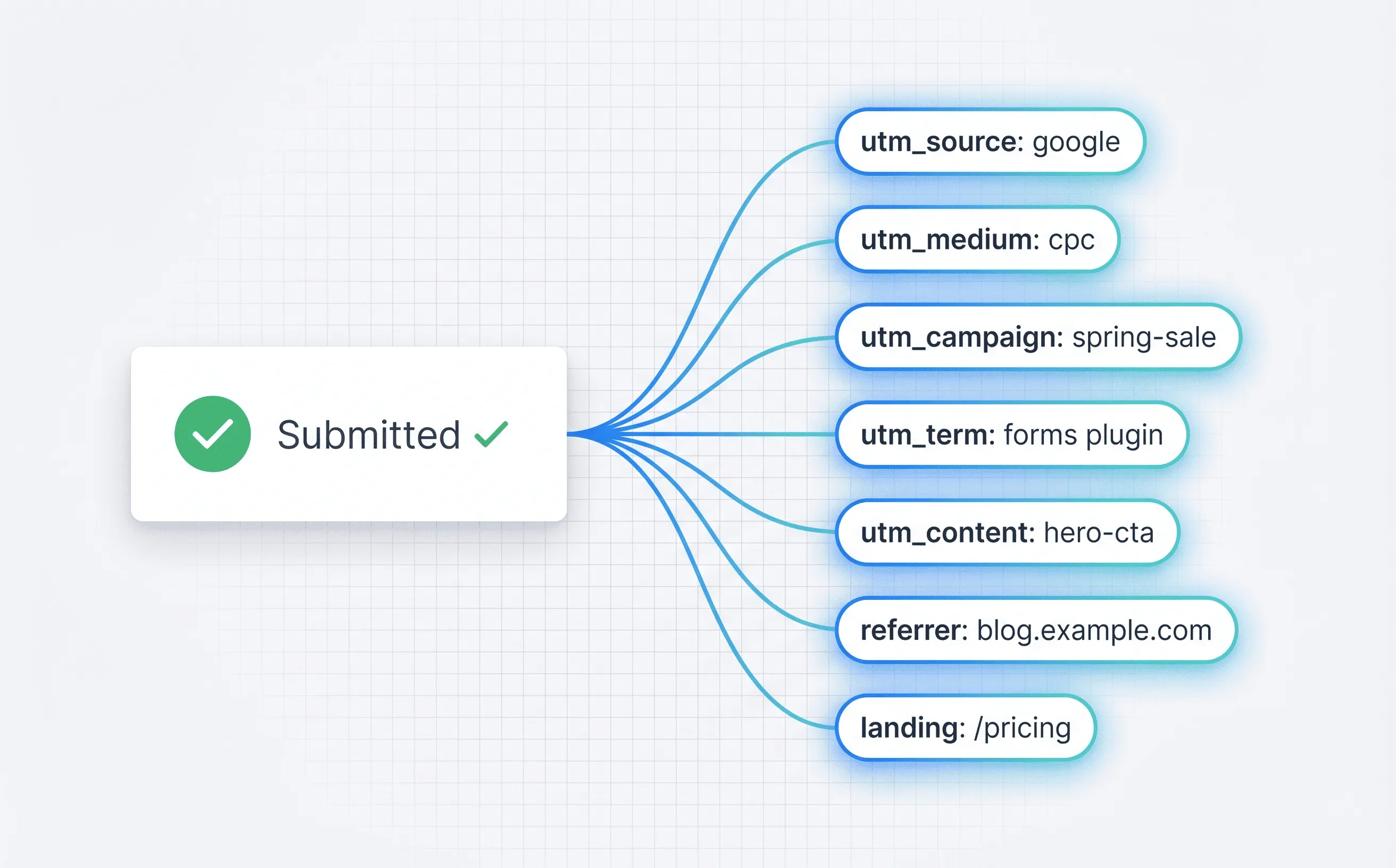
03. Receive attribution with every submission
All 7 data points (5 UTMs + referrer + landing URL) arrive in your email notifications and flow through to connected CRMs as custom properties.
Everything You Need,
Nothing You Don't
All 5 UTM parameters
Captures source, medium, campaign, term, content.
Referrer URL
Records the page the visitor came from.
Landing URL
Records the first page they hit on your site.
Invisible to end users
Completely hidden from the visible form, zero UX friction.
Zero configuration
Drop it in and it works.
Flows to every CRM
Data passes through to all 9 CRM integrations as custom fields.
Built for Real Work
Real teams, real forms. Here is how people put this to work.
Campaign attribution
Know which Google Ads campaign, email blast, or LinkedIn post drove each lead. Stop guessing at paid ROI.
Referrer tracking
See which partner site, blog post, or social platform sent a submission, even without UTMs.
Landing page performance
Identify which pages convert best by segmenting submissions by landing URL.
Paid vs organic routing
Route paid traffic leads to sales immediately, route organic to nurture sequences, all based on attribution data.
Questions, Answered
Upgrade Your Native
Forms Without Tools
Build advanced, secure forms directly inside Framer. Add powerful fields, built-in protection, and seamless integrations that scale with your projects.
 Get this Plugin