Customer Feedback Form Template for Framer
Collect structured customer feedback in Framer. Rating scales, NPS, and open-ended fields, all native and ready to customize.
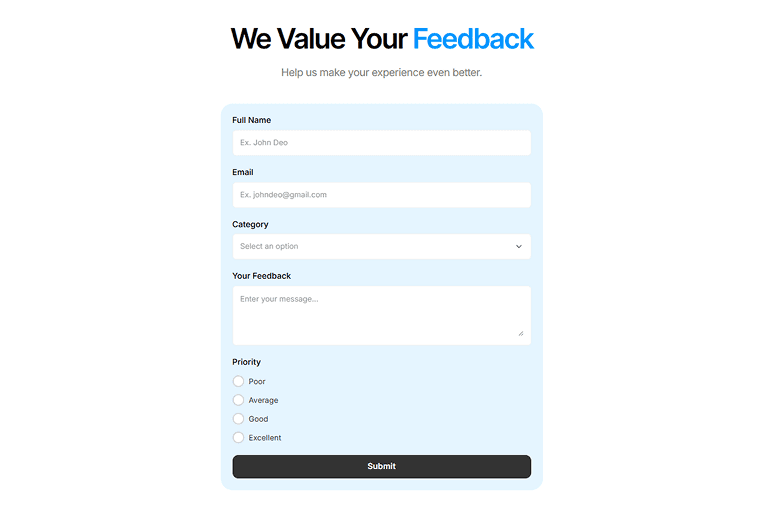
Pre-built fields, ready to customize.
Collect structured feedback from customers with rating scales and open-ended responses. Combine ratings, NPS, and free-text fields.
- Rating (1 to 5 stars)
- NPS score
- What you liked (textarea)
- What we can improve (textarea)
- Email (optional)
Where teams use this template.
Use the Customer Feedback Form in 7 steps.
- 1Open Forms Plugin
Open Forms Plugin inside your Framer project.
- 2Open the template gallery
Click Templates in the plugin panel.
- 3Pick this template
Select the template from the gallery.
- 4Customize natively
Insert it into your Framer canvas, then customize fields, copy, and styling natively.
- 5Connect a CRM
Under Integrations, connect HubSpot, Mailchimp, Brevo, or any of 9 native integrations.
- 6Add spam protection
Add CAPTCHA if you need it. 5 options available including reCAPTCHA, hCaptcha, and Cloudflare Turnstile.
- 7Publish your Framer site
Publish your Framer site. Submissions flow to your connected platforms automatically.
Take this template further.
Combine the template with a native integration and advanced form features.
Mailchimp integration
Pipe feedback responses into a Mailchimp audience to follow up with promoters or re-engage detractors.
Set it upConditional logic
Show, hide, require, or skip fields based on any other answer. 5 actions, AND or OR rules, no code.
See how it worksMulti-step forms in Framer
Split this template across pages with progress indicator, step captions, and conditional page jumps.
Explore multi-stepFrequently asked questions.
You might also like.
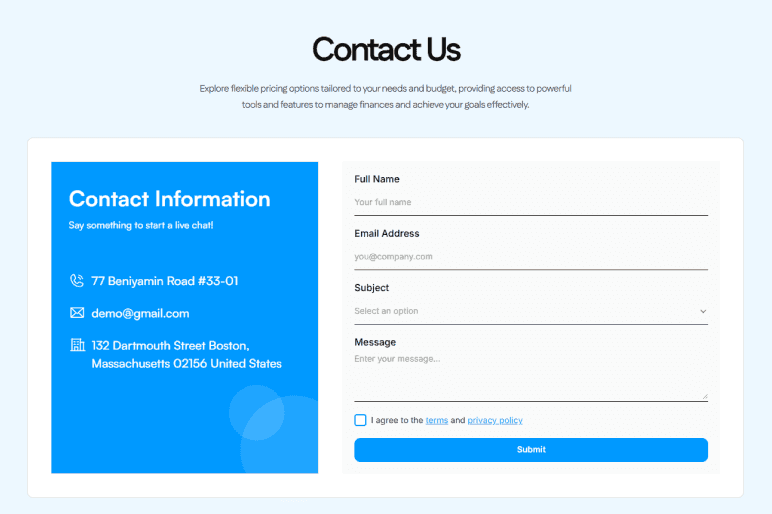
Contact Us Form
A clean contact form with name, email, subject, and message fields. Use it for general inquiries, agency contact pages, or any business website.
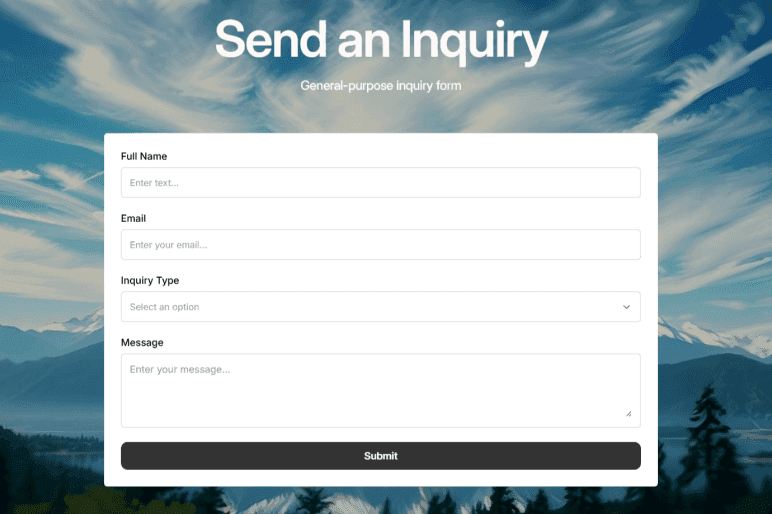
Inquiry Form
Capture leads with a professional inquiry form for your products or services. Pre-built lead-gen fields, ready for CRM routing.
Get Forms Plugin to use this template.
Basic free, Pro $99 lifetime, Scale $119 lifetime. One-time payment. No subscription. All templates included on every plan.
Upgrade Your Native
Forms Without Tools
Build advanced, secure forms directly inside Framer. Add powerful fields, built-in protection, and seamless integrations that scale with your projects.
 Get this Plugin