Hotel Booking Form Template for Framer
A complete hotel reservation form for Framer. Check-in dates, room types, guest count, special requests. Send to your booking system.
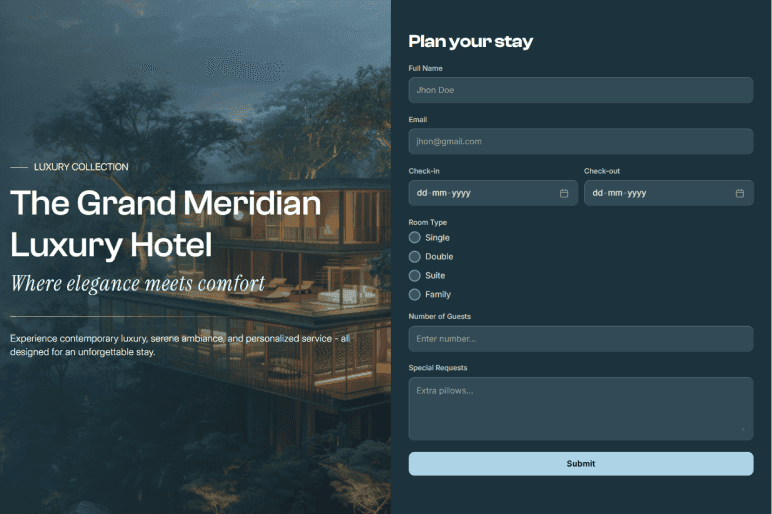
Pre-built fields, ready to customize.
Handle hotel reservations with check-in and check-out dates, room types, and guest information. Customize for any property type.
- Full name
- Phone
- Check-in date (date picker)
- Check-out date (date picker)
- Number of guests
- Room type (dropdown: standard, deluxe, suite)
- Special requests (textarea)
Where teams use this template.
Use the Hotel Booking Form in 7 steps.
- 1Open Forms Plugin
Open Forms Plugin inside your Framer project.
- 2Open the template gallery
Click Templates in the plugin panel.
- 3Pick this template
Select the template from the gallery.
- 4Customize natively
Insert it into your Framer canvas, then customize fields, copy, and styling natively.
- 5Connect a CRM
Under Integrations, connect HubSpot, Mailchimp, Brevo, or any of 10+ native integrations.
- 6Add spam protection
Add CAPTCHA if you need it. 5 options available including reCAPTCHA, hCaptcha, and Cloudflare Turnstile.
- 7Publish your Framer site
Publish your Framer site. Submissions flow to your connected platforms automatically.
Take this template further.
Combine the template with a native integration and advanced form features.
Brevo integration
Send transactional booking confirmations and pre-arrival emails through Brevo, all triggered on form submission.
Set it upConditional logic
Show, hide, require, or skip fields based on any other answer. 5 actions, AND or OR rules, no code.
See how it worksMulti-step forms in Framer
Split this template across pages with progress indicator, step captions, and conditional page jumps.
Explore multi-stepFrequently asked questions.
You might also like.
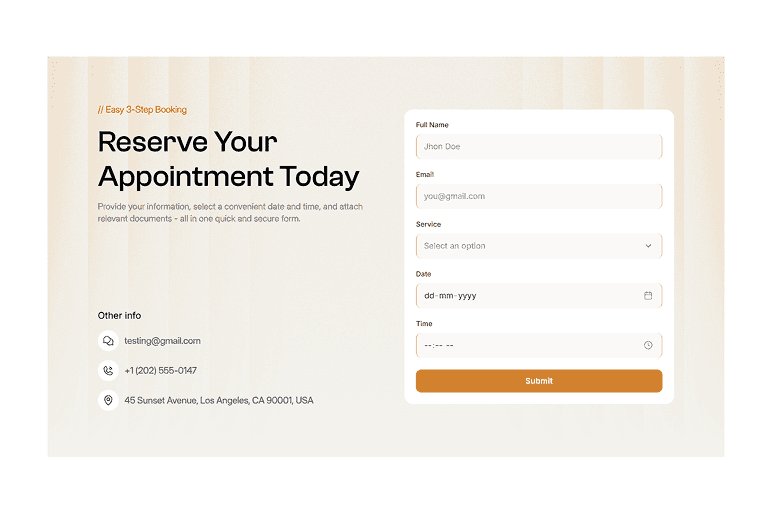
Appointment Booking Form
Book appointments with date pickers, time slots, and service selection. No third-party scheduler needed.
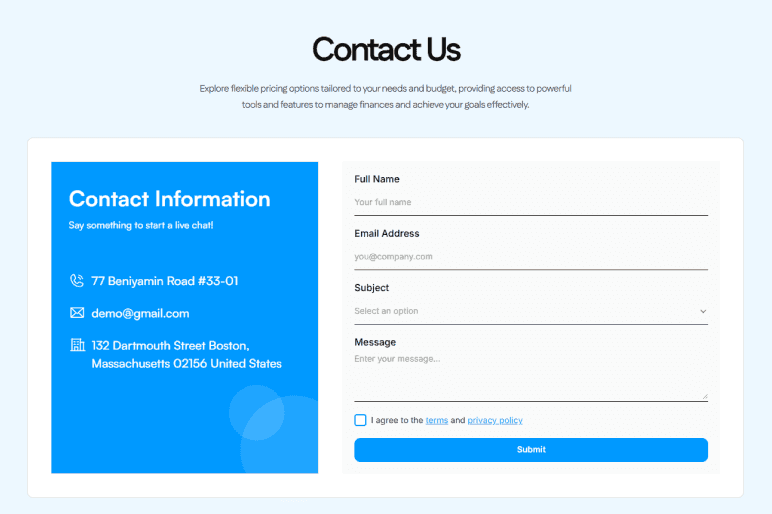
Contact Us Form
A clean contact form with name, email, subject, and message fields. Use it for general inquiries, agency contact pages, or any business website.
Get Forms Plugin to use this template.
Basic free, Pro $99 lifetime, Scale $119 lifetime. One-time payment. No subscription. All templates included on every plan.
Upgrade Your Native
Forms Without Tools
Build advanced, secure forms directly inside Framer. Add powerful fields, built-in protection, and seamless integrations that scale with your projects.
 Get this Plugin