Support Request Form Template for Framer
Let users submit tickets with priority, category, and screenshot attachments. Route directly to your support inbox or CRM.
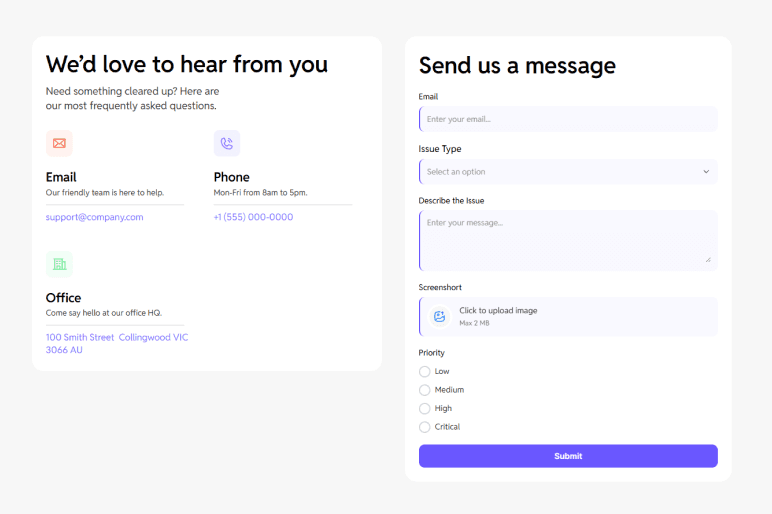
Pre-built fields, ready to customize.
Let users submit support tickets with priority levels, category, and file attachments. Route to your help desk or CRM.
- Name
- Account email
- Issue category (dropdown)
- Priority (radio: low, medium, high, urgent)
- Description (textarea)
- Attach screenshots (file upload)
Where teams use this template.
Use the Support Request Form in 7 steps.
- 1Open Forms Plugin
Open Forms Plugin inside your Framer project.
- 2Open the template gallery
Click Templates in the plugin panel.
- 3Pick this template
Select the template from the gallery.
- 4Customize natively
Insert it into your Framer canvas, then customize fields, copy, and styling natively.
- 5Connect a CRM
Under Integrations, connect HubSpot, Mailchimp, Brevo, or any of 9 native integrations.
- 6Add spam protection
Add CAPTCHA if you need it. 5 options available including reCAPTCHA, hCaptcha, and Cloudflare Turnstile.
- 7Publish your Framer site
Publish your Framer site. Submissions flow to your connected platforms automatically.
Take this template further.
Combine the template with a native integration and advanced form features.
ActiveCampaign integration
Trigger ActiveCampaign automations on every ticket. Tag by priority, route to the right team, follow up automatically.
Set it upConditional logic
Show, hide, require, or skip fields based on any other answer. 5 actions, AND or OR rules, no code.
See how it worksMulti-step forms in Framer
Split this template across pages with progress indicator, step captions, and conditional page jumps.
Explore multi-stepFrequently asked questions.
You might also like.
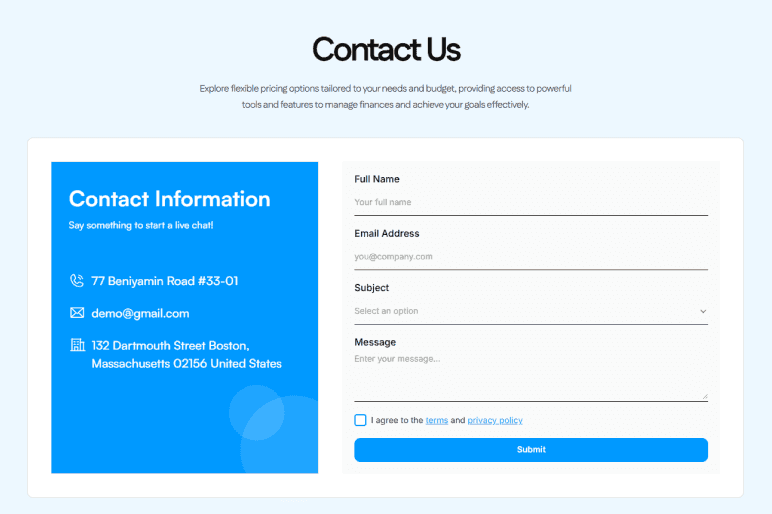
Contact Us Form
A clean contact form with name, email, subject, and message fields. Use it for general inquiries, agency contact pages, or any business website.
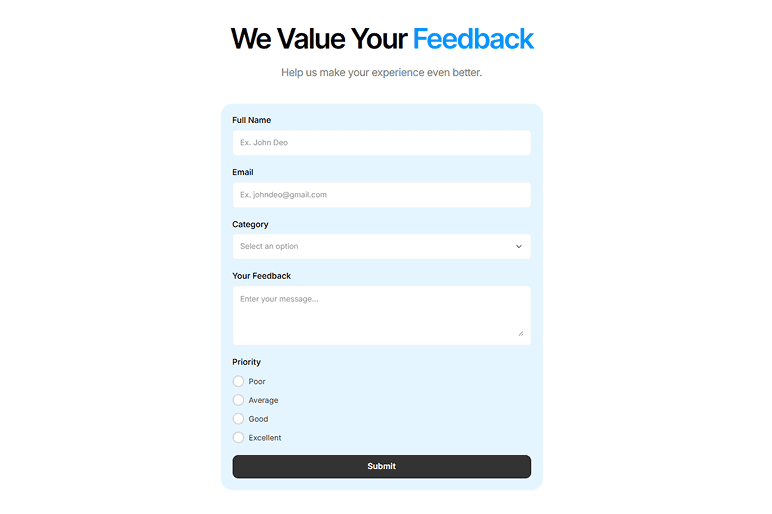
Customer Feedback Form
Collect structured feedback from customers with rating scales and open-ended responses. Combine ratings, NPS, and free-text fields.
Get Forms Plugin to use this template.
Basic free, Pro $99 lifetime, Scale $119 lifetime. One-time payment. No subscription. All templates included on every plan.
Upgrade Your Native
Forms Without Tools
Build advanced, secure forms directly inside Framer. Add powerful fields, built-in protection, and seamless integrations that scale with your projects.
 Get this Plugin