
Framer Mailchimp Form Integration
Grow your Mailchimp list from Framer. Tag new contacts, trigger welcome emails, and segment by any form field. No middleware.
Framer forms, straight into Mailchimp.
Forms Plugin connects your Framer forms to Mailchimp through Mailchimp's official API. Every signup adds a subscriber to the audience you choose. Tags and merge fields flow through automatically, so your segmentation and automation keep working.


Everything you need, built in.
What teams build with this.
Newsletter signup
Collect email on a Framer landing page footer. Add to your 'Newsletter' audience with the tag 'homepage-footer'.
Event registration
RSVP form adds attendees to an 'Event Attendees' audience. Trigger the event-info email automation on signup.
Lead magnet download
Email capture on a PDF download page adds to a 'Lead Magnet Downloads' audience with tags identifying which magnet they downloaded.
Connect Mailchimp in 7 steps.
- 1Open Forms Plugin in Framer and select your form.
- 2Click Integrations, then Mailchimp.
- 3Paste your Mailchimp API key (found in your Mailchimp account under Profile, Extras, API Keys).
- 4Select the audience to send submissions to.
- 5Map form fields to merge fields (FNAME, LNAME, or custom).
- 6Set any tags you want applied to new subscribers.
- 7Publish and test.
Need more detail? Read the full Mailchimp setup guide.
Screenshots, field mapping examples, and troubleshooting in our docs.
Questions about Mailchimp.
Upgrade Your Native
Forms Without Tools
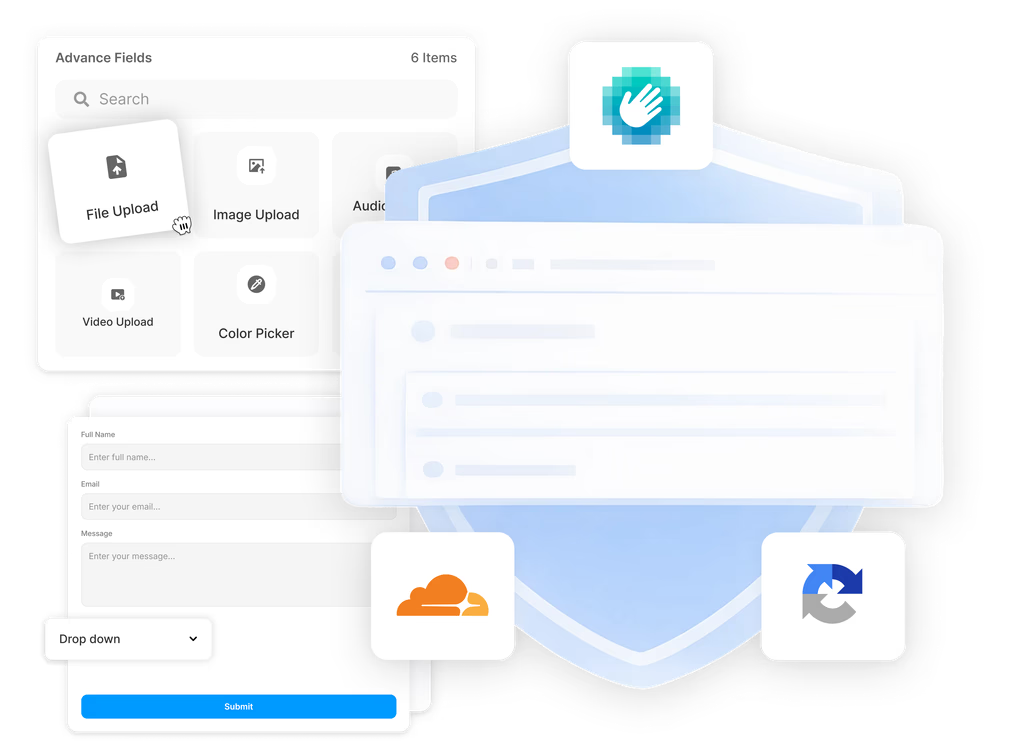
Build advanced, secure forms directly inside Framer. Add powerful fields, built-in protection, and seamless integrations that scale with your projects.
 Get this Plugin